Forward Future Tools Library

FeedHive logo

FeedHive

FeedHive combines AI-assisted social content creation, multi-channel scheduling, automation workflows, approvals, and analytics for creators, brands, and agencies.

Try FeedHive

feedhive.com·From $15/month·Checked 2026-08-23
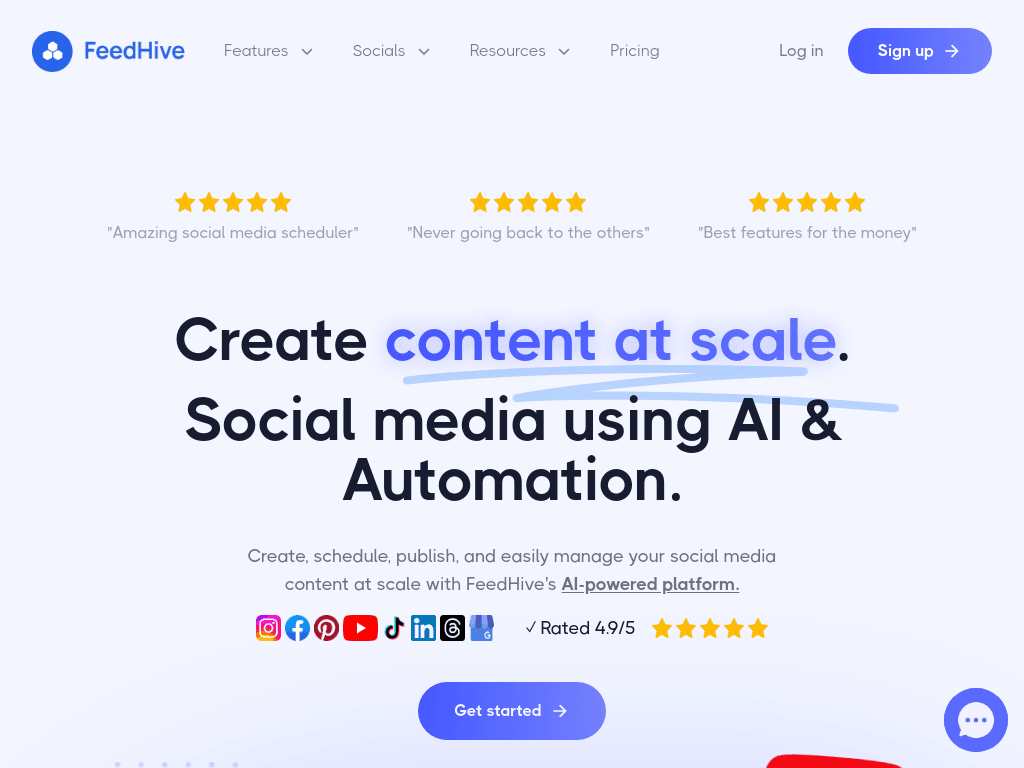
FeedHive screenshotFeedHive - Social Media AutomationCollaborationSchedulingSocial Inbox
FeedHivefeedhive.com
FeedHive screenshot
FeedHivefeedhive.com

What is FeedHive?

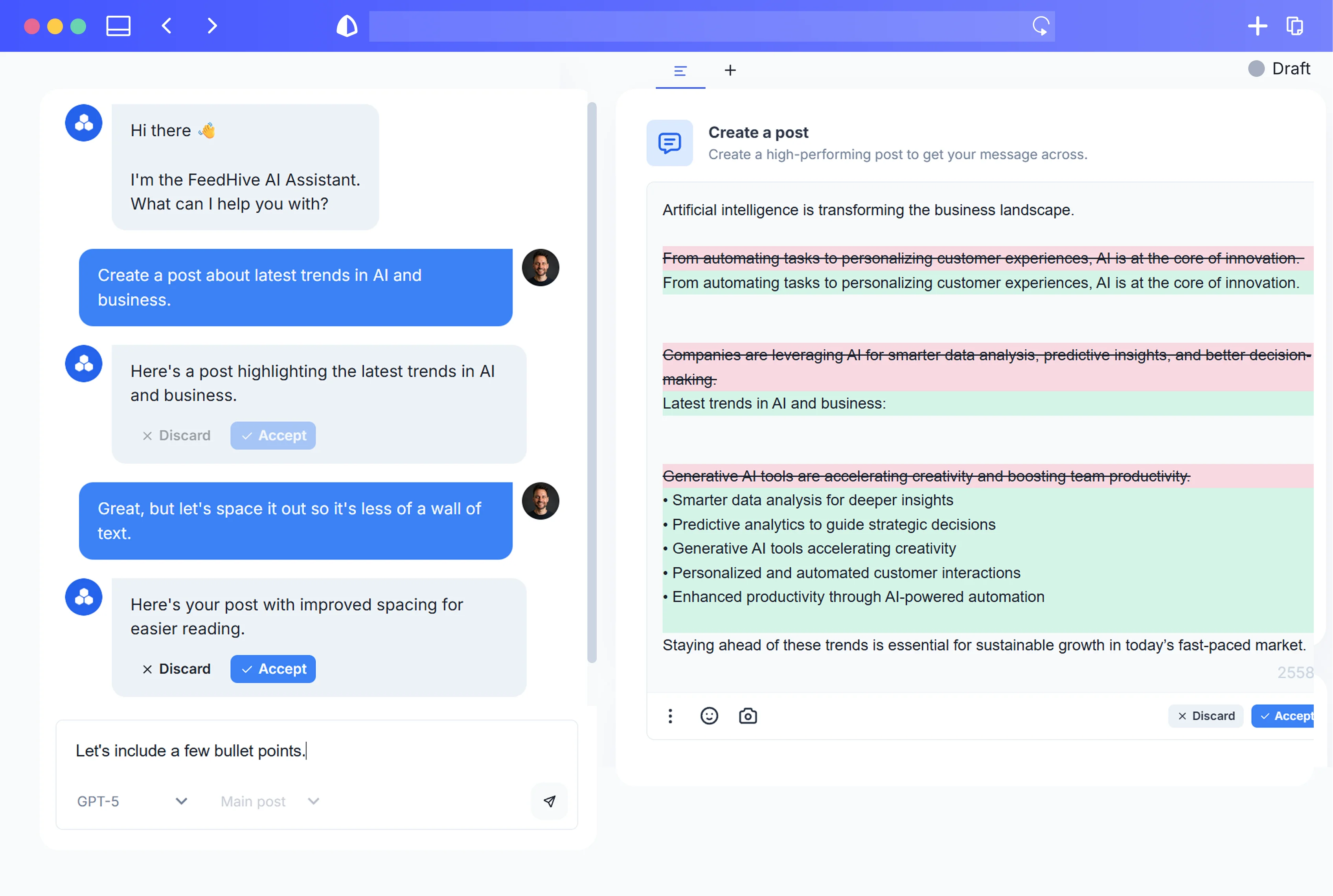
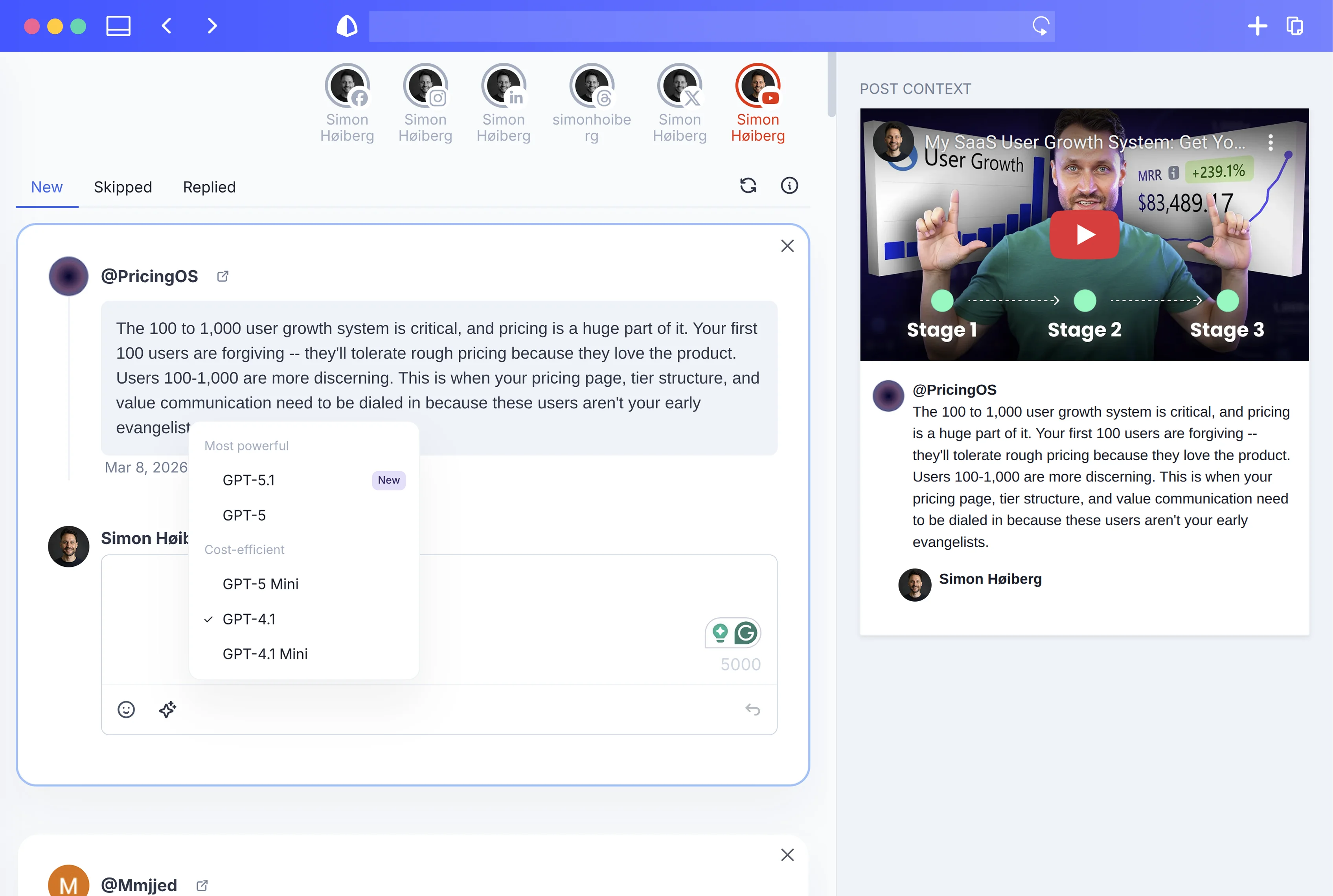
FeedHive is a social media publishing and automation platform for creating, adapting, scheduling, and analyzing posts across channels including Instagram, LinkedIn, X, YouTube, TikTok, Pinterest, and Facebook. Its AI tools learn a brand's voice and generate posts, variations, captions, hashtags, images, and performance predictions. Teams can use workspaces, review drafts, approval flows, content libraries, and team roles.

What are the pros and cons of FeedHive?

Strengths

Supports publishing across a wide set of social channels from one workspace
Combines AI content generation with scheduling, recycling, analytics, and automation
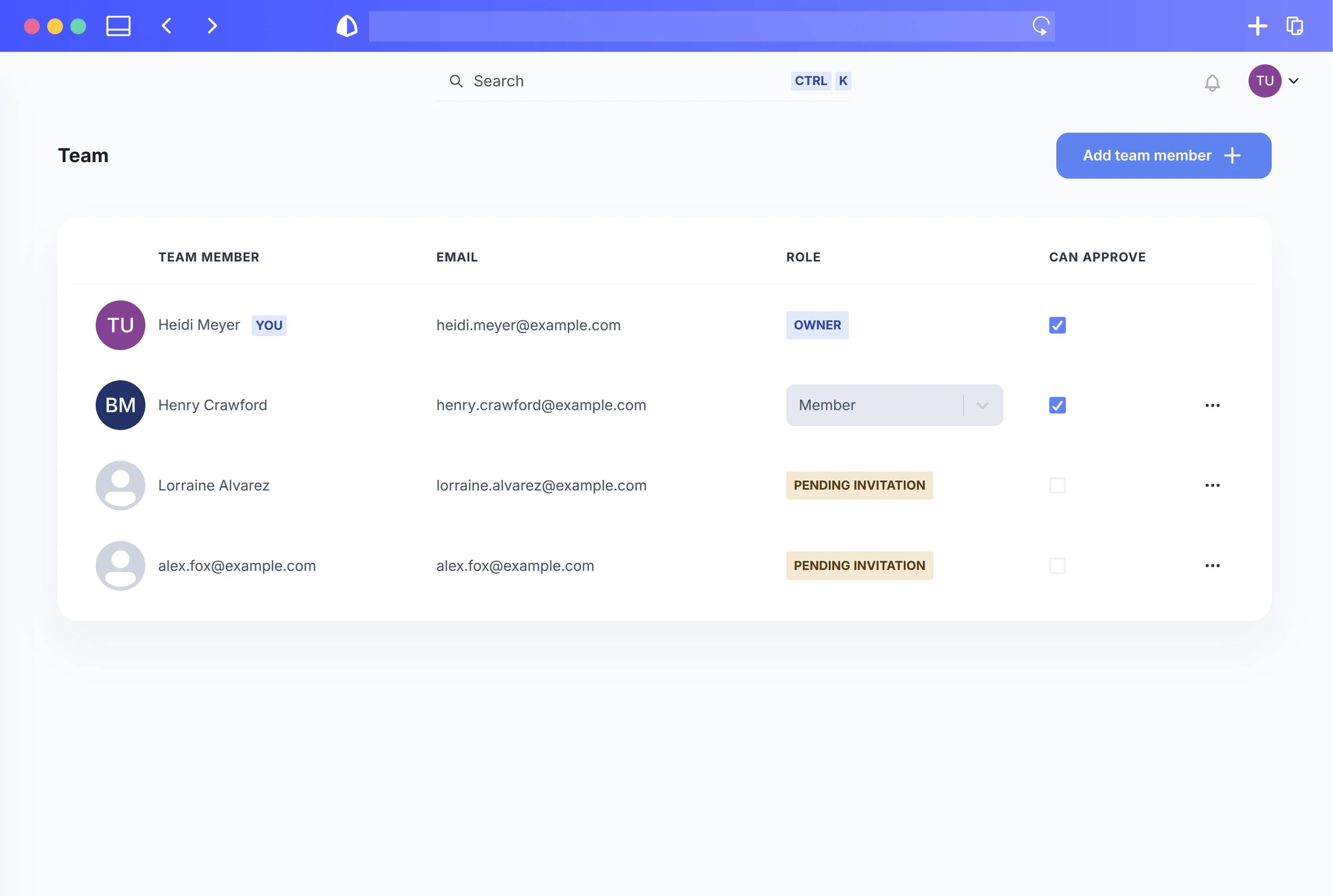
Includes team workspaces, approval workflows, feedback, roles, and client links
Offers programmatic access through a REST API, CLI, integrations, and an MCP server
Provides built-in tools for link shortening, link tracking, media management, and brand templates

Trade-offs

Plan limits apply to social accounts, AI credits, automation runs, scheduled posts, history, and future scheduling
The displayed monthly rates are billed annually, which limits month-to-month flexibility at those prices
The trial requires a card and defaults to a full-year billing option according to a hands-on review
Lower tiers have substantially shorter scheduling windows and content history than Business and Agency
Some features tested by a reviewer were restricted to a tier above the trial plan

What are FeedHive’s key features?

Generate on-brand posts, variations, captions, hashtags, images, and user-generated-content scripts with AI
Adapt one post into channel-ready versions for Instagram, LinkedIn, X, YouTube, and other platforms
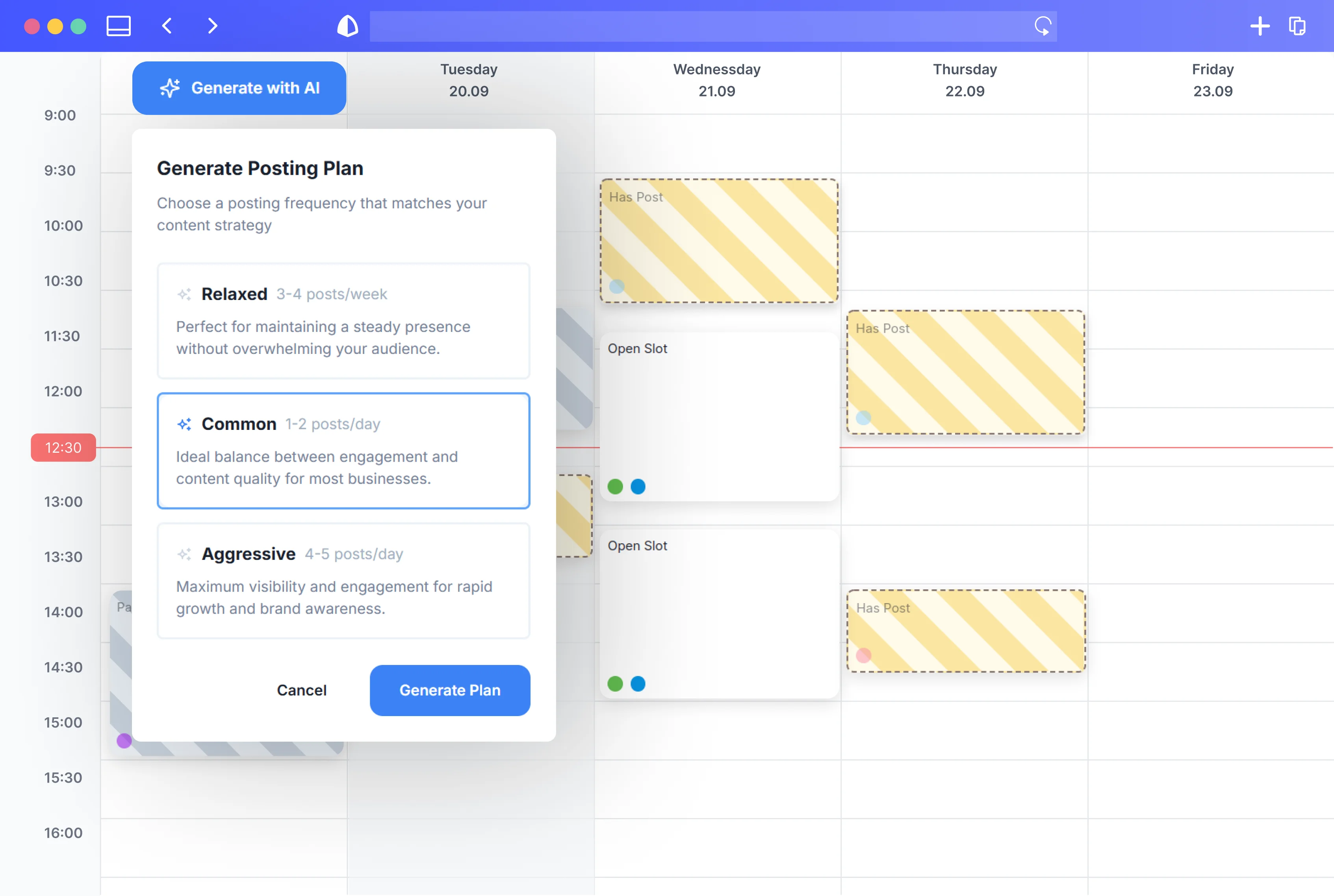
Schedule posts with smart scheduling, posting plans, post conditions, and recycled content
Build visual automation workflows with webhooks, variables, and automation runs
Manage drafts, feedback, approvals, team roles, workspaces, brand templates, and client links
Track performance with analytics, best-time slots, campaign tags, engagement predictions, and content scores
Connect through Zapier, Make, the REST API, CLI access, Claude Code, OpenClaw, and an MCP server

What are the best use cases for FeedHive?

Create and schedule channel-specific versions of a campaign from one source post
Build automated posting pipelines using conditions, workflows, and recycled content
Route social drafts through team or client review and approval before publishing
Generate brand-aligned weekly content from a brand brief, audience, and goals
Review performance predictions and analytics to decide which posts to publish or recycle

What is the pricing for FeedHive?

PlanPriceDetails
Creator$15/monthIncludes 4 social accounts, 2.5K AI credits per month, 500 automation runs per month, 14-day future scheduling, 20-day history, and 30 scheduled posts.
Brand$22/monthIncludes 10 social accounts, 5 workspaces, 10K AI credits per month, 2K automation runs per month, 60-day future scheduling, 200-day history, and 500 scheduled posts.
Business$69/monthIncludes 100 social accounts, 50 workspaces, 50K AI credits per month, 10K automation runs per month, unlimited future scheduling, history, scheduled posts, and post templates.
Agency$239/monthIncludes 500 social accounts, 100 workspaces, 100K AI credits per month, 100K automation runs per month, and unlimited future scheduling, history, scheduled posts, and post templates.

The listed rates are billed annually at $180, $264, $828, and $2868 respectively. FeedHive advertises a 7-day free trial, yearly savings of up to 30%, and a limited offer to double AI credits for 3 months.

Checked 2026-08-23 · source

Who is FeedHive best for?

soloCreator is sized for individual content creators and solopreneurs who need AI drafting, scheduling, and recycling.
small teamBrand suits small startups and growing brands that need multiple workspaces, approvals, and shared content operations.
enterpriseBusiness and Agency provide higher account, workspace, automation, and AI-credit limits for larger organizations and client portfolios.
social media managersUseful for managing cross-channel publishing, review workflows, performance reporting, and automated content pipelines.
Not for
  • Buyers who require a free ongoing plan should skip it, because the pricing page lists paid tiers and a 7-day free trial.
  • Users who want simple X-only scheduling may find its broader channel, team, and automation feature set unnecessary.
  • Teams that need flexible monthly billing should look elsewhere because the displayed monthly rates are billed annually.


What are the best FeedHive alternatives?

Where can I try FeedHive?

Open feedhive.com