
Forward Future Tools Library

Flowstep
Flowstep turns product briefs, images, and links into editable, interactive UI designs and code for designers, product teams, and developers.
Try Flowstep →
flowstep.ai·Free + paid plans·Checked 2026-11-10
›What is Flowstep?
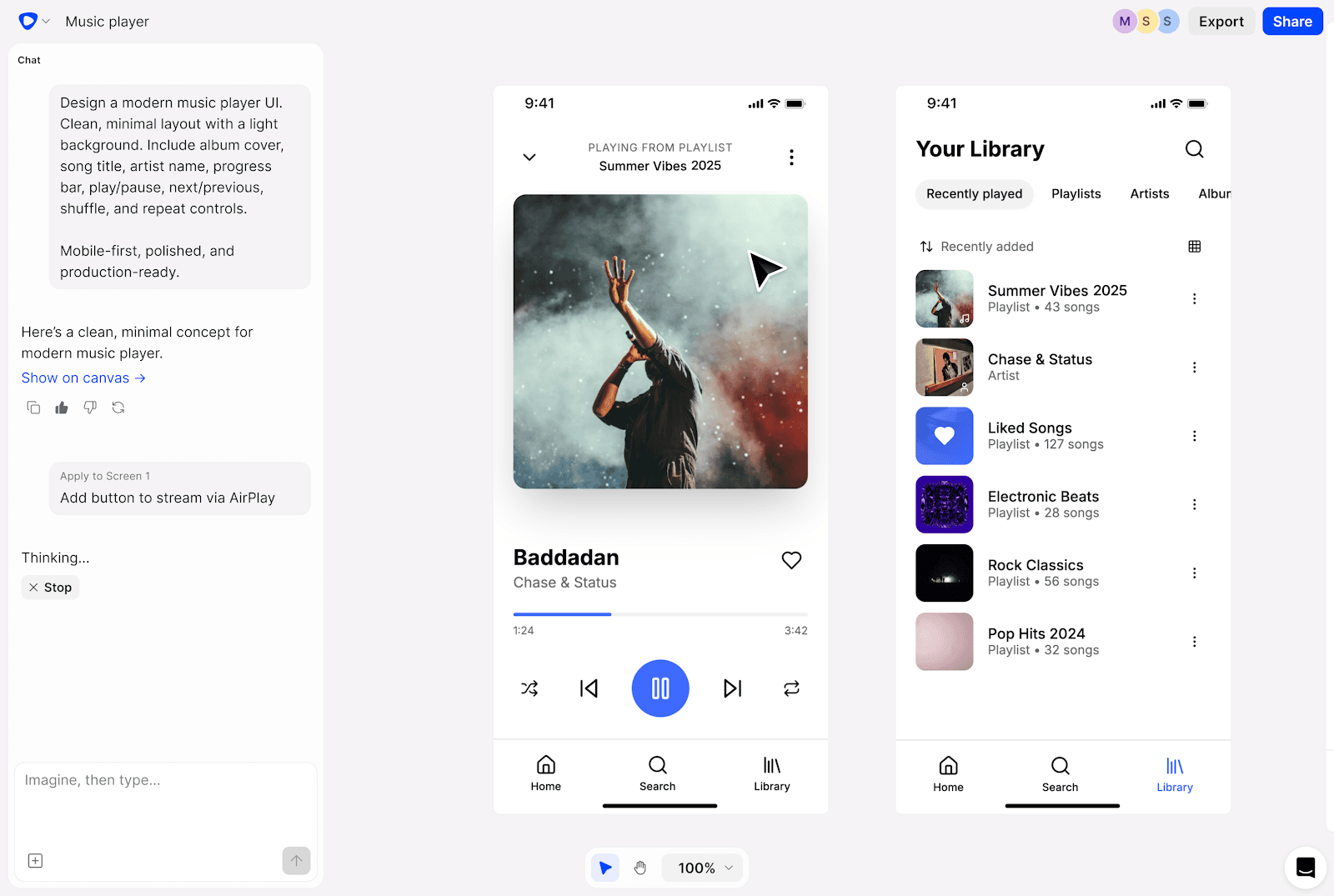
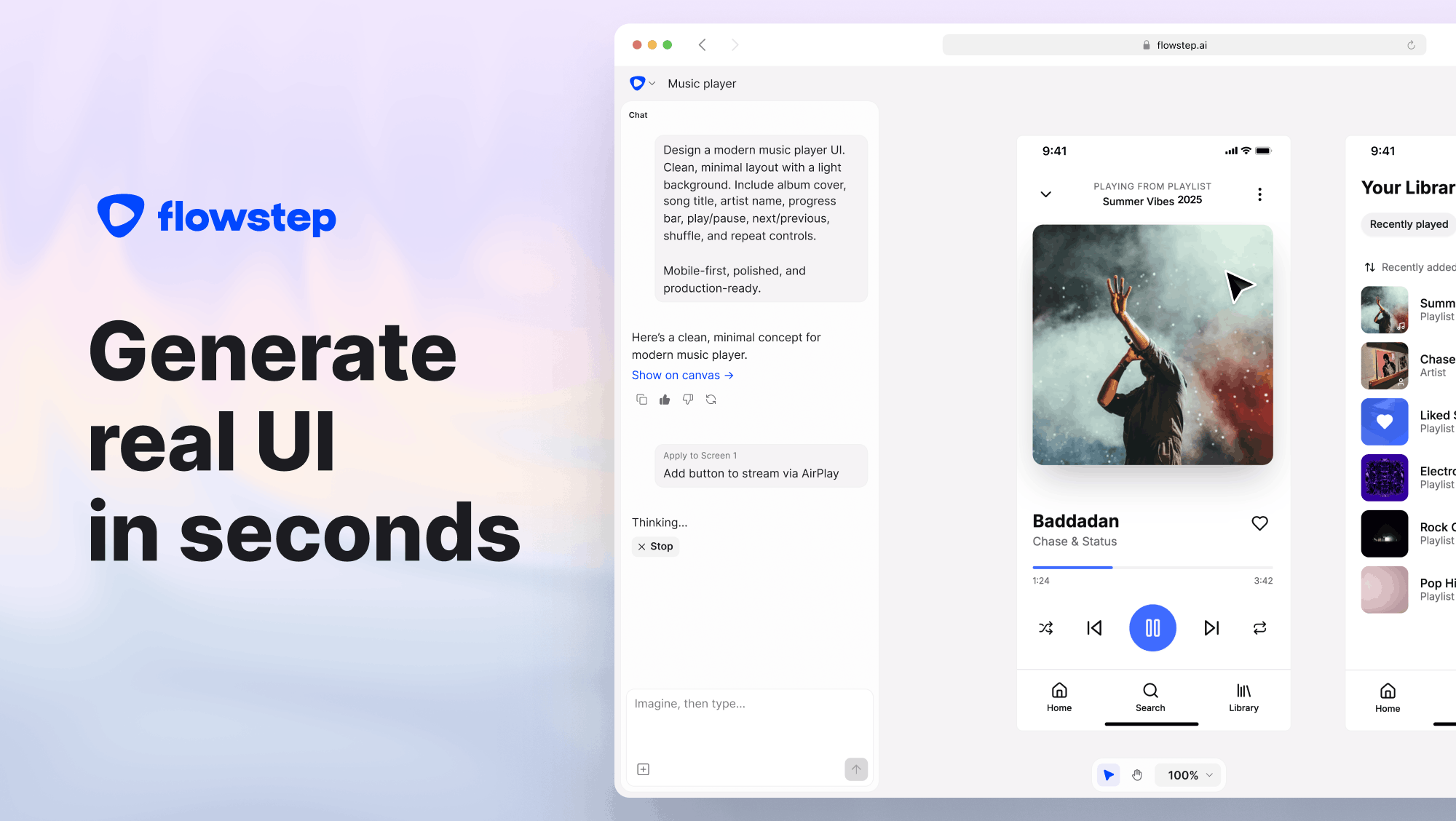
Flowstep is an AI design canvas that generates multi-screen product interfaces from prompts, PRDs, images, or website links. Designs remain editable on the canvas, can be previewed as interactive prototypes, copied to Figma, or exported as code. Its MCP server connects the canvas with Cursor, Claude Code, Windsurf, and Codex.
›What are the pros and cons of Flowstep?
Strengths
Accepts product specifications, screenshots, and links as design references
Native Figma clipboard integration requires no plugin or extension
Interactive designs map 1:1 to code and support code export
MCP connections let developers work from Cursor, Claude Code, Windsurf, or Codex
Real-time collaboration includes live cursors and synchronized edits
Trade-offs
The Starter plan is limited to 80 messages per month
The free plan limits messages, multi-screen projects, and projects
There is no mid-tier plan between Starter and Enterprise
AI generations and edits depend on monthly message quotas
›What are Flowstep’s key features?
Generate multi-screen interfaces from a specification, image, or URL
Edit designs through chat or directly on the canvas
Preview interactive prototypes and share clickable flows
Export designs as code and copy frames to Figma without a plugin
Connect Cursor, Claude Code, Windsurf, or Codex through MCP
Save colors, rounding, product rules, and layout conventions in reusable instructions
Collaborate with live cursors and synchronized edits
›What are the best use cases for Flowstep?
Create an initial product flow from a PRD or written specification
Turn a screenshot or existing website into a visual design direction
Explore multiple interface concepts before detailed design work
Build an interactive prototype for stakeholder or user review
Generate UI screens in an IDE and keep design instructions synchronized
Move generated screens into Figma for further editing
›What is the pricing for Flowstep?
| Plan | Price | Details |
|---|---|---|
| Free | $0/month | Includes limited messages, multi-screen work, and projects. |
| Starter | $15/month | For individuals, with 80 messages per month, unlimited multi-screen work, unlimited projects, unlimited exports, and unlimited Figma copying. |
| Enterprise | Custom | Custom solutions for large teams with advanced security, compliance, dedicated support, and volume pricing. |
Annual billing saves up to 20%. Monthly quotas reset on the first of each month, and paid plans can be cancelled at any time.
Checked 2026-11-10 · source
›Who is Flowstep best for?
designersA fit for designers who want to generate and iterate on editable screens before refining them in Figma.
developersDevelopers can create UI from their IDE through MCP and export designs as code.
product managersUseful for turning product briefs into visual flows and prototypes without starting from a blank canvas.
small teamSmall teams can collaborate on prototypes and share clickable flows, though frequent iteration may run into the Starter message cap.
Not for
- Skip it if you need unlimited high-volume AI iteration on a low-cost plan.
- Skip it if you need a paid plan between the individual Starter tier and custom Enterprise offering.
- Skip it if your primary goal is publishing a complete production website rather than designing and prototyping product interfaces.
›What are the best Flowstep alternatives?
 UizardChoose this instead if you want a UI tool centered on editable prototypes, mockups, wireframes, and themes from text prompts.→
 v0Choose this instead if your main output is a web application or reusable web template.→
 FigrChoose this instead if you need an AI product designer that works from an existing product's screens, flows, design systems, and documentation.→
 NoReason→