

Forward Future Tools Library

GitMind
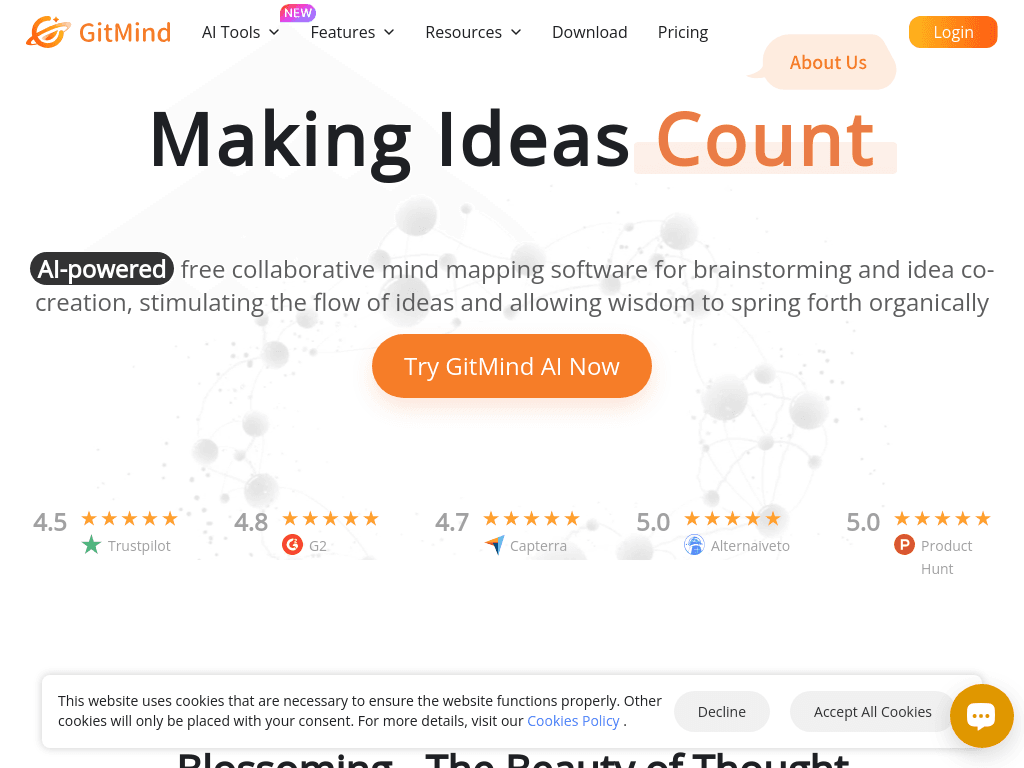
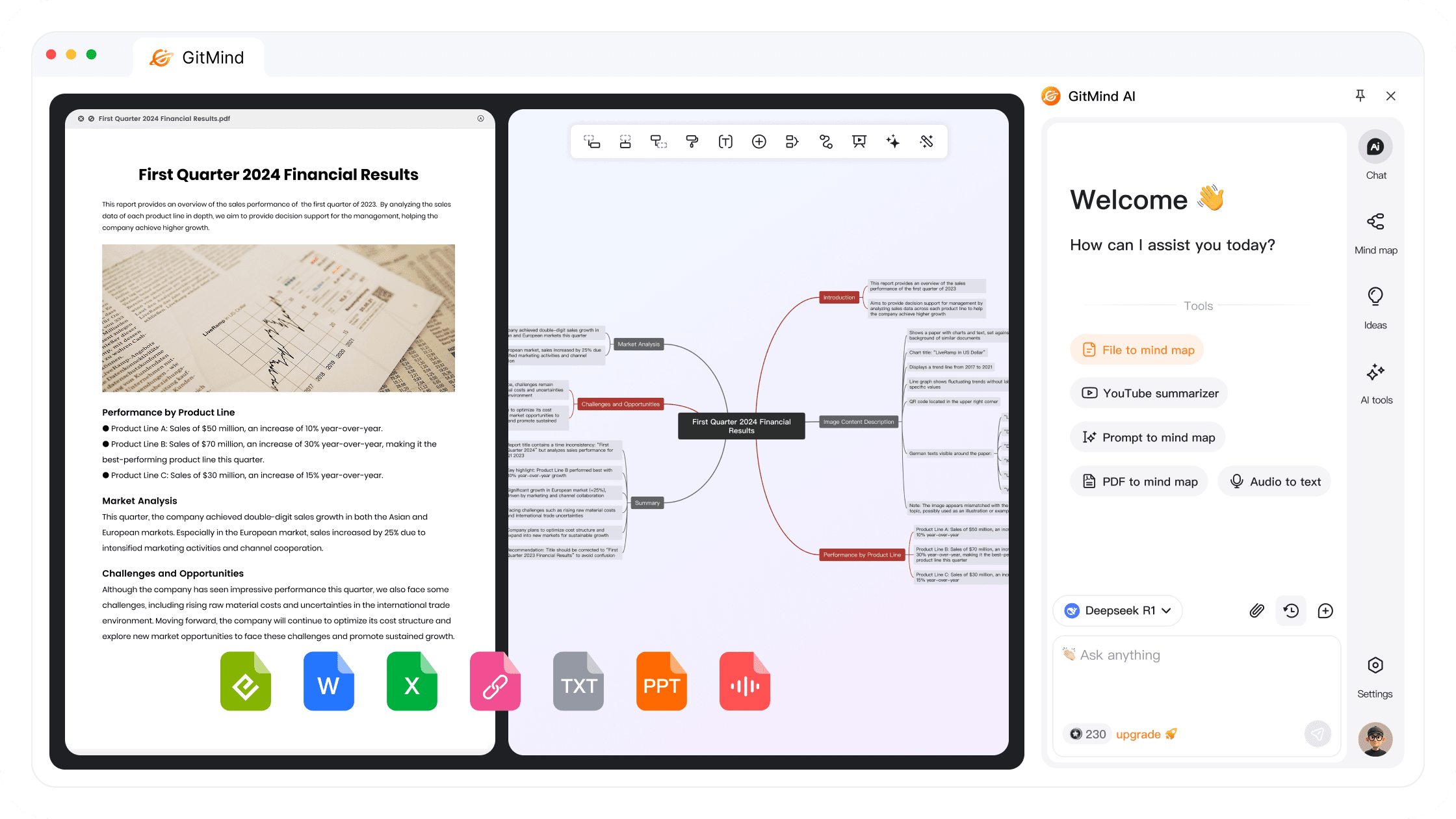
GitMind turns text, media, documents, and images into summaries, mind maps, and AI-generated diagrams for students, teachers, marketers, and project teams.
gitmind.com·Free + paid plans·Checked 2026-08-29
›What is GitMind?
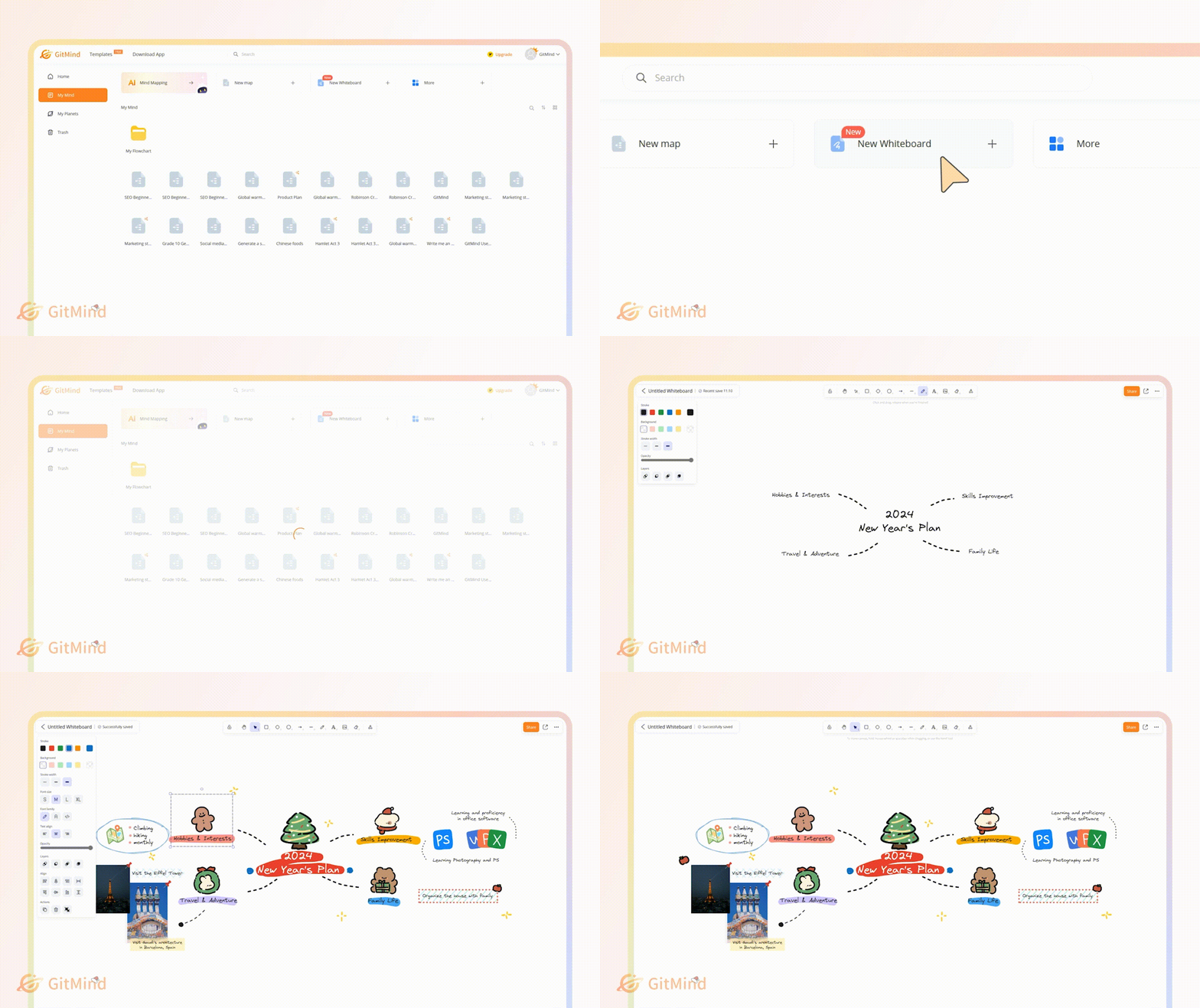
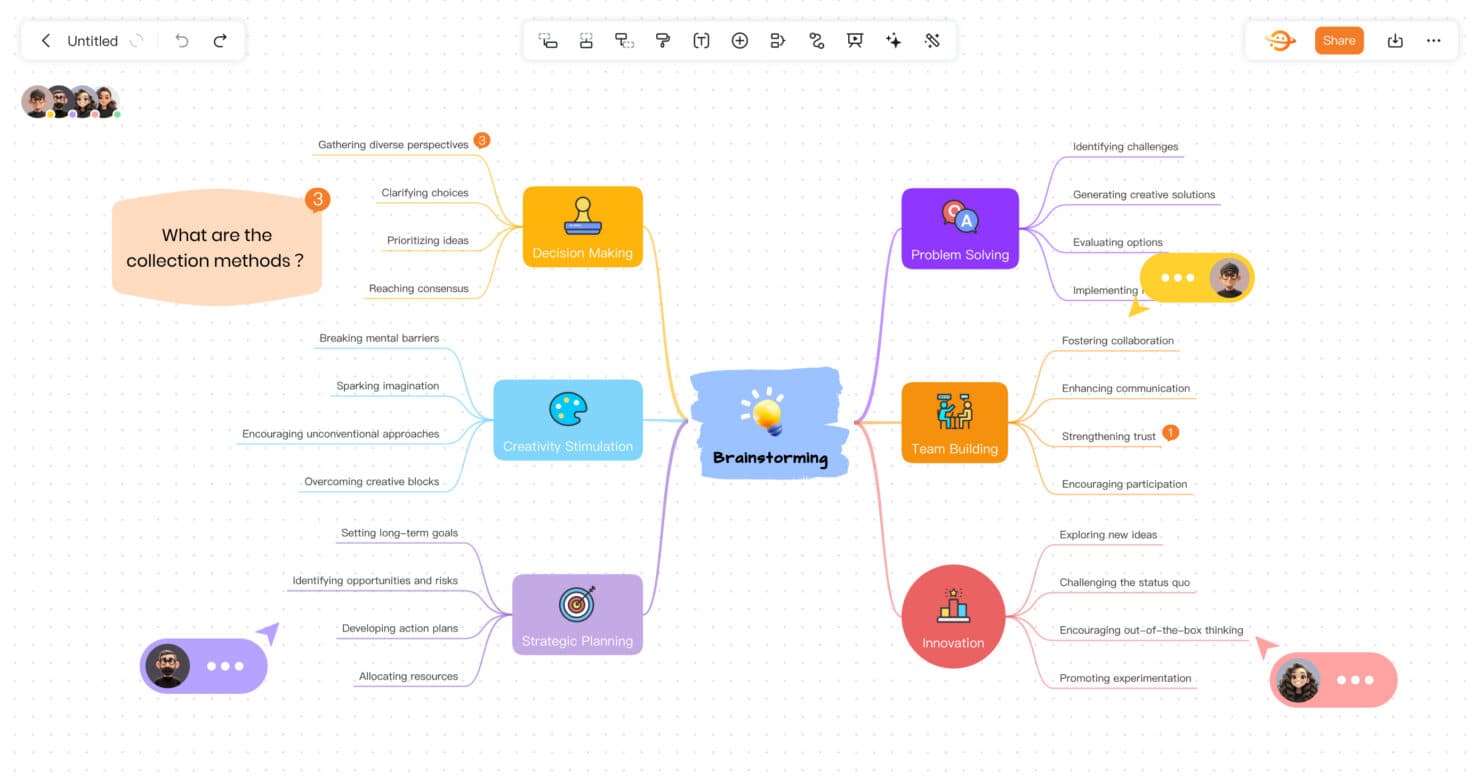
GitMind is an AI workspace for creating mind maps, summaries, whiteboards, and diagrams. It can process videos, audio, PDFs, websites, images, spreadsheets, and other text into structured visual information. Projects sync across web, desktop, mobile, and a Chrome extension.
›What are the pros and cons of GitMind?
Strengths
Trade-offs
›What are GitMind’s key features?
›What are the best use cases for GitMind?
›What is the pricing for GitMind?
| Plan | Price | Details |
|---|---|---|
| Basic | $0 (Free) | Up to 10 mind maps or whiteboards, limited image uploads, one planet, five invited members per planet, regular-format export, and cross-platform sync. |
| Pro Monthly | $9 per month | Unlimited mind maps and whiteboards, higher image-upload limits, up to five planets, 30 invited members per planet, HD export, priority support, and cross-platform sync. |
| Pro Annual | $4.08 per month | Includes the annual plan benefits listed for Pro, including unlimited maps and whiteboards, HD export, priority support, and cross-platform sync. |
| 3 Years Non-subscription | $79 per month | The page describes this as a three-year plan with the same benefits as the monthly and annual subscribers. |
Monthly and annual subscriptions auto-renew. The pricing page labels the three-year offer as a limited Black Friday sale running Nov. 21 to Dec. 12. A 30-day money-back guarantee applies, or 7 days for monthly VIP.
Checked 2026-08-29 · source
›Who is GitMind best for?
- Buyers who need a fully free service without map, image-upload, or AI-credit limits
- Users looking for a lifetime purchase option instead of an auto-renewing subscription
- Teams that need more than the listed planet and member limits without contacting sales for volume pricing
›What are the best GitMind alternatives?
 Notebook LMChoose this instead if your priority is research and writing assistance around a personalized knowledge base rather than broad visual mapping.→
 ReadPartnerChoose this instead if you mainly need automated digests and quick summaries of websites, videos, and documents.→
 GammaChoose this instead if you want to turn ideas into presentations, documents, or websites.→
 MagicShot→