
Forward Future Tools Library
JPG2Excel
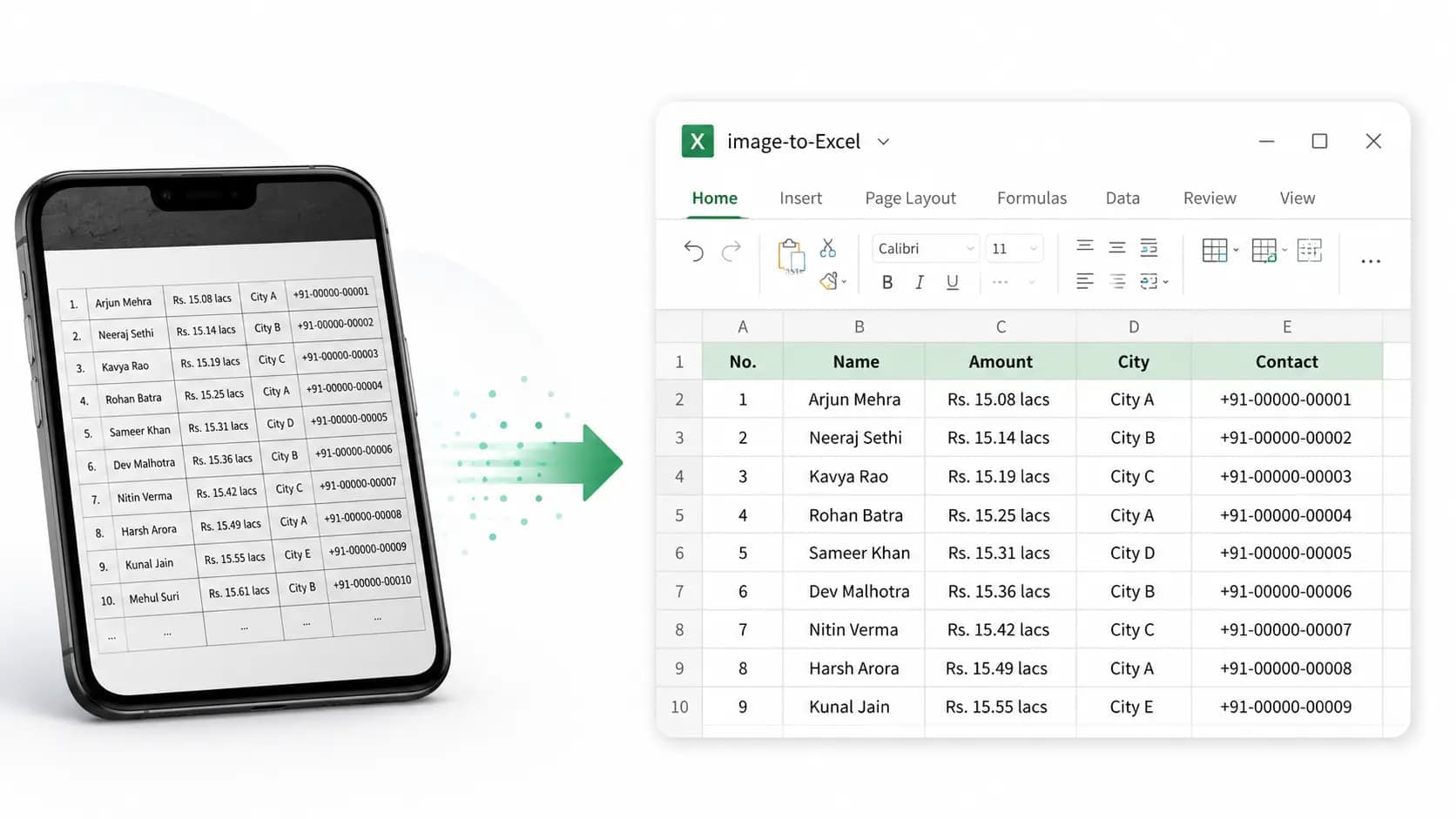
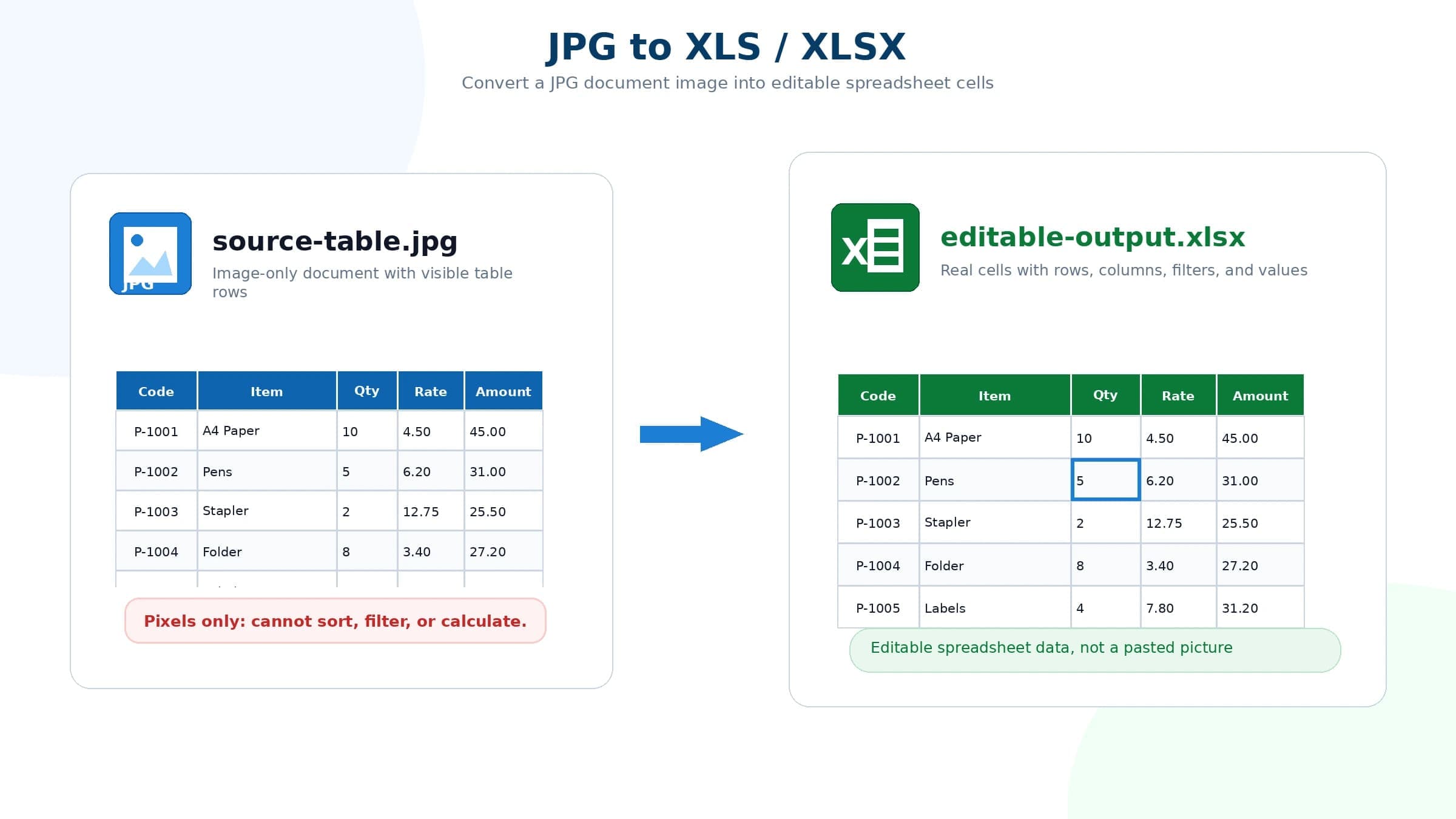
JPG2Excel turns table images into editable XLSX, XLS, or CSV files for analysts, office workers, and teams handling screenshots, scans, photos, or imported documents.
jpg2excel.app·From $0.99·Checked 2026-11-02
›What is JPG2Excel?
JPG2Excel is a browser-based OCR converter for tables in JPG, JPEG, PNG, BMP, TIF, and TIFF images. It detects rows, columns, headers, numbers, and table structure, then lets you preview the result and download editable spreadsheets or CSV. It supports uploads from local devices, Google Drive, Dropbox, OneDrive, and direct image links.
›What are the pros and cons of JPG2Excel?
Strengths
Trade-offs
›What are JPG2Excel’s key features?
›What are the best use cases for JPG2Excel?
›What is the pricing for JPG2Excel?
| Plan | Price | Details |
|---|---|---|
| Pro | $8.33/month | 1,200 credits per month, 5 MB maximum file size, batch processing, peak-hour priority, no CAPTCHA prompts, no ads, priority support, and no API access. |
| Plus | $16.67/month | 2,400 credits per month, 10 MB maximum file size, batch processing, peak-hour priority, no CAPTCHA prompts, no ads, priority support, and API access. |
| Enterprise | $25.00/month | 4,800 credits per month, 10 MB maximum file size, batch processing, peak-hour priority, no CAPTCHA prompts, no ads, priority support, API access, team management, and 3 included seats. |
| 3-image one-time pack | $0.99 | Three AI Enhanced conversions, valid for 7 days, with Excel, CSV, and text downloads and no account required. |
| 10-image one-time pack | $2.99 | Ten AI Enhanced conversions with no expiry, Excel, CSV, and text downloads, and no account required. |
| 50-image one-time pack | $5.99 | Fifty AI Enhanced conversions, valid for 180 days, with Excel, CSV, and text downloads and no account required. |
The subscription prices shown are billed yearly at $99.99, $199.99, and $299.99 respectively. Standard mode uses 1 credit per image, while AI Enhanced uses 5 credits per image. Enterprise includes 3 seats, and extra seats cost $50.00/year.
Checked 2026-11-02 · source
›Who is JPG2Excel best for?
- Skip it for free-form document extraction, since the converter is designed for tables only.
- Avoid relying on it without review when financial values, dates, IDs, or formulas must be exact.
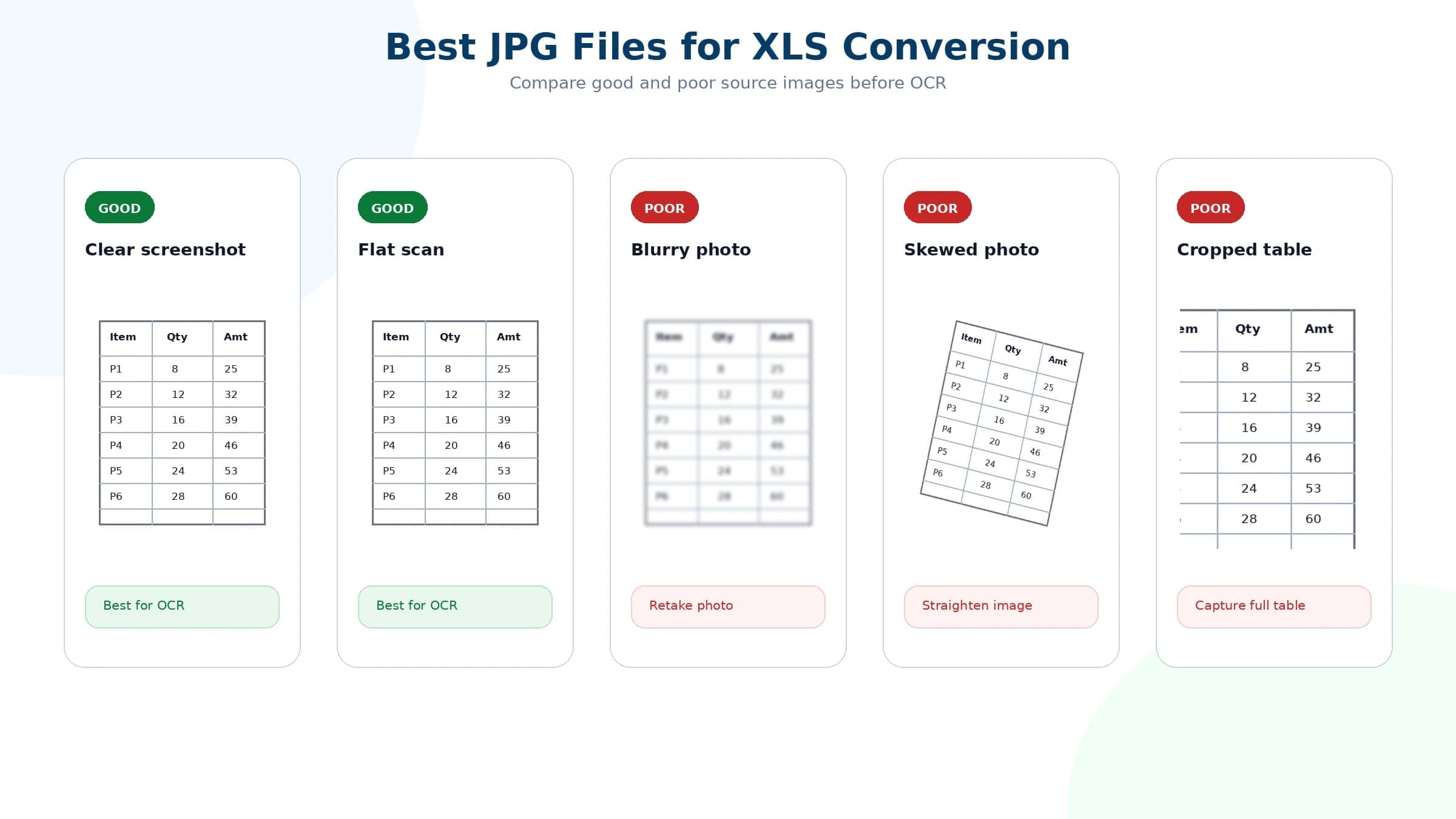
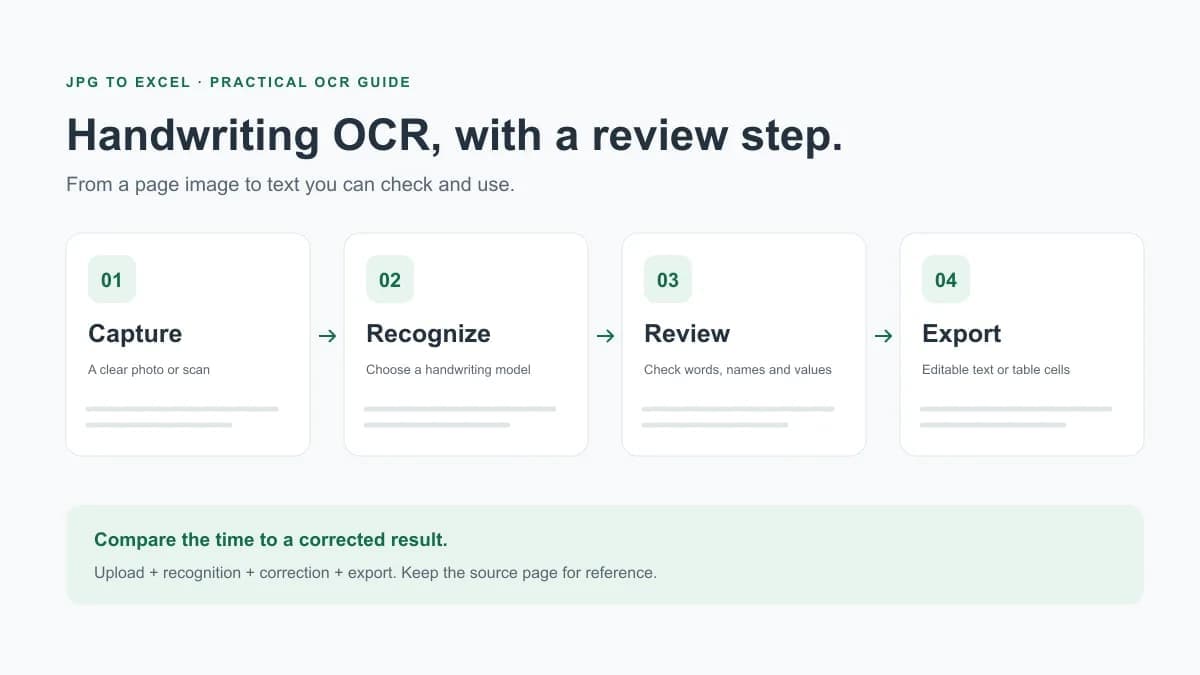
- Look elsewhere if your main inputs are handwritten notes, heavily blurred images, or complex layouts that need to retain formatting without cleanup.