Forward Future Tools Library

Owl Browser logo

Owl Browser

Owl Browser runs self-hosted Chromium sessions for AI agents, with structured page rendering, stable browser controls, isolated contexts, and stealth features for developers automating web workflows at scale.

Try Owl Browser

owlbrowser.net·From $0.99·Checked 2026-08-18

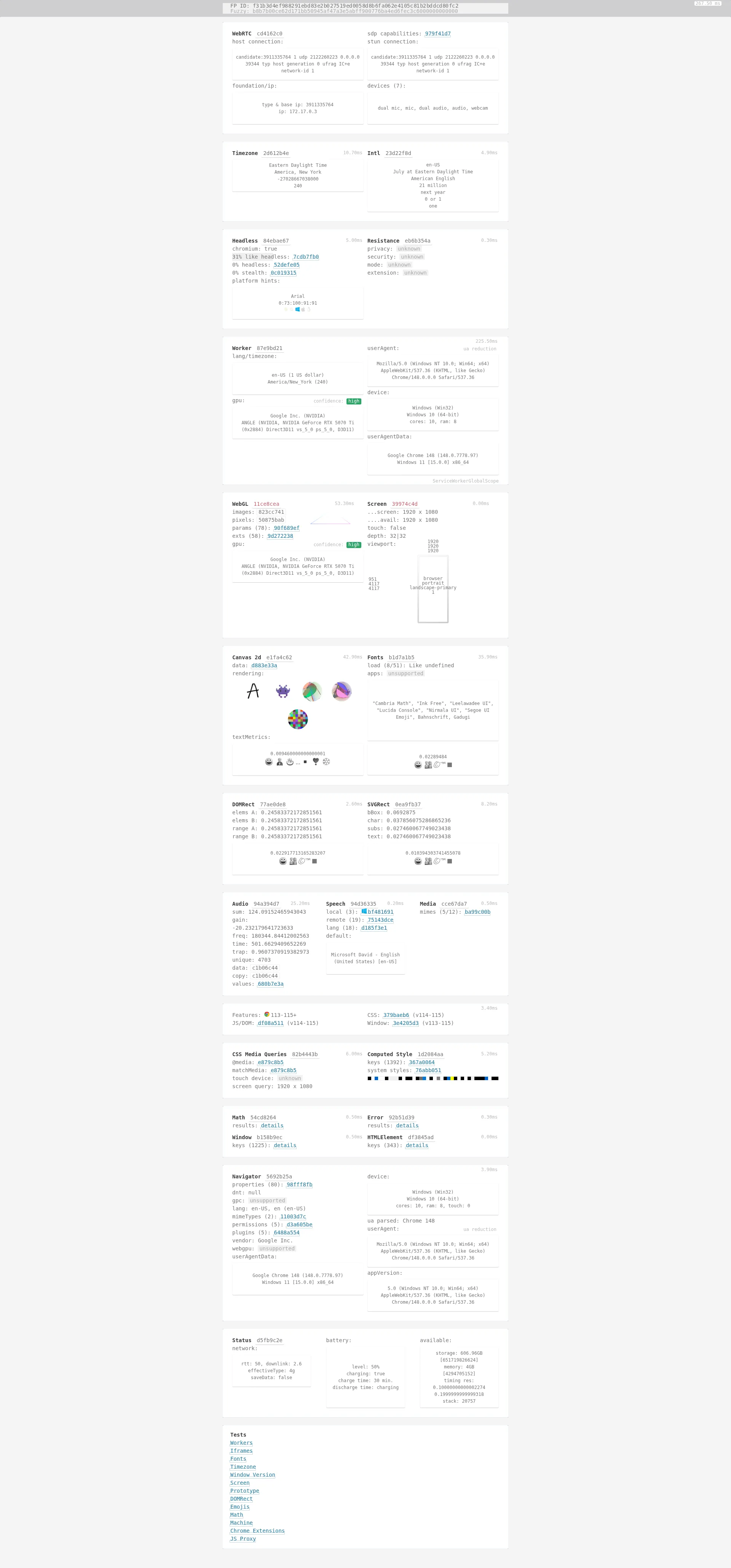
Owl Browser screenshotOwl Browser - Browser Automation That Doesn't Get BlockedBenchmarks - Owl BrowserOwl Browser - Fast & Private
Owl Browserowlbrowser.net
Owl Browser screenshot
Owl Browserowlbrowser.net

What is Owl Browser?

Owl Browser is a self-hosted Chromium engine for browser automation by AI agents. Its Agent Rendering system converts pages into compact OwlMark structured views, while stable handles support coordinate-free clicks and typing. The service also provides isolated browser contexts, per-context Tor, Docker deployment, data extraction tools, and SDK access.

What are the pros and cons of Owl Browser?

Strengths

Structured Agent Rendering can use fewer tokens than screenshots or raw HTML.
Stable handles avoid coordinate guessing when agents interact with pages.
Self-hosted deployment gives teams control over the browser runtime and data path.
The engine includes isolated contexts, per-context Tor, Docker support, and more than 180 automation tools.
SDK access is available for Python, TypeScript, and REST-based integrations.

Trade-offs

Self-hosted deployment leaves teams responsible for operating the Chromium service and its infrastructure.
Its custom Chromium engine is a platform-specific alternative to Playwright and Puppeteer wrappers, which may require integration changes.
The displayed setup advertises 256 contexts, which may require additional deployment planning for larger concurrency needs.

What are Owl Browser’s key features?

Agent Rendering returns compact OwlMark page views instead of screenshots or raw DOM dumps.
Stable, coordinate-free handles support browser clicks and typing.
Delta observations return only page changes and can avoid resending unchanged content.
Isolated browser contexts support up to 256 contexts in the displayed setup.
Per-context Tor control provides separate Tor routing for browser contexts.
Docker-ready deployment uses a self-hosted Chromium engine and HTTP server.
SDK and REST integrations support browser automation workflows.

What are the best use cases for Owl Browser?

Give AI agents structured views of websites without requiring a vision model.
Extract data from websites through automated browser sessions.
Automate account, verification, invoicing, billing, or logistics workflows across multiple portals.
Run isolated web automation sessions with separate Tor routing.
Deploy high-volume browser workflows in Docker with parallel browser contexts.

What is the pricing for Owl Browser?

PlanPriceDetails
14-day trial$0.99A one-time payment provides access for 14 days.

The site says no subscription is required. Ongoing plan rates are not shown in the available pricing details.

Checked 2026-08-18 · source

Who is Owl Browser best for?

developersA fit for developers building AI agents that need structured browser observations and handle-based interactions.
enterpriseEnterprise automation teams can use isolated contexts, Tor routing, Docker deployment, and self-hosted operation across portal-heavy workflows.
small teamSmall teams with the capacity to operate browser infrastructure may benefit from compact agent rendering and the included automation toolkit.
Not for
  • Casual privacy users should skip it because the product is designed for automation rather than general private browsing.
  • Teams seeking a fully managed hosted browser service should look elsewhere because Owl Browser is self-hosted.


What are the best Owl Browser alternatives?

Where can I try Owl Browser?

Open owlbrowser.net