Forward Future Tools Library

Kaiber logo

Kaiber

Kaiber combines AI video generation, music-synced visuals, and editing in one workspace for musicians, content creators, marketers, and visual artists.

Try Kaiber

kaiber.ai·From $5·Checked 2026-08-19
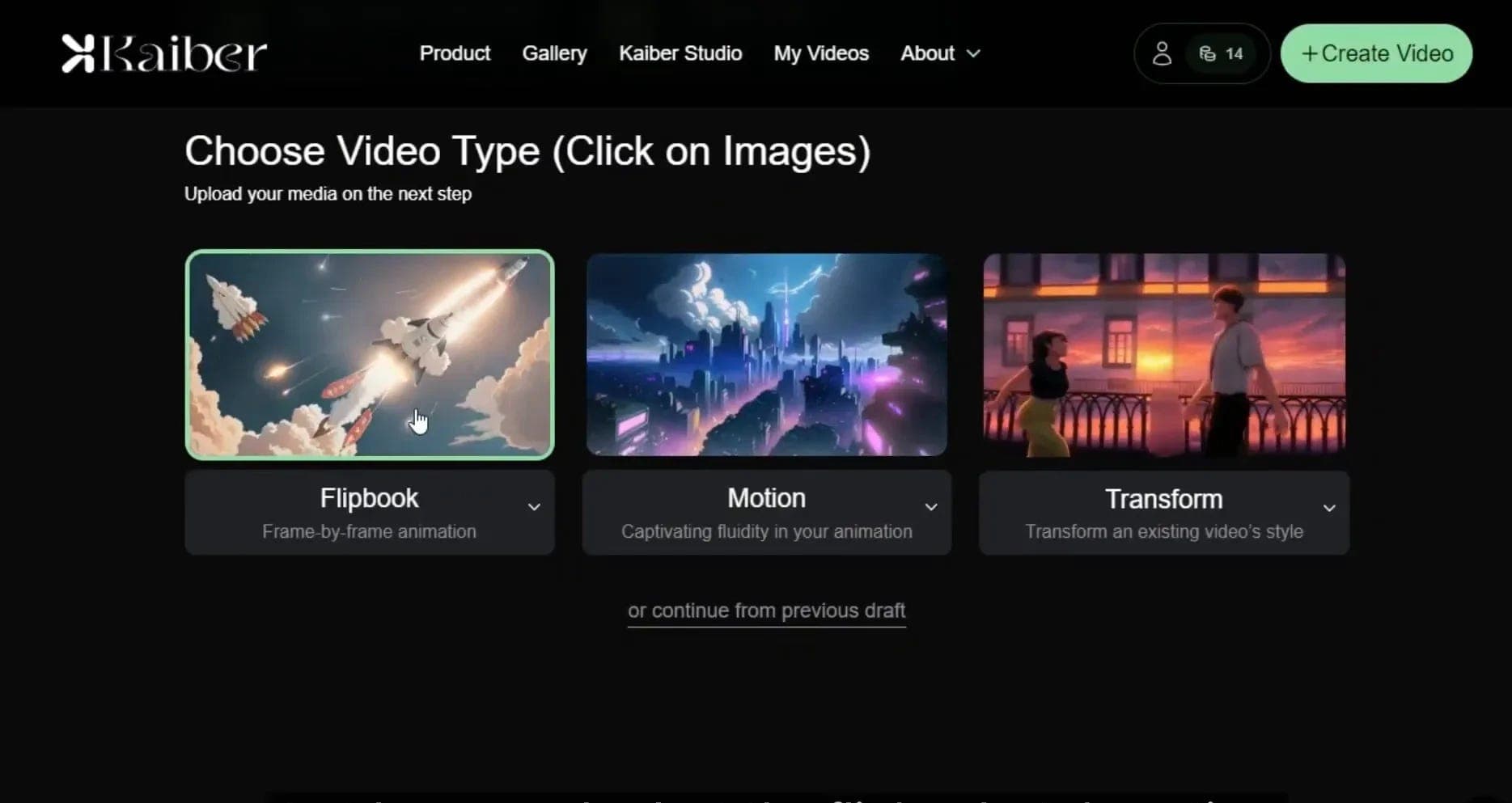
Kaiber screenshotKaiberKaiber AI: The Tool That Turns Ideas into Stunning CreationsKaiber - AI Video GenerationKaiber – AI Video Generation by Markéta Švidrnochová for STRV on Dribbble
Kaiberkaiber.ai
Kaiber screenshot
Kaiberkaiber.ai

What is Kaiber?

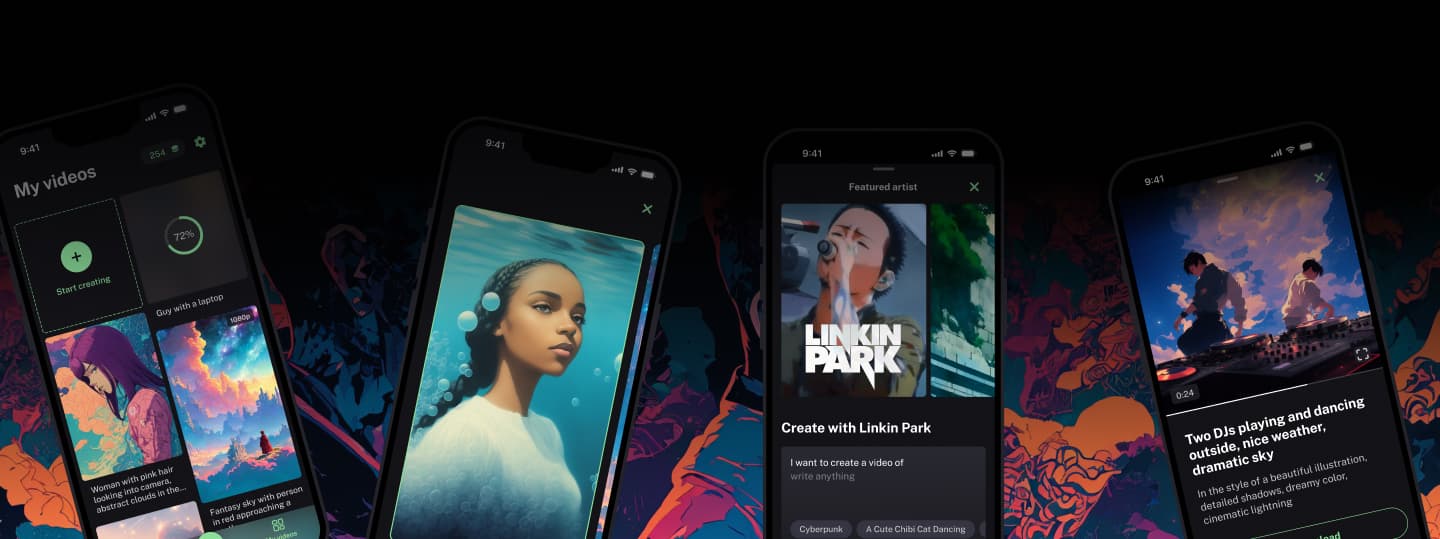
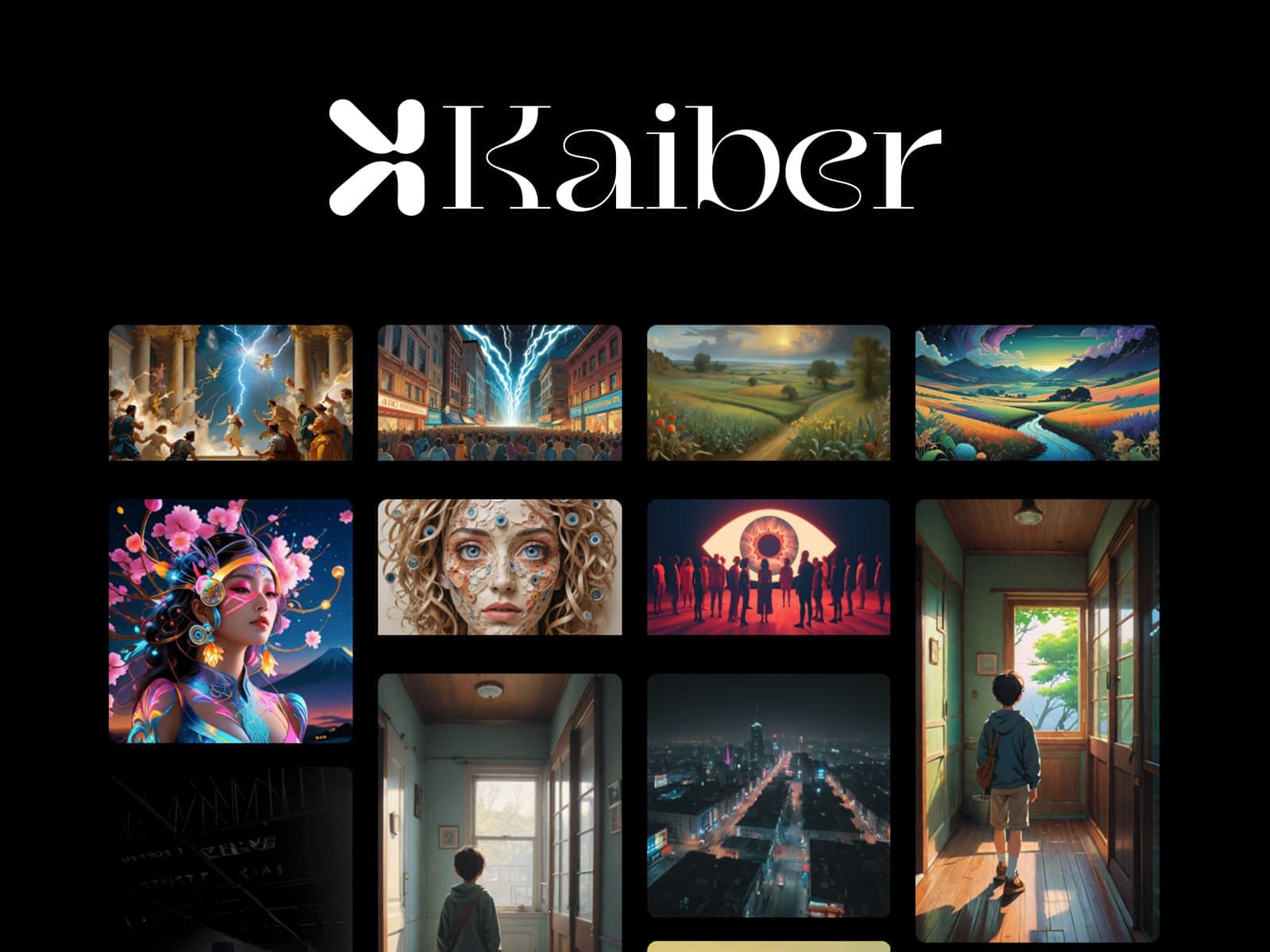
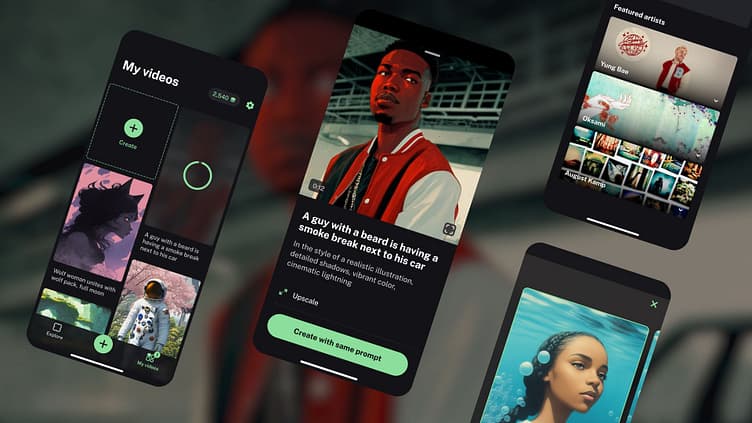
Kaiber is an AI creative suite with an infinite Canvas, video Editor, and Beat Sync tools. It can turn text, images, or music into animated videos, music videos, stylized visuals, and social clips. Users can also work with multiple image and video models and train custom models around a visual style.

What are the pros and cons of Kaiber?

Strengths

Combines image, video, and audio generation in one Canvas workspace
Beat Sync automatically synchronizes visuals with uploaded music
Creator includes commercial use rights and unlimited Timeline Edits
Custom Models can adapt generation to a user's visual style
Unused credits reportedly remain available while a subscription is active

Trade-offs

Auto-generated scenes and pacing often need manual cleanup
Higher-quality output can require more editing than an initial generation suggests
Credit and model choices can be difficult for non-technical users to evaluate
Starter does not include Beat Sync or premium models
The credit-based system makes costs less predictable for fixed-budget projects

What are Kaiber’s key features?

Generate animated videos and stylized visuals from text, images, or music
Create music-reactive videos with Beat Sync
Batch-create up to two Beat Sync videos at a time on Creator
Auto-Clip Video for turning source footage into shorter clips
Edit projects with Timeline Edits in the Editor
Use multiple image and video generation models in one Canvas
Train custom models based on a personal visual style

What are the best use cases for Kaiber?

Creating music videos and reactive visuals for song releases
Producing stylized short-form content for social media
Turning scripts or ideas into publishable video drafts
Creating promotional and educational video content
Animating existing artwork or visual designs
Producing repeatable visual assets for creative agencies

What is the pricing for Kaiber?

PlanPriceDetails
5-Day Trial$5Full access to Canvas, Editor, and Beat Sync with 500 credits.
Starter$10/mo. (or $8/mo. on an annual plan)500 credits per month or 6,000 per year, with Canvas standard models and the Editor.
Creator$29/mo. (or $23/mo. annual)1,500 credits per month, all Canvas features and generation models, commercial use rights, unlimited Timeline Edits, Beat Sync batch creation, and Auto-Clip Video.

The 5-Day Trial includes 500 credits and converts to Creator Monthly after five days. Pro is also described as available for higher-volume production, but its price and included credits are not specified here.

Checked 2026-08-19 · source

Who is Kaiber best for?

musiciansBeat Sync and Auto-Clipping make Kaiber useful for producing visual content alongside music releases.
content creatorsCreators making recurring short-form or stylized social videos can use the Canvas, generation models, and Editor together.
visual designersThe platform suits designers who want to animate existing artwork or build a consistent style with Custom Models.
creative agenciesAgencies can use its model variety and repeatable workflows for stylized client visuals, provided they can manage credit usage.
Not for
  • Traditional video editors who need a conventional timeline workflow with cuts and subtitles.
  • Teams with fixed budgets that need fully predictable generation costs.
  • Users who find credit and model selection difficult to manage.

What are the best Kaiber alternatives?

Where can I try Kaiber?

Open kaiber.ai