

Forward Future Tools Library

PicWish
PicWish provides AI background removal, photo enhancement, retouching, and creative editing for e-commerce sellers, social media creators, photographers, and casual users.
Try PicWish →
picwish.com·Freemium


›What is PicWish?
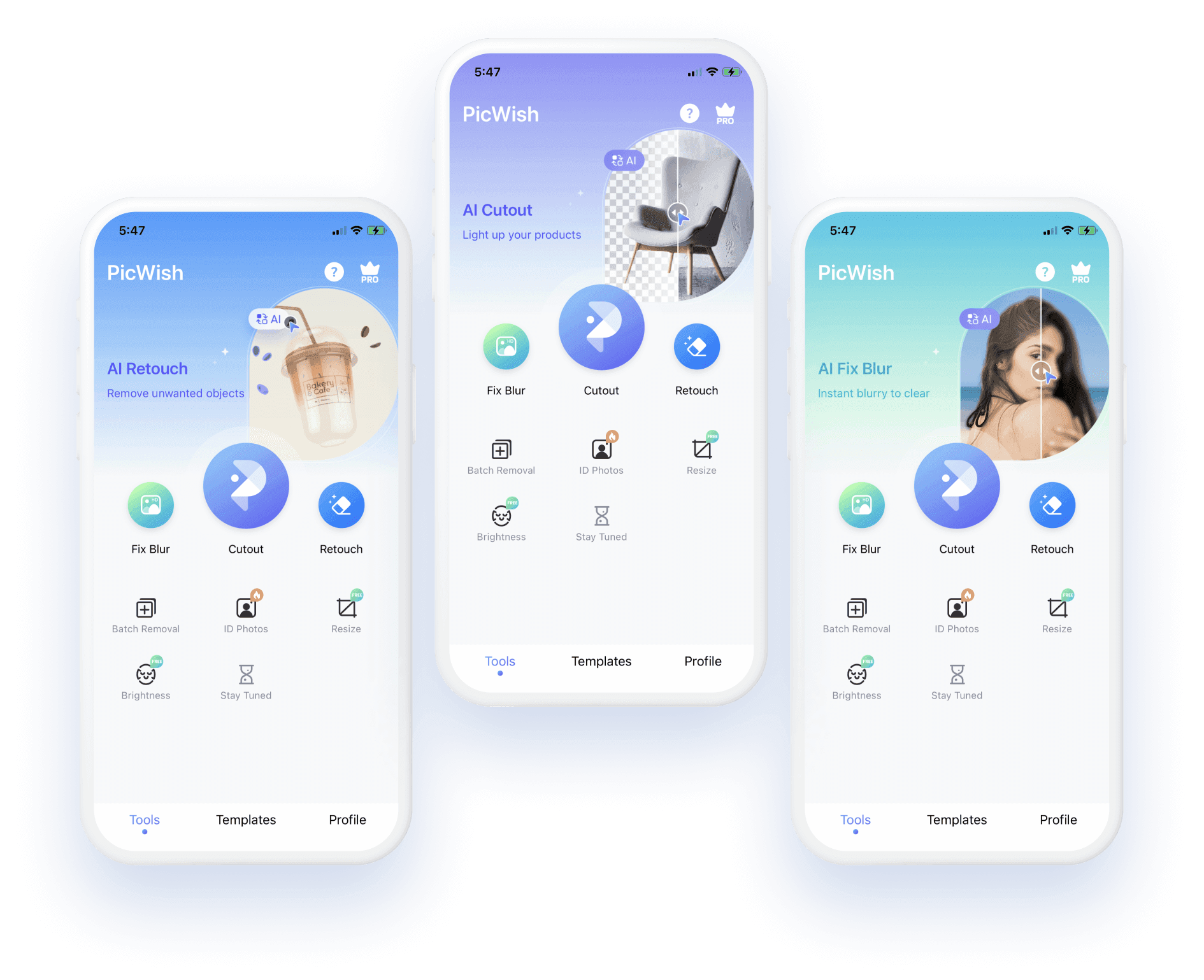
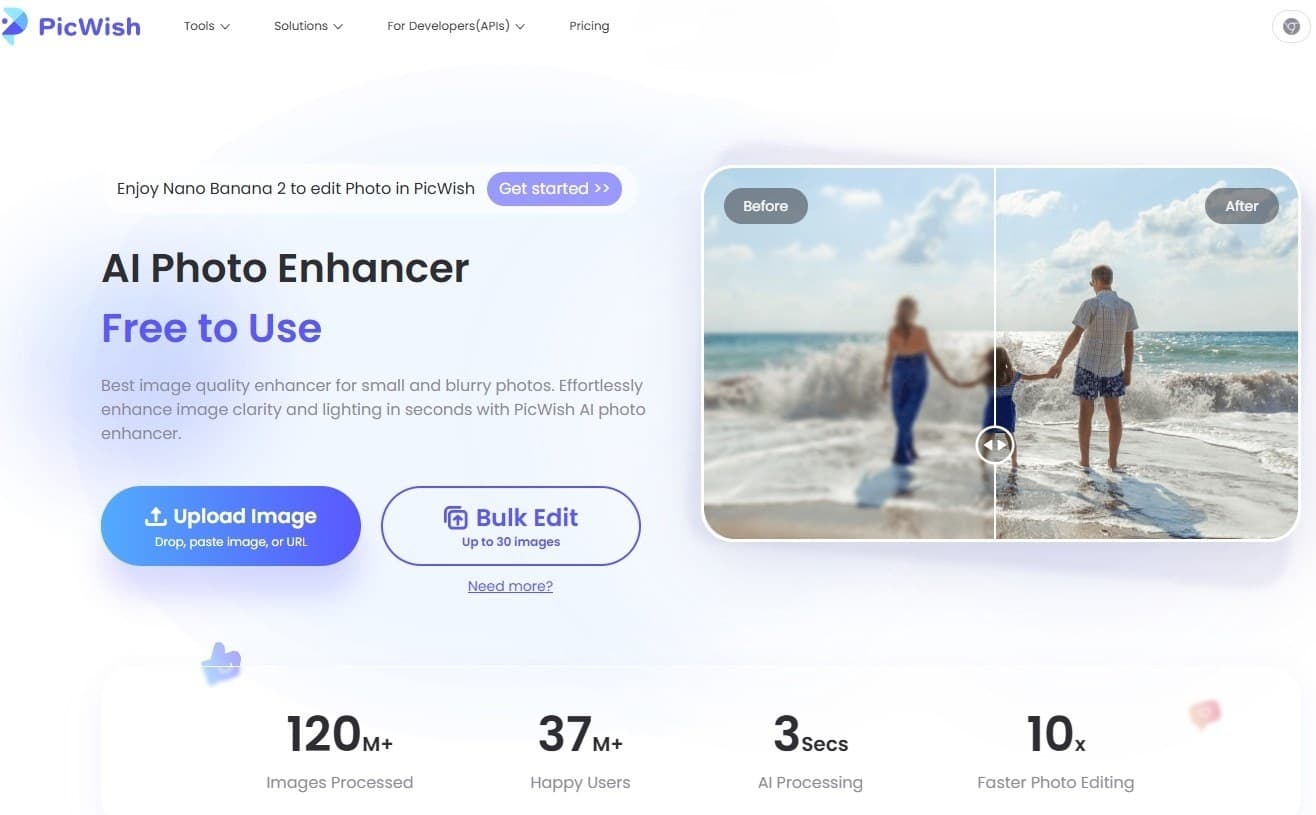
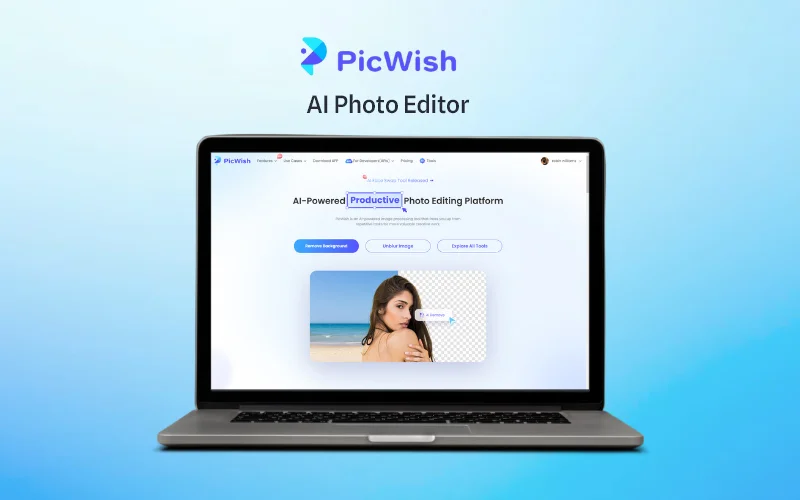
PicWish is an AI photo editor available through web and mobile apps. It removes backgrounds, sharpens blurry images, retouches photos, removes objects, and creates visuals from natural-language instructions. Background removal supports batch processing of up to 30 files.
›What are the pros and cons of PicWish?
Strengths
Removes image backgrounds automatically without requiring advanced editing skills
Supports batch background processing for up to 30 files
Includes tools for sharpening blurry images and restoring old photos
Works across web browsers and mobile apps
Offers API access for image editing integrations
Trade-offs
The free version has limited editing tools
Free-plan downloads are limited and generally non-HD, while HD downloads require an upgrade
Manual controls are limited compared with advanced professional editors
It does not suit projects that require offline or CLI-based processing
›What are PicWish’s key features?
AI background removal with batch processing for up to 30 files
Image enhancement that unblurs and sharpens blurry photos
Object removal and photo retouching tools
AI Designer for editing images with natural-language instructions
White-background creation for product photos
AI face swapping and photo collage creation
Image-to-text conversion API
›What are the best use cases for PicWish?
Removing backgrounds from batches of e-commerce product images
Creating white-background product photos for online stores
Sharpening scanned, vintage, or blurry images
Preparing social media images and marketing visuals
Retouching personal photos and removing unwanted objects
›What is the pricing for PicWish?
Freemium
›Who is PicWish best for?
e-commerce sellersBatch background removal and white-background tools support quick product-photo preparation.
social media managersUseful for producing edited images quickly without a steep learning curve.
photographersBatch processing, enhancement, and retouching cover common image cleanup tasks.
casual usersThe web and mobile editors provide straightforward tools for everyday photo fixes.
Not for
- Professional graphic designers who need advanced manual controls such as layers
- Photographers requiring extensive RAW editing or detailed color grading
- Teams that need offline or command-line image processing
›What are the best PicWish alternatives?
 Smart UpscalerChoose this instead if the main requirement is increasing image resolution.→
 AI Face SwapperChoose this instead if face swapping is the primary editing task.→
 DesignifyChoose this instead if you want automatic image optimization and enhancement as the central workflow.→
 Free Image to Prompt Generator→