

Forward Future Tools Library

Pieces
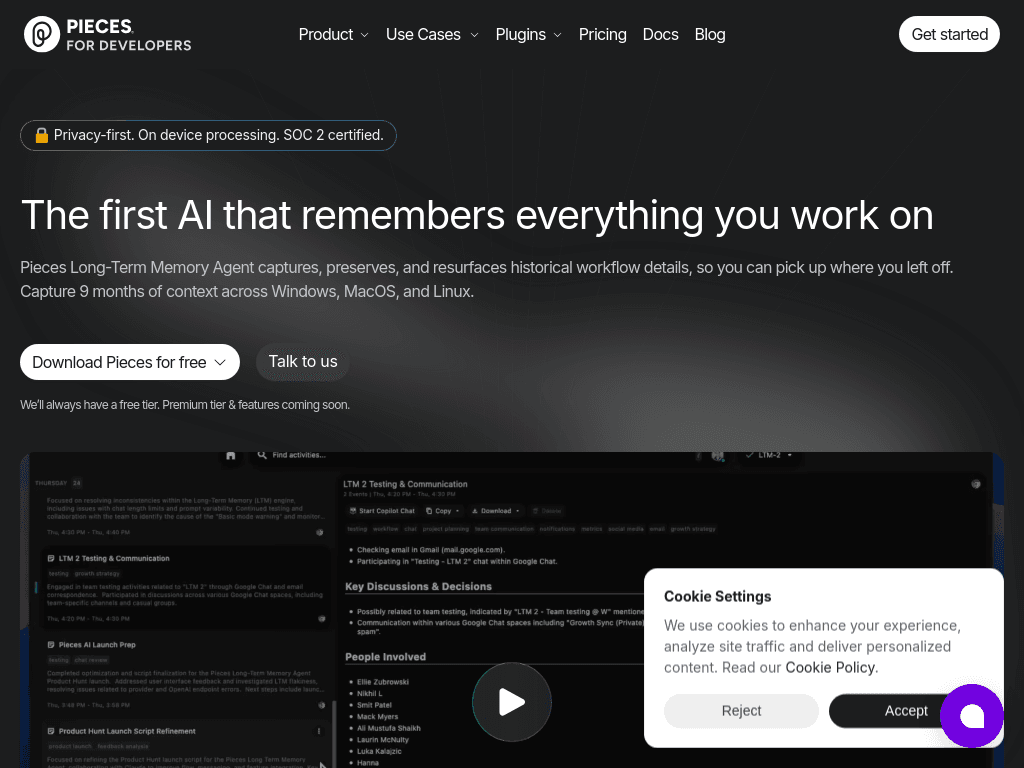
Pieces builds a searchable memory of work across apps, helping developers and teams recover context, prepare for meetings, and carry past work into AI assistants.
pieces.app·From $18.99 per user / month·Checked 2026-08-19
›What is Pieces?
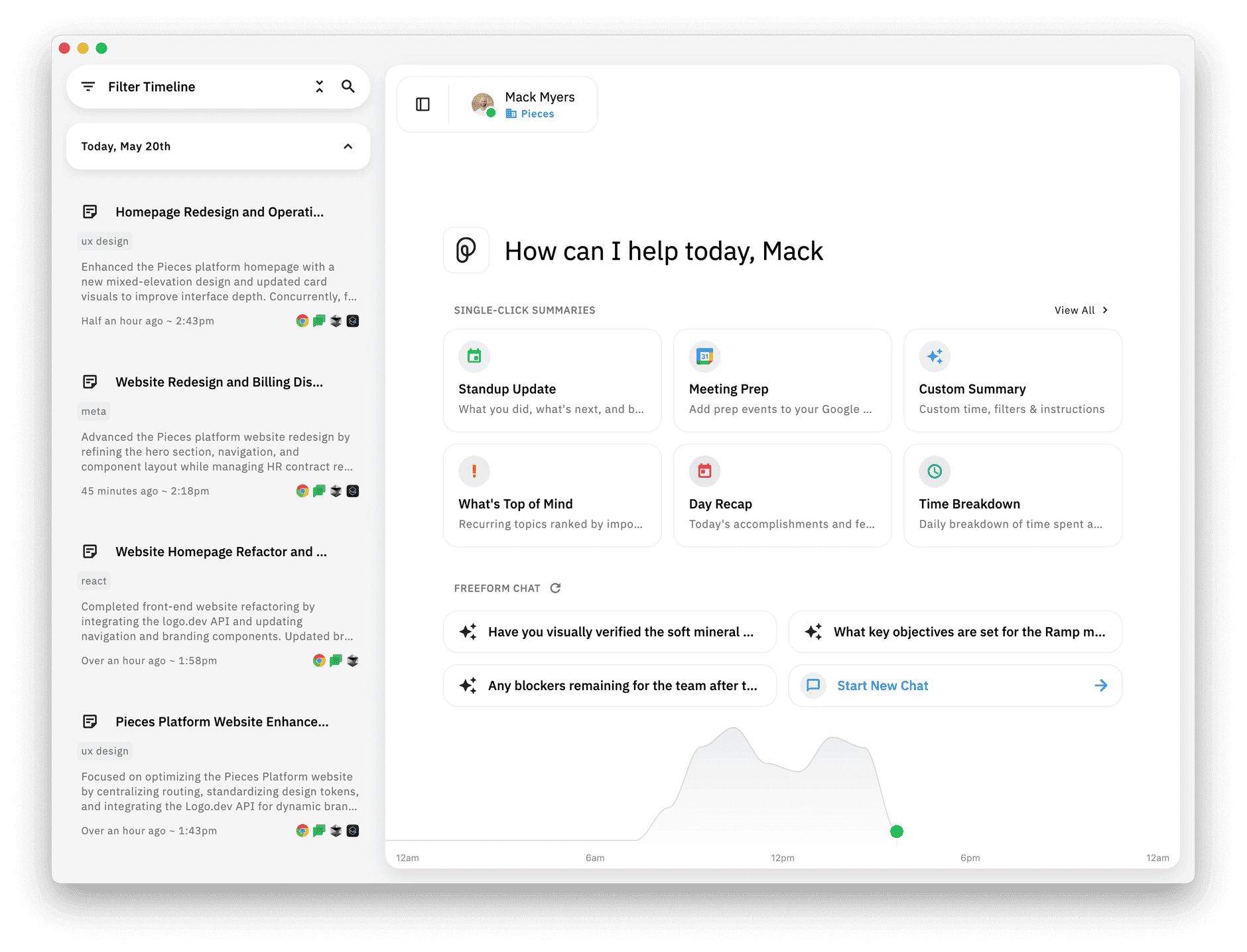
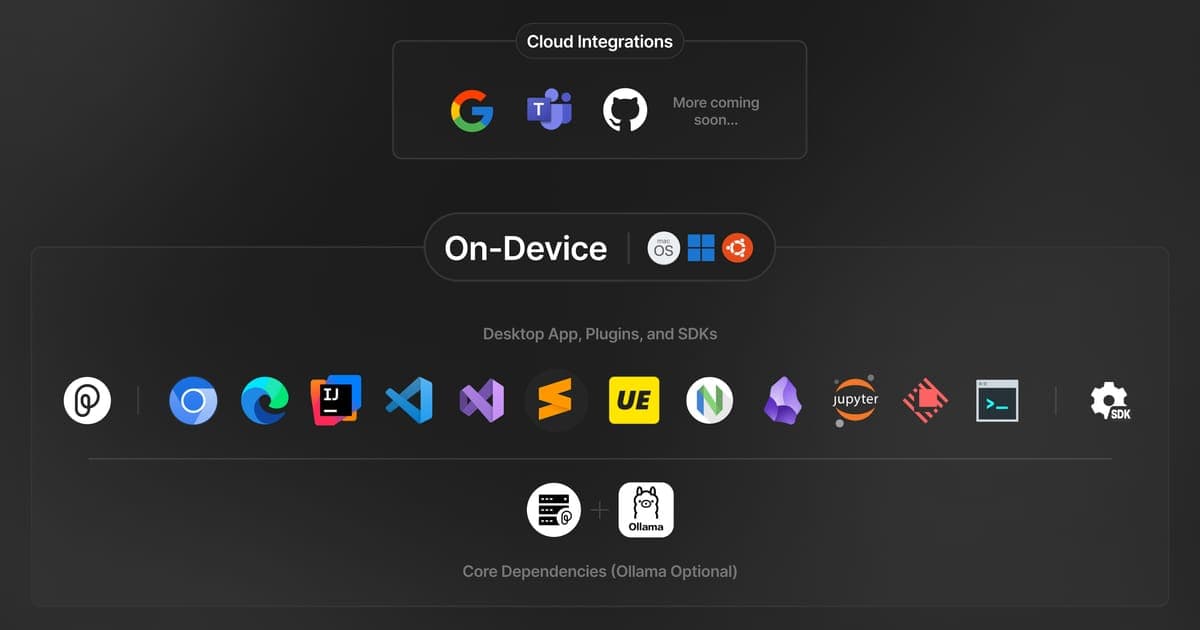
Pieces runs in the background on a computer and captures work context from apps such as browsers, email, chat, meetings, documents, design tools, and IDEs. It organizes that activity into a searchable timeline that users can query by time, topic, person, or tool. The app also generates standups, briefs, meeting preparation, and day recaps, and can provide history to MCP-ready AI assistants.
›What are the pros and cons of Pieces?
Strengths
Trade-offs
›What are Pieces’s key features?
›What are the best use cases for Pieces?
›What is the pricing for Pieces?
| Plan | Price | Details |
|---|---|---|
| Pro | $18.99 per user / month | Personal memory across apps and websites, on-device capture, summaries and recaps, model switching, and unlimited MCP. |
| Enterprise | $22.99 per user / month | Everything in Pro plus organization-level capture and feature controls, approved AI providers, and support for customers' own API keys. |
New users get a 7-day free trial on any plan, with a card required to start, and every plan includes a 14-day money-back guarantee. Pro is also billed yearly with a 25% discount versus monthly. Enterprise is also available at $69.99 per user / quarter.
Checked 2026-08-19 · source
›Who is Pieces best for?
- Buyers seeking a permanent free plan should look elsewhere, because the live pricing page describes a 7-day trial rather than ongoing free use.
- People who do not want a desktop app running in the background and capturing work context may prefer a more manual tool.
- Teams that only need a conventional task manager or document workspace may not need Pieces' cross-application memory layer.
›What are the best Pieces alternatives?
 GitHub CopilotChoose this instead if the main requirement is AI coding assistance rather than a searchable memory of work across applications.→
 Personal.aiChoose this instead if the main requirement is an AI memory platform for personal or team knowledge.→
 Notion AIChoose this instead if work already lives in Notion and the priority is AI help with writing, editing, brainstorming, and organization.→
 Google VEO→