Forward Future Tools Library

Reiden
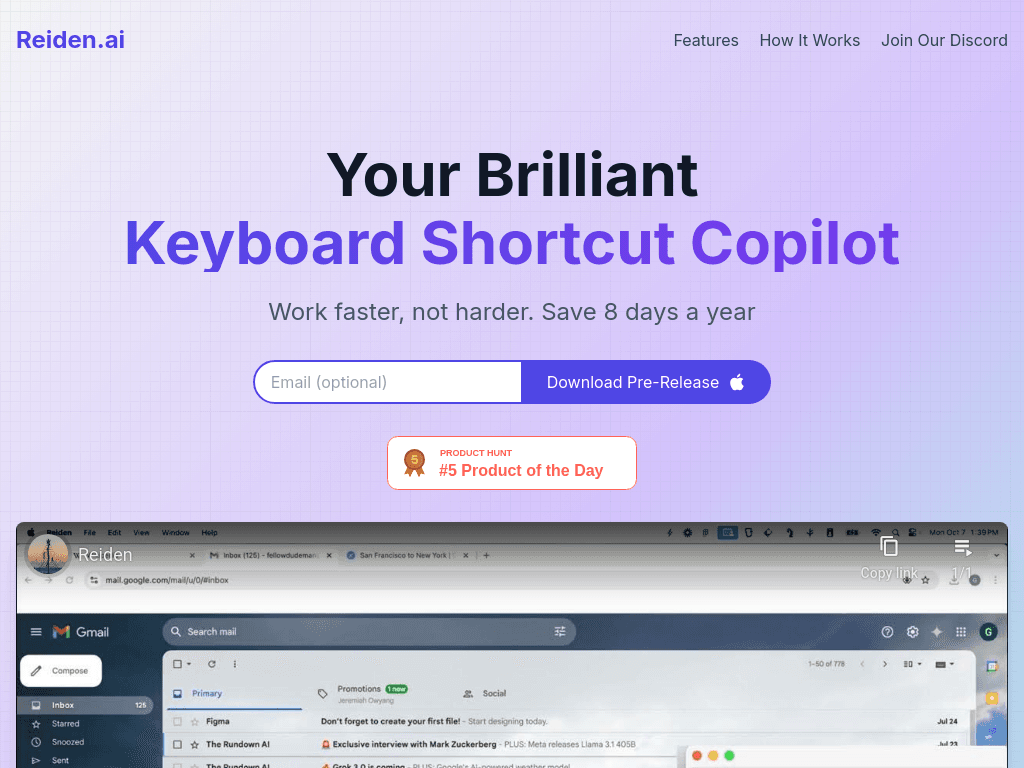
Reiden watches how you work across supported apps and recommends keyboard shortcuts, making it useful for professionals who want to reduce mouse use and speed up repeated tasks.
Try Reiden →
reiden.ai·Free

›What is Reiden?
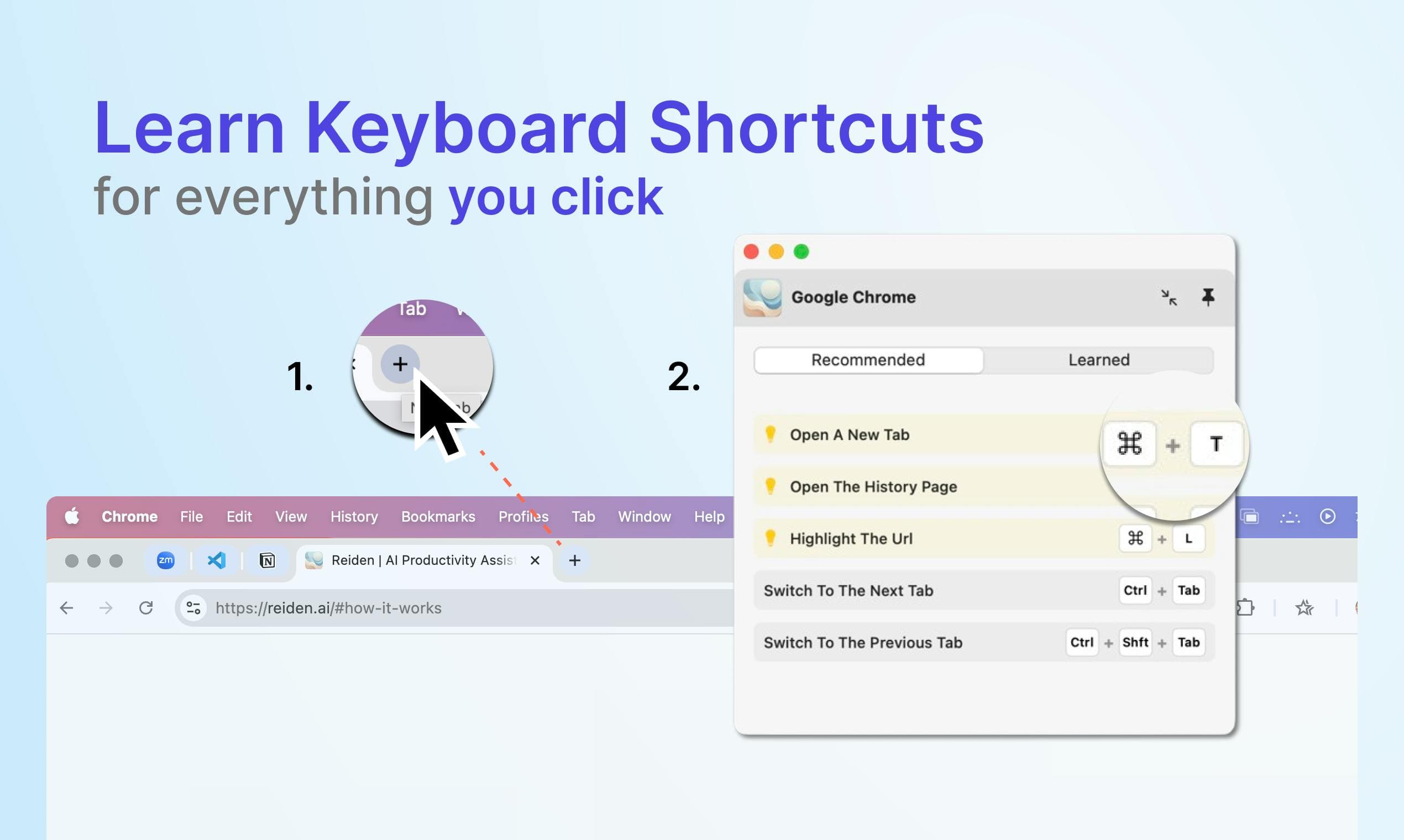
Reiden is a background keyboard shortcut assistant. It analyzes workflow activity in real time, identifies areas where actions are slow, and recommends personalized shortcuts. It supports more than 20 popular apps, including Gmail, Chrome, Notion, VS Code, Figma, Final Cut Pro, Safari, Arc, and Outlook.
›What are the pros and cons of Reiden?
Strengths
Recommendations are based on the user's own workflow
Works across more than 20 popular applications
Runs in the background and observes actions without requiring manual shortcut lookup
Usage data stays on the device unless the user opts in to share selected data
Supports ergonomic goals by reducing mouse dependency
Trade-offs
The product is labeled Pre-Release, which may mean less mature behavior or coverage
Its recommendations depend on support for the applications being used
The tool focuses on learning shortcuts rather than automating multi-step tasks
›What are Reiden’s key features?
Real-time analysis of workflow activity
Personalized keyboard shortcut recommendations
Support for more than 20 popular applications
Computer vision and machine learning to identify clicked actions
On-device data processing, with optional sharing of selected usage data
›What are the best use cases for Reiden?
Learn shortcuts for frequently used actions in design, development, email, and browser applications
Replace repeated mouse clicks with keyboard commands
Identify slower parts of a daily software workflow
Reduce mouse use during extended computer sessions
›What is the pricing for Reiden?
Free
›Who is Reiden best for?
developersUseful for learning shortcuts in tools such as VS Code, browsers, and email applications.
designersA fit for designers who want shortcut recommendations in Figma and other supported creative applications.
soloIndividual users can use it to build faster keyboard-based habits without configuring workflows manually.
small teamTeams may benefit when members use the same supported applications and want to reduce repetitive clicking.
Not for
- People seeking automated multi-step workflows, since Reiden recommends shortcuts rather than connecting services to run tasks.
- Users whose main applications are outside Reiden's supported application set.