Forward Future Tools Library

Zapier logo

Zapier

Zapier connects business apps in no-code Zaps, making it useful for marketers, operators, and teams that need to automate routine handoffs without engineering help.

Try Zapier

zapier.com·Free + paid plans·Checked 2026-08-21
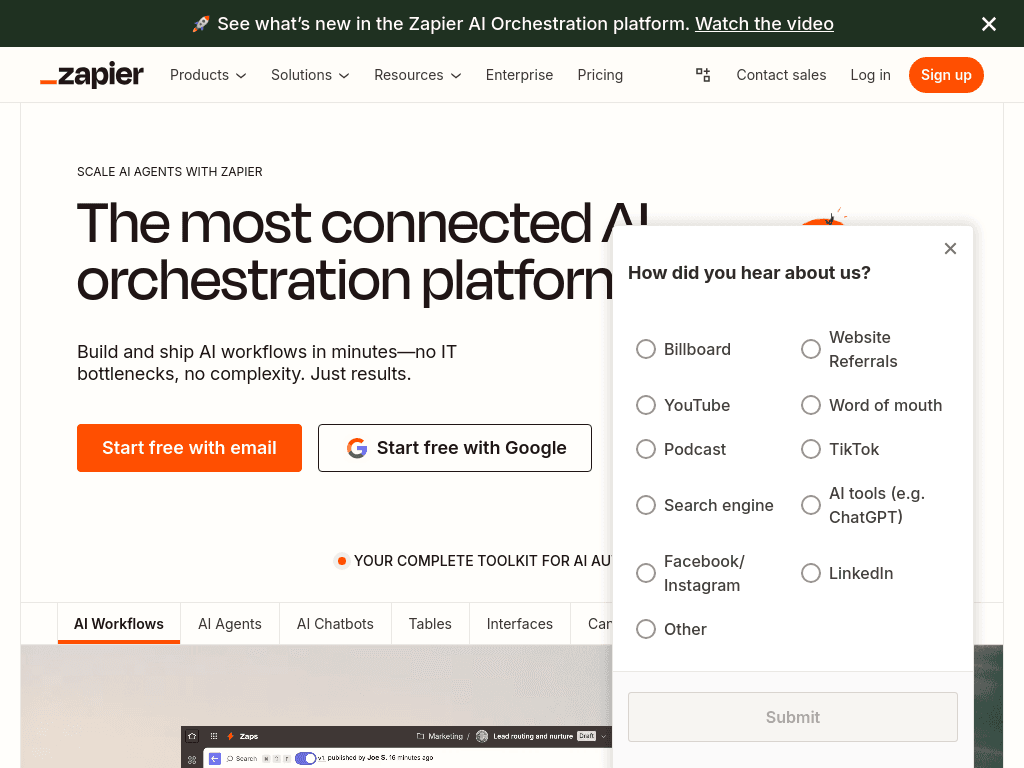
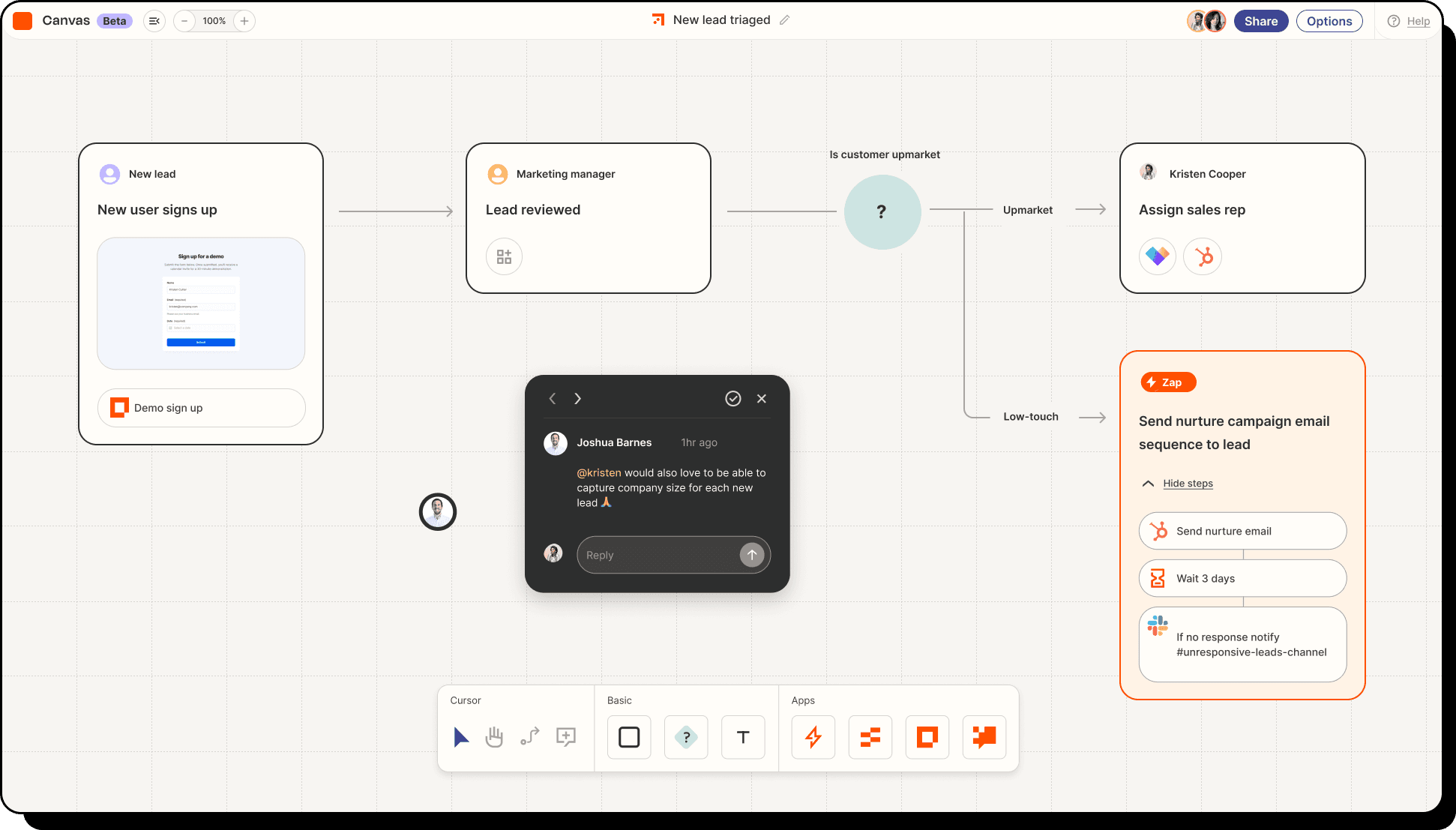
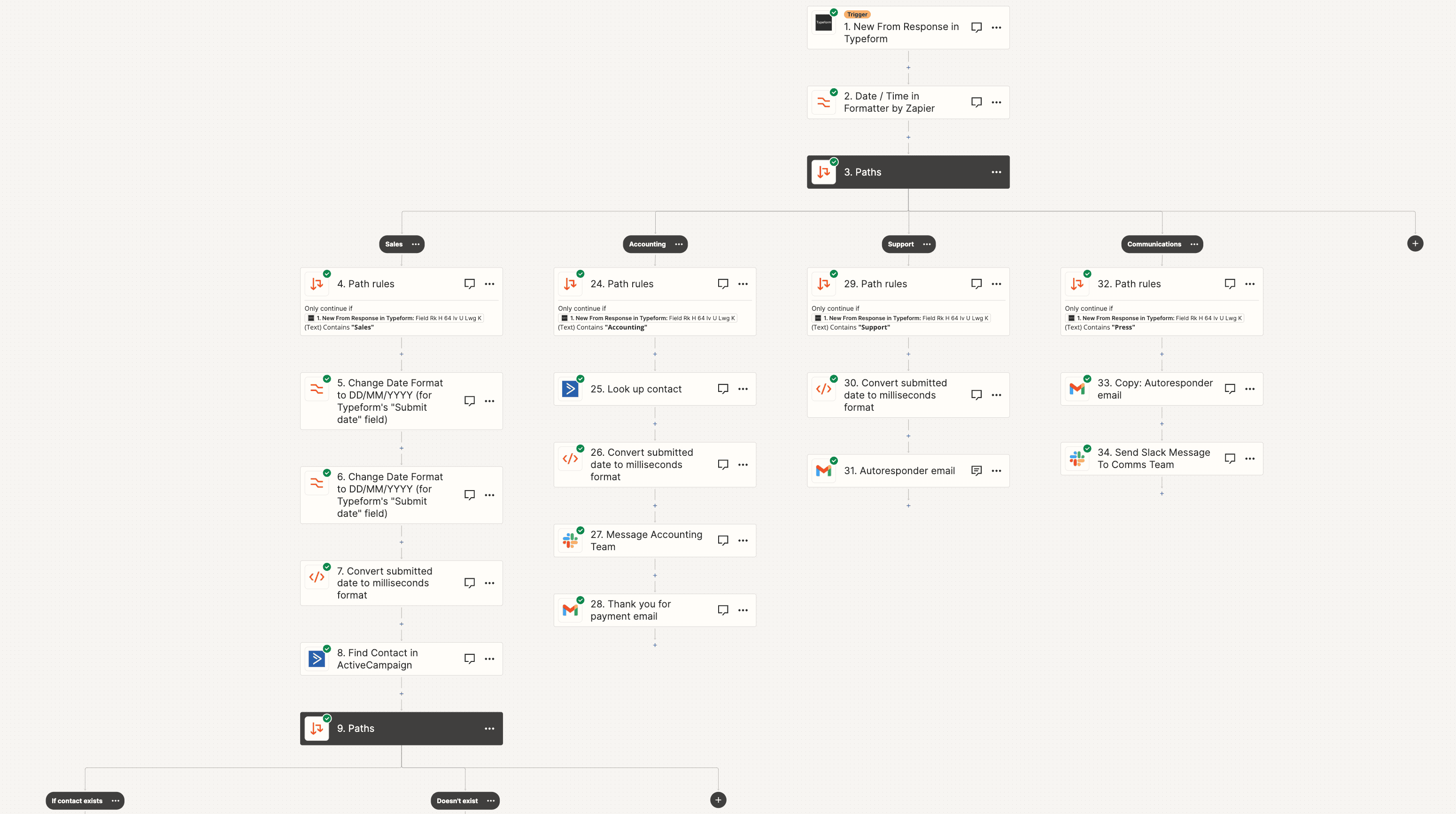
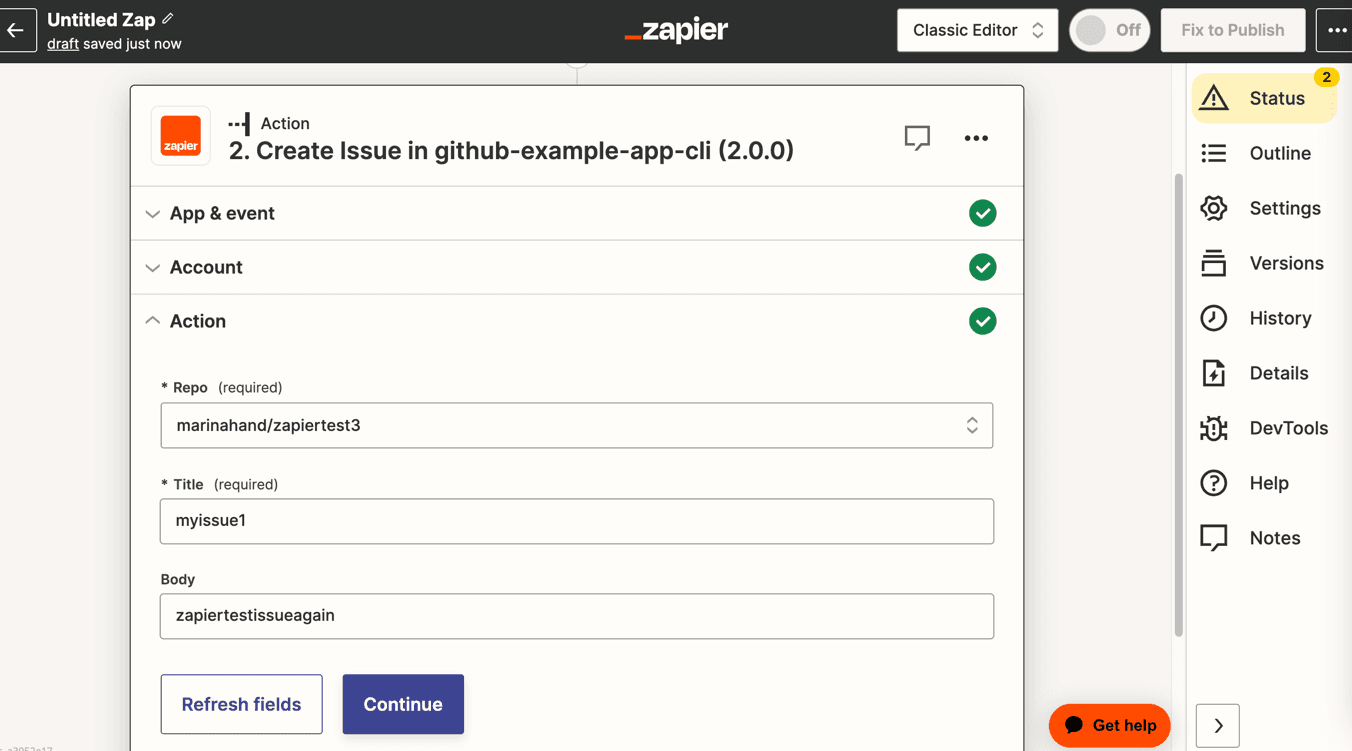
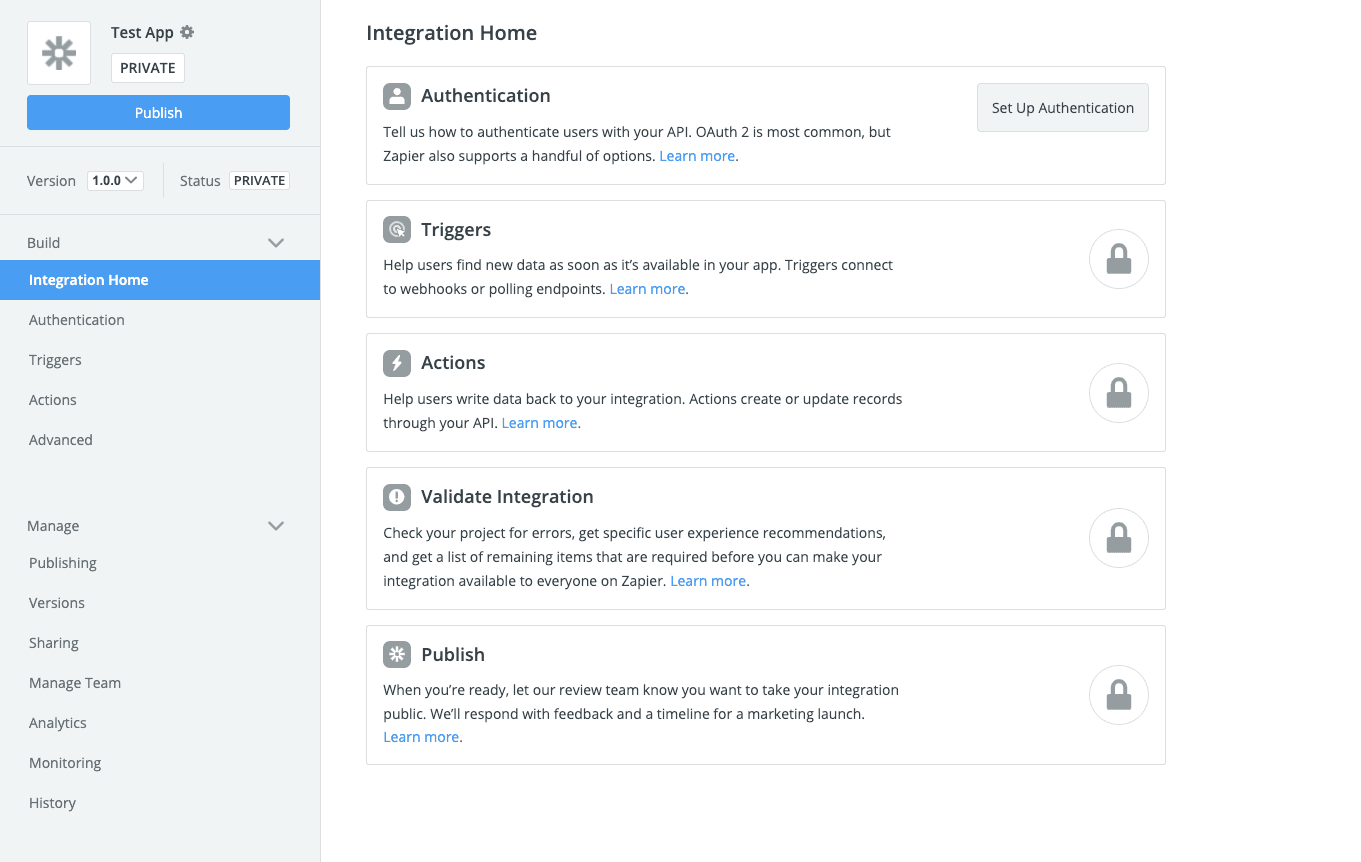
Zapier screenshotBuild unstoppable workflows with ZapierIntroducing Zapier's new Visual EditorPlatform UIAdvanced webhook automation with Zapier Platform interface
Zapierzapier.com
Zapier screenshot
Zapierzapier.com

What is Zapier?

Zapier is a no-code automation platform for connecting more than 9,000 apps. Users build Zaps that trigger actions across services, with options for AI automation, data storage in Tables, webhooks, and developer tools such as Zapier MCP and the SDK. It also offers Forms, Canvas, Agents, and Chatbots for related automation tasks.

What are the pros and cons of Zapier?

Strengths

Connects to more than 9,000 apps
Lets non-technical operators build automations without code
Sets up straightforward trigger-action workflows quickly
Supports multi-step automations and newer AI workflow features

Trade-offs

Usage-based task pricing can increase quickly as automation volume grows
Complex branching and high-volume workflows can be less cost-effective
Ungoverned Zaps can become difficult to trace and may fail when connected apps change
There is no mobile app

What are Zapier’s key features?

Builds trigger-and-action Zaps across more than 9,000 app connections
Supports multi-step workflows, conditional logic, and scheduled automations
Adds AI automation, Agents, Chatbots, and Zapier Copilot capabilities
Stores data that workflows can read and update with Zapier Tables
Connects AI chat tools to apps through Zapier MCP without code
Provides webhooks, an SDK, and integration-building tools for developers

What are the best use cases for Zapier?

Route and respond to customer support tickets
Automate lead management and sales pipeline handoffs
Connect CRM records with spreadsheets and other business apps
Coordinate marketing campaign tasks across multiple services
Manage project data and repetitive project workflows
Create AI chatbots or assistants for customer and internal tasks

What is the pricing for Zapier?

PlanPriceDetails
Free$0/monthIncludes 100 tasks per month, one user, and two-step Zaps.
Professional$19.99/month billed annuallySupports multi-step workflows for individual builders.
Team$69/month billed annuallyAdds shared workflows and single sign-on for teams.

A 14-day Pro trial is available without a credit card and is capped at 1,000 tasks. Billing is driven by tasks completed across automations, AI steps, code, and MCP calls.

Checked 2026-08-21 · source

Who is Zapier best for?

soloSolo builders can use the free plan for small workflows, then move to Professional for multi-step automations.
small teamSmall teams get shared workflows and single sign-on on the Team plan, with broad coverage for common SaaS tools.
marketersMarketing teams can automate campaign tasks, lead management, and handoffs between CRM, email, and other apps.
developersDevelopers can use webhooks, Zapier MCP, the SDK, and integration-building tools when no-code workflows need extension.
Not for
  • Teams running high-volume or highly branched workflows should compare costs and complexity before committing.
  • Organizations that need mobile apps should look elsewhere.
  • Teams unwilling to document, name, and assign ownership of automations may find growing Zap collections difficult to govern.


What are the best Zapier alternatives?

Where can I try Zapier?

Open zapier.com