Forward Future Tools Library

ReWords AI
ReWords AI replaces baked-in text in PNG, JPG, and WebP images for marketers, creators, ecommerce sellers, and teams updating visuals without the original design file.
rewordsai.app·From $5.99/pack·Checked 2026-10-26


›What is ReWords AI?
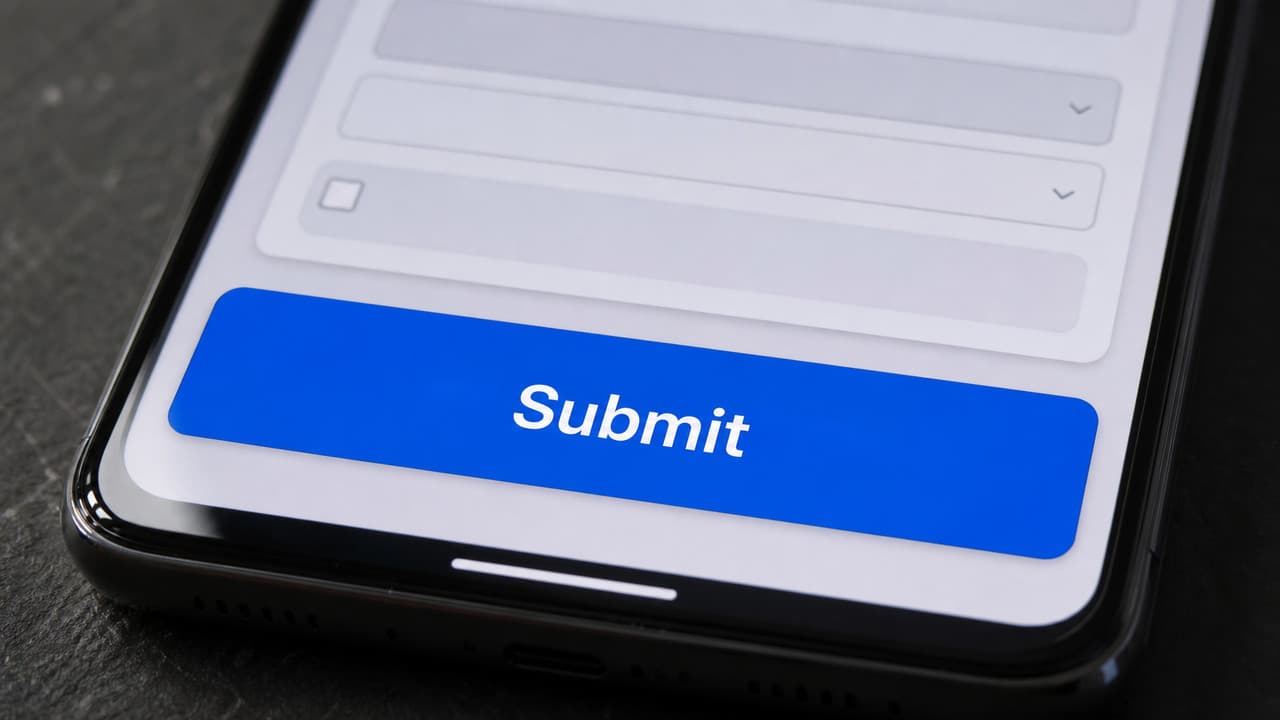
ReWords AI is a browser-based editor for replacing existing text in finished images. Upload an image, select detected text or draw a box, enter new wording, and generate a revised image. It attempts to match the original font, color, style, and background, but results vary by image.
›What are the pros and cons of ReWords AI?
Strengths
Trade-offs
›What are ReWords AI’s key features?
›What are the best use cases for ReWords AI?
›What is the pricing for ReWords AI?
| Plan | Price | Details |
|---|---|---|
| Professional | $8.33; $16.67/mo | Annual pricing is $99.99 billed annually, with 504 credits per month; monthly pricing is $16.67/mo. |
| Advanced | $16.67; $33.33/mo | Annual pricing is $199.99 billed annually, with 1,000 credits per month; monthly pricing is $33.33/mo. |
| Ultimate | $25.00; $50.00/mo | Annual pricing is $299.99 billed annually, with 2,000 credits per month; monthly pricing is $50.00/mo. |
| 100-credit pack | $5.99/pack | One-time purchase for about 10 standard 1K images; credits never expire. |
| 200-credit pack | $9.99 (list $13.99/pack) | One-time purchase for about 20 standard 1K images; credits never expire. |
| 500-credit pack | $19.99 (list $29.99/pack) | One-time purchase for about 50 standard 1K images; credits never expire. |
| 1,000-credit pack | $29.90 (list $39.90/pack) | One-time purchase for about 100 standard 1K images; credits never expire. |
Annual plans are currently advertised at up to 50% off list price. One standard 1K image costs 10 credits, HD 2K costs 20 credits, and Ultra HD 4K costs 30 credits. Credit packs support standard 1K output only.
Checked 2026-10-26 · source
›Who is ReWords AI best for?
- People needing unlimited free edits, because usage after the free edit requires credits or a subscription.
- Designers doing layered composition, retouching, or full photo editing, because ReWords AI focuses on replacing text in finished images.
- Users who regularly need 2K or 4K output through one-time credit packs, because those packs are limited to standard 1K images.
- Teams editing difficult handwriting, curved signage, or text over busy backgrounds, where a second pass may be needed.