Forward Future Tools Library

Steer
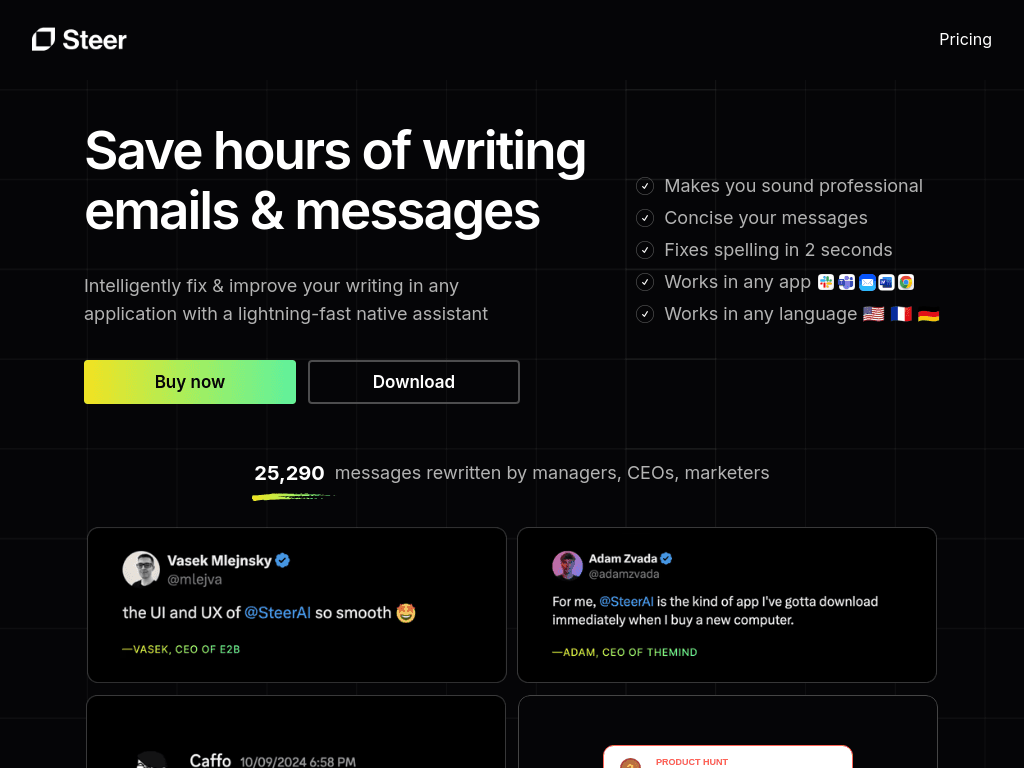
Steer rewrites selected text in place across desktop apps, helping solo professionals and small teams fix wording, adjust tone, and write concise business messages faster.
Try Steer →
steerapp.ai·Free + paid plans·Checked 2026-08-25


›What is Steer?
Steer is a native writing assistant for macOS and Windows that improves selected text inside the application where you are working. It fixes spelling, grammar, and wording, adjusts tone based on the app, and supports multiple languages through GPT-4. Text is processed only when you choose to improve it.
›What are the pros and cons of Steer?
Strengths
Works inside other applications instead of requiring a separate editor
Fast, shortcut-based rewriting for selected text
Can adjust tone based on the application
Supports multiple languages and runs on both macOS and Windows
Processes only text the user explicitly sends for improvement
Trade-offs
Works best in English, and response quality may vary in other languages
Some applications may have compatibility issues
Users may need to manually copy and replace text in some workflows
It has limited functionality for single-word suggestions
›What are Steer’s key features?
Fixes spelling, grammar, and wording with a keyboard shortcut
Rewrites selected text directly inside any application
Adjusts tone based on the application in use
Supports multiple languages, with best results in English
Runs natively on macOS and Windows
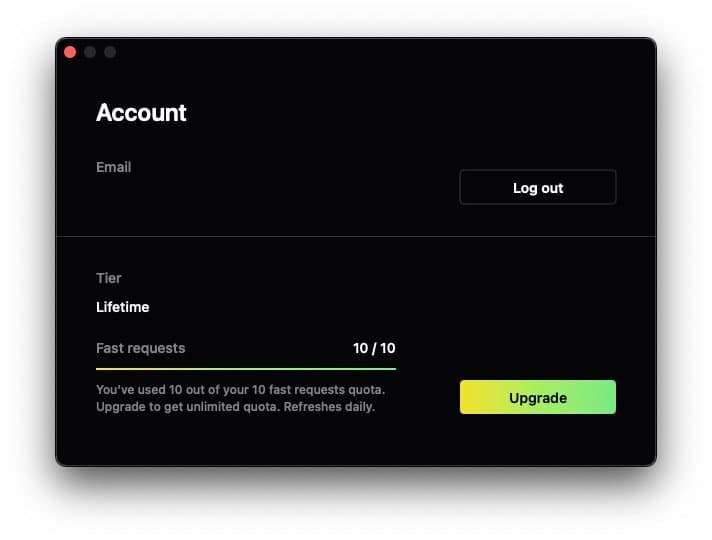
Offers up to 10 fast requests per day on the free Starter tier
›What are the best use cases for Steer?
Rewrite emails and customer messages in a concise, professional tone
Correct spelling and grammar before sending workplace communication
Change the tone of a reply without moving text into another app
Write or revise comments, descriptions, and other short business copy
›What is the pricing for Steer?
| Plan | Price | Details |
|---|---|---|
| Starter | Free | Includes 10 fast requests per day, grammar and wording improvements, app-based tone adjustment, and use anywhere. |
| Pro | $3.60/mo | Includes everything in Starter plus unlimited fast requests. |
| Lifetime | $149 | Includes everything in Pro plus lifetime updates. |
Pro is billed yearly with a 40% discount. Lifetime is a one-time payment.
Checked 2026-08-25 · source
›Who is Steer best for?
soloA practical choice for people who regularly rewrite emails and messages without wanting an always-on editor.
small teamUseful for teams that need faster, more consistent business wording across desktop applications.
marketersMarketers can use it to revise customer messages, comments, and short descriptions in place.
Not for
- Skip Steer if you need high-confidence writing assistance in languages other than English.
- Choose another tool if you need detailed single-word suggestions or continuous, automatic proofreading.