

Forward Future Tools Library

Surf
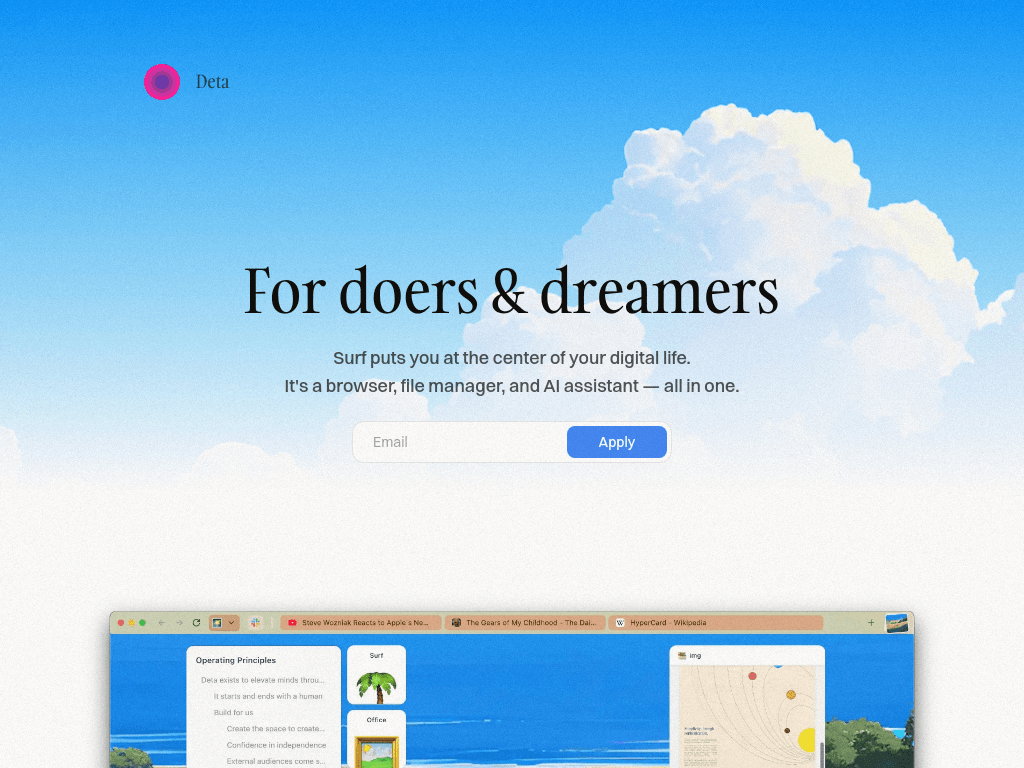
Surf combines a browser and local notebook for researching websites, YouTube videos, PDFs, images, and notes, with AI assistance for learners, researchers, and other information-heavy users.
Try Surf →
deta.surf·Free Trial
›What is Surf?
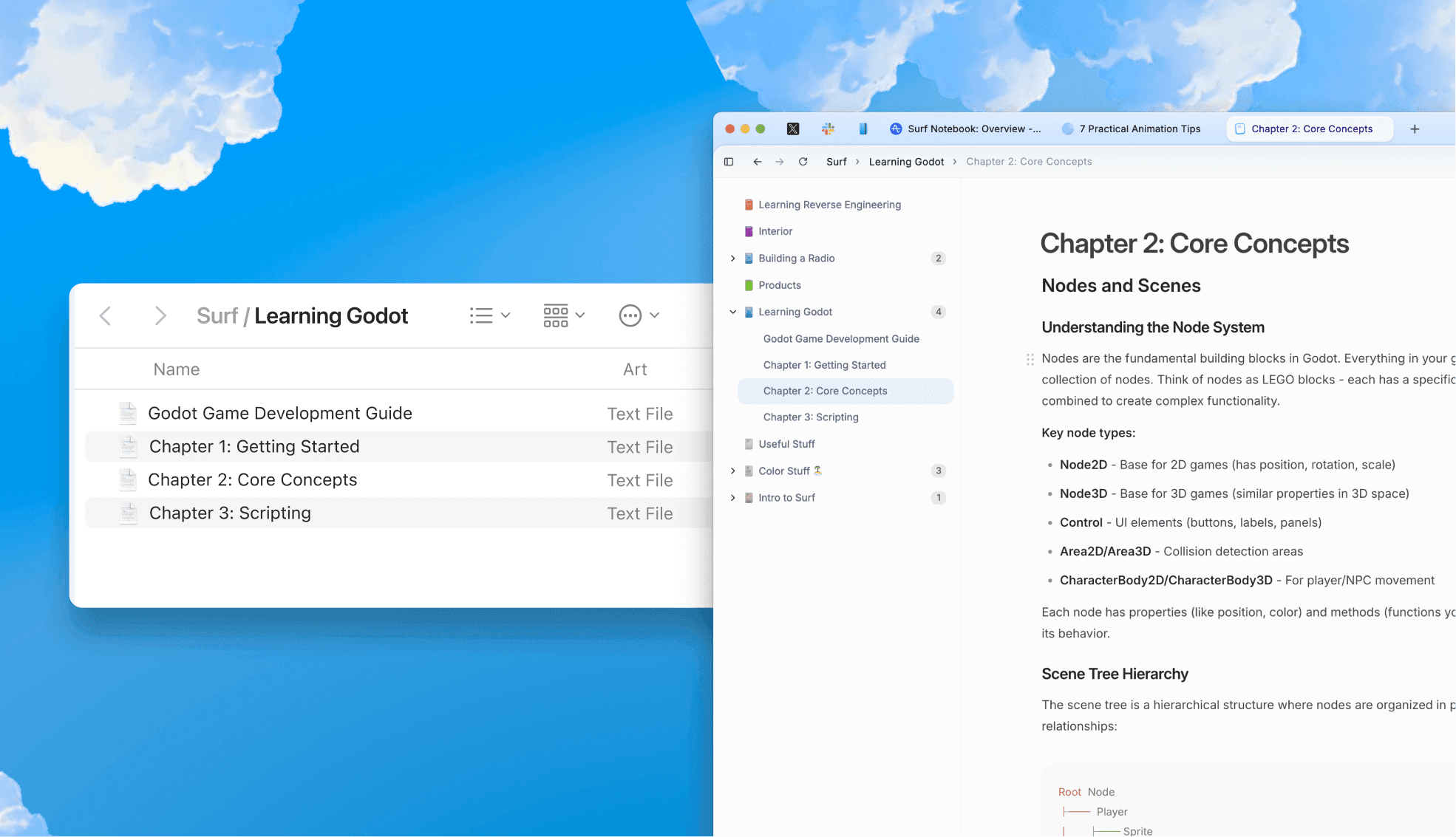
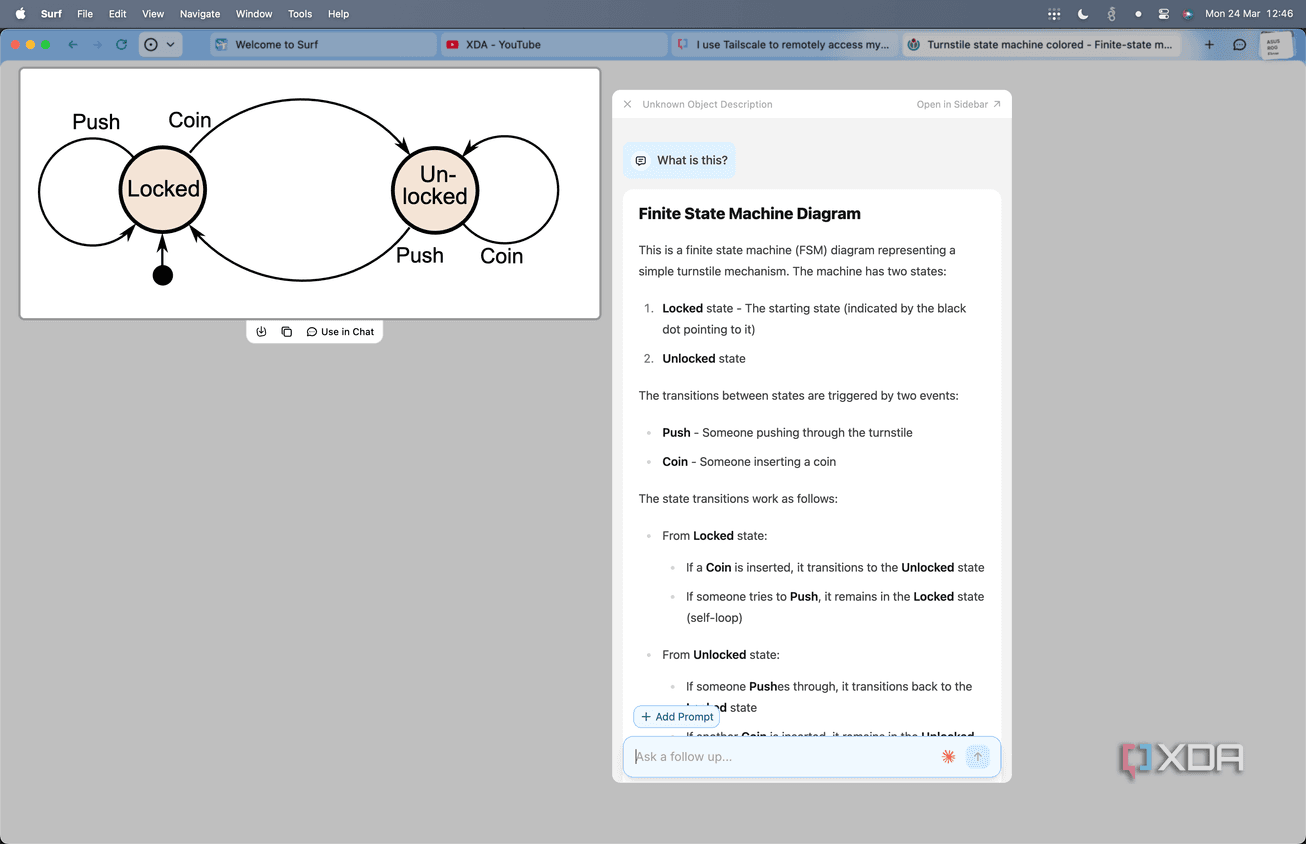
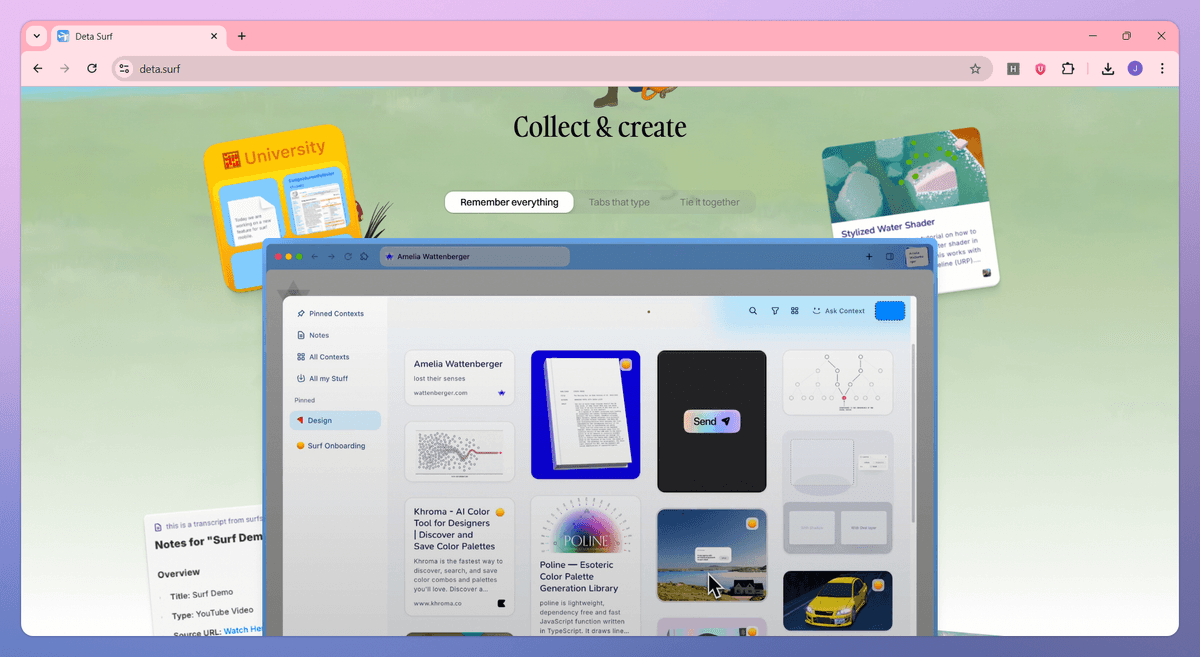
Surf is an open-source browser and intelligent notebook that brings web pages and local files into one workspace. It can answer questions about tabs, YouTube videos, PDFs, foreign-language content, and scientific diagrams, with citations linking back to sources. Users can organize websites, images, files, and notes in notebooks stored on their device.
›What are the pros and cons of Surf?
Strengths
Keeps browser research, local files, and notes in one workspace
Stores data on the user's device and supports import, export, and file management
Supports citations that link notes to their original sources
Allows users to choose an LLM, use their own key, or run a local model
Open-source core with support for PDFs, images, documents, YouTube videos, and web pages
Trade-offs
The LLM setup may require bringing an API key or running a local model
The product is currently presented as an open beta
Its AI features depend on the selected model and may require users to manage that model connection themselves
›What are Surf’s key features?
Ask questions across browser tabs, websites, YouTube videos, PDFs, and local files
Generate personal notes from media and research materials
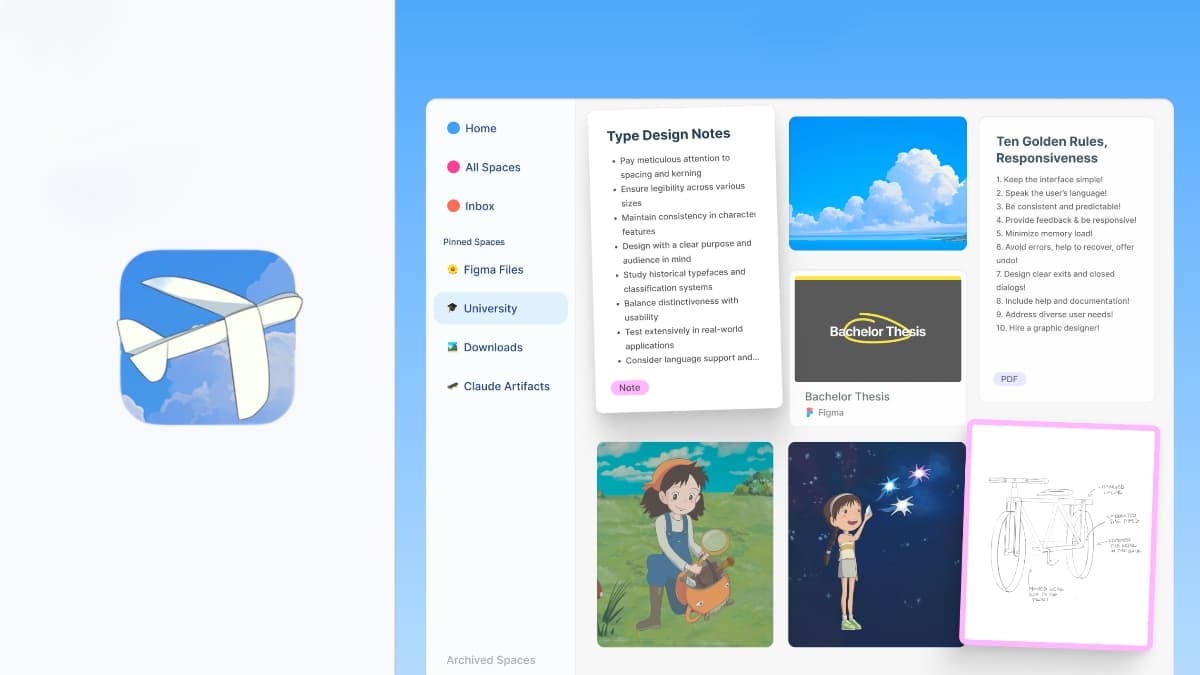
Create notebooks containing websites, images, files, and notes
Add citations that link notes directly to their sources
Create interactive graphs and applets without writing code
Use vertical tabs, dark mode, sketches, and drag-and-drop file imports
Connect an LLM of choice, bring an API key, or run a local LLM
›What are the best use cases for Surf?
Collecting research sources, notes, images, and documents in one notebook
Summarizing and exploring long PDFs, YouTube videos, foreign-language material, and scientific diagrams
Asking questions across multiple open tabs without switching between applications
Creating cited personal notes from online and local source material
Building simple interactive graphs or applets without coding
›What is the pricing for Surf?
Free Trial
›Who is Surf best for?
studentsUseful for collecting course material and turning PDFs, videos, and web research into cited notes.
researchersFits source-heavy work that benefits from cross-document questions, local storage, and linked citations.
soloWorks well for individuals who want a private notebook that combines browsing, files, notes, and AI.
developersWorth considering for creating no-code interactive graphs and applets while keeping source material nearby.
Not for
- People who want a fully managed AI service without configuring an API key or local model
- Teams that need established collaboration and administration features rather than a personal, local notebook
›What are the best Surf alternatives?
 Notebook LMChoose this instead if you want a personalized AI research and writing assistant rather than Surf's browser-centered notebook.→
 ReadPartnerChoose this instead if your main task is automated digests and quick summaries of websites, videos, and documents.→
 PerplexityChoose this instead if you primarily need an AI search engine for deep research and agentic search.→
 Steer→