Forward Future Tools Library

Wand logo

Wand

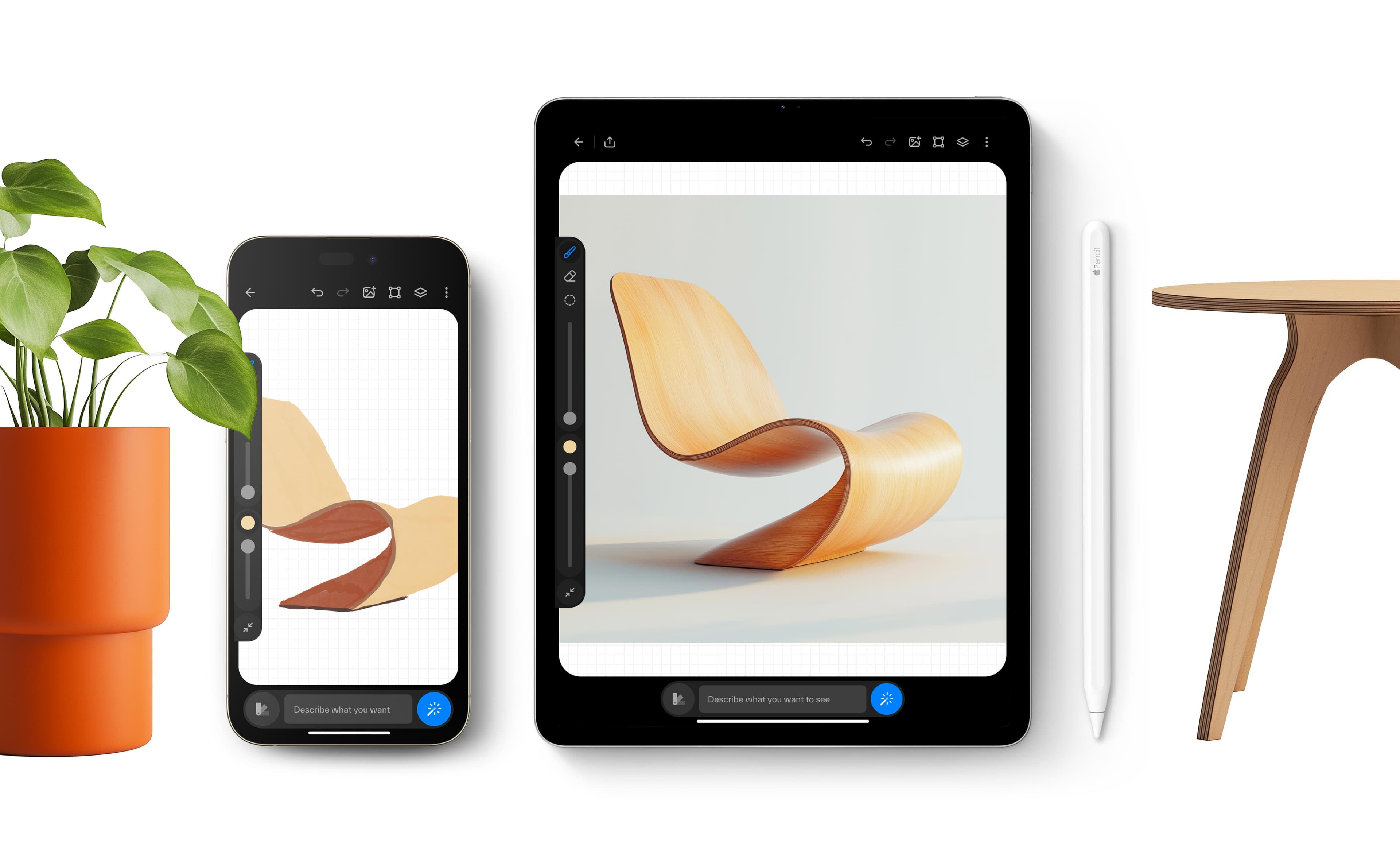
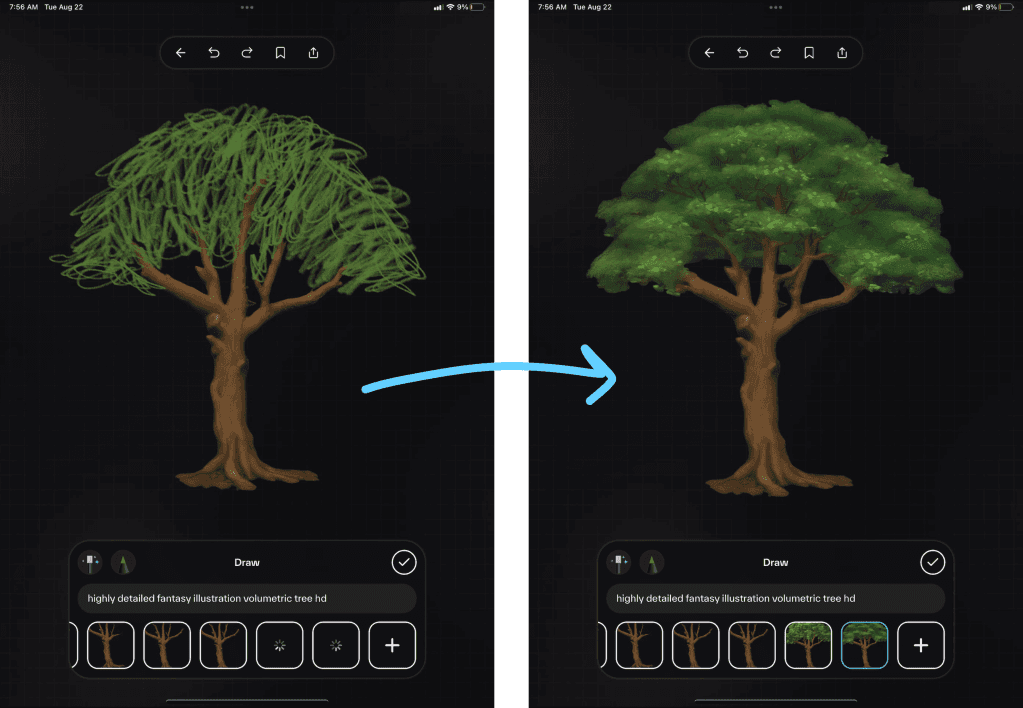
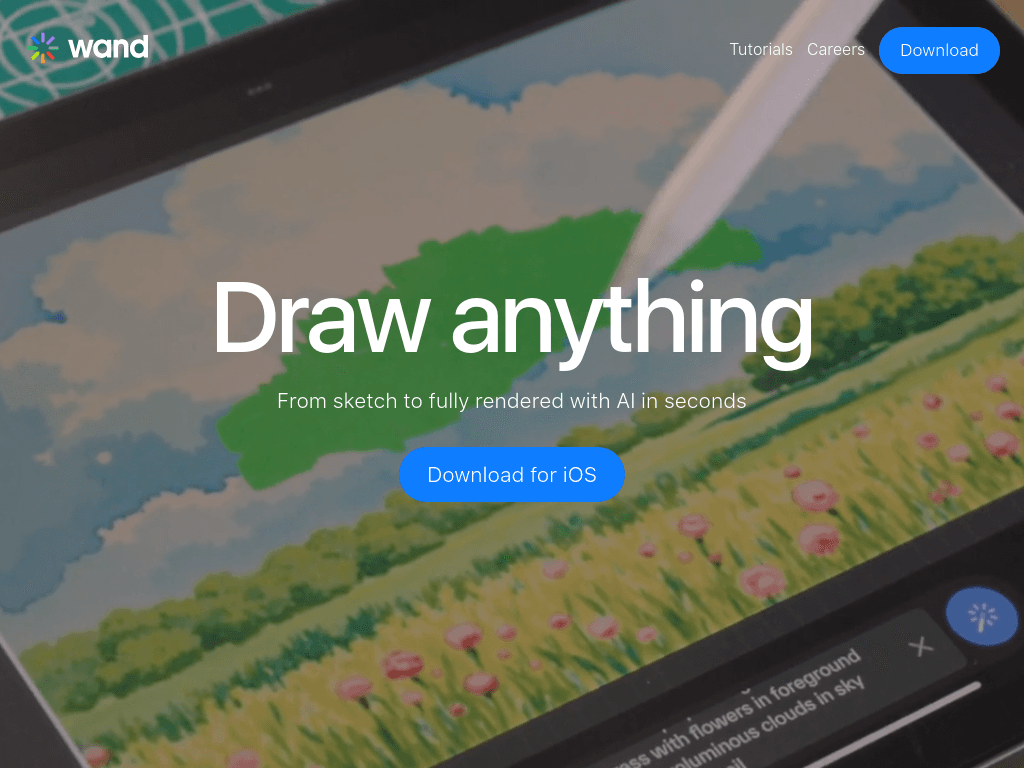
Wand turns sketches into AI-rendered artwork on iPhone and iPad, with tools for artists, illustrators, designers, and students who want to explore ideas quickly.

Try Wand

wand.app·From $7.99 per month·Checked 2026-08-22
Wand screenshotWand – Draw anythingWand.app raises $4.2M to scale its AI-powered creative tool for artistsWand Smart HomeWand
Wandwand.app
Wand screenshot
Wandwand.app

What is Wand?

Wand is an AI drawing and image-editing app designed for iPhone and iPad. It turns sketches into rendered images, supports realtime editing and regional adjustments, and lets artists apply preloaded styles or train private models on their own work. Projects can use multiple layers and export transparent PNGs.

What are the pros and cons of Wand?

Strengths

Combines hand-drawn input with AI rendering and realtime editing
Supports custom private models for working in a personal style
Provides layers, regional editing, and morph-intensity controls
Works natively on iPhone and iPad with Apple Pencil and iPadOS
Exports transparent PNGs for design projects

Trade-offs

Designed for iPhone and iPad rather than a general desktop workflow
Transparent PNG export produces layer-free images
The Pro subscription renews automatically until canceled

What are Wand’s key features?

Sketch and render artwork with AI in seconds
Edit images in realtime and adjust selected regions
Apply preloaded styles or create custom styles
Train and reuse secure private models
Work with multiple layers for complex designs
Control transformation strength with dynamic morph intensity
Export artwork as transparent PNGs

What are the best use cases for Wand?

Develop concept art and illustrations from rough sketches
Create custom lettering, labels, and logos
Train a model on personal artwork to explore a consistent style
Mock up clothing collections and iterate on design ideas
Blend hand-drawn comic elements with AI-generated characters and environments
Experiment with AI-assisted drawing in classes and student projects

What is the pricing for Wand?

PlanPriceDetails
Wand Pro$7.99 per monthPaid Wand subscription with recurring monthly billing.
Wand Pro$70 per yearPaid Wand subscription with recurring annual billing.

Subscription charges renew automatically until canceled. Pricing information appears under wand.com, while the creative drawing product is presented at wand.app.

Checked 2026-08-22 · source

Who is Wand best for?

artistsA strong fit for artists who want AI rendering while retaining control through sketches, layers, regions, and custom models.
illustratorsIllustrators can combine hand-drawn elements with generated characters, colors, and environments.
designersUseful for quickly exploring clothing, product, lettering, and visual identity concepts on an iPad.
studentsStudents can use immediate AI-assisted edits to practice techniques and build portfolio work.
Not for
  • Teams looking for a browser-based or cross-platform collaborative design system should look elsewhere.
  • Designers who need exported files to retain editable layer structure may find transparent PNG export limiting.


What are the best Wand alternatives?

Where can I try Wand?

Open wand.app