Forward Future Tools Library

Zoom Collaboration Tools
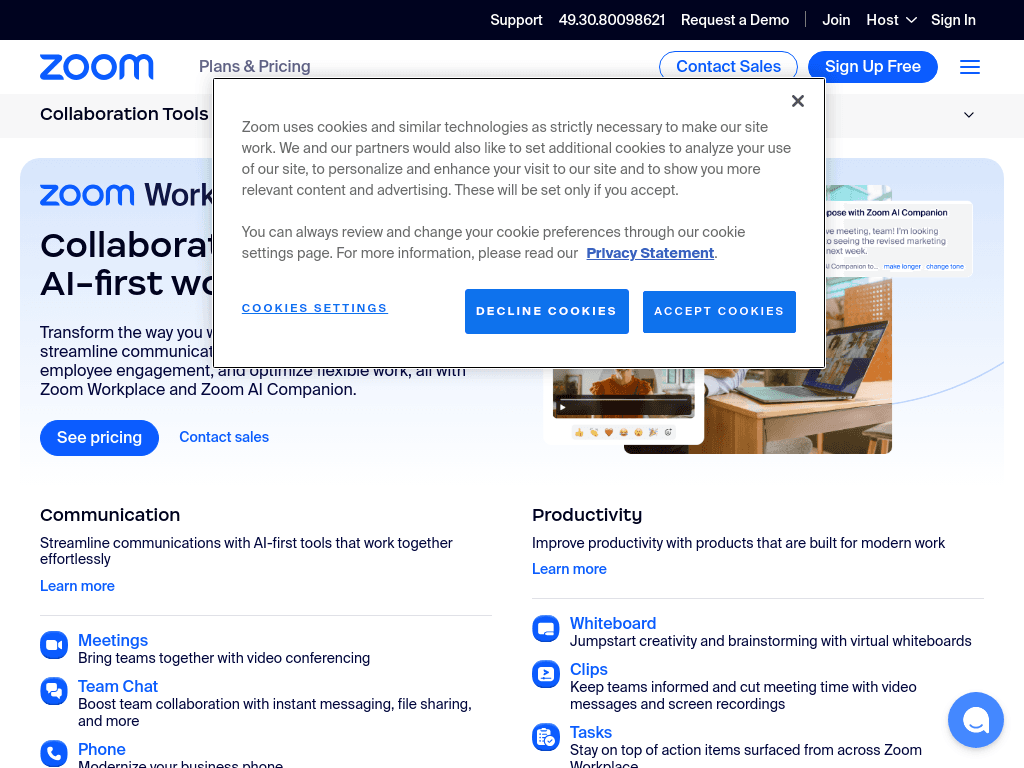
Zoom Workplace combines video meetings, chat, phone, scheduling, whiteboards, shared content, and task follow-through for teams that need real-time collaboration.
Try Zoom Collaboration Tools →
zoom.com·Free + paid plans·Checked 2026-08-23



›What is Zoom Collaboration Tools?
Zoom Workplace is a collaboration platform built around Meetings, Chat, Phone, Mail & Calendar, and Scheduler. It also includes Canvas, Whiteboard, Clips, Hub, Video Management, and Tasks, with workplace tools such as Rooms, reservations, visitor management, and digital signage.
›What are the pros and cons of Zoom Collaboration Tools?
Strengths
Combines meetings, messaging, phone, scheduling, and collaborative content in one platform
Includes advanced AI tools and meeting capabilities
Offers a free entry plan
Supports many integrations through the Zoom Marketplace
Reviewers rate the interface as user-friendly
Trade-offs
The free tier limits meetings to 40 minutes
Video defaults to 360p
Paid plans are priced per user each month
›What are Zoom Collaboration Tools’s key features?
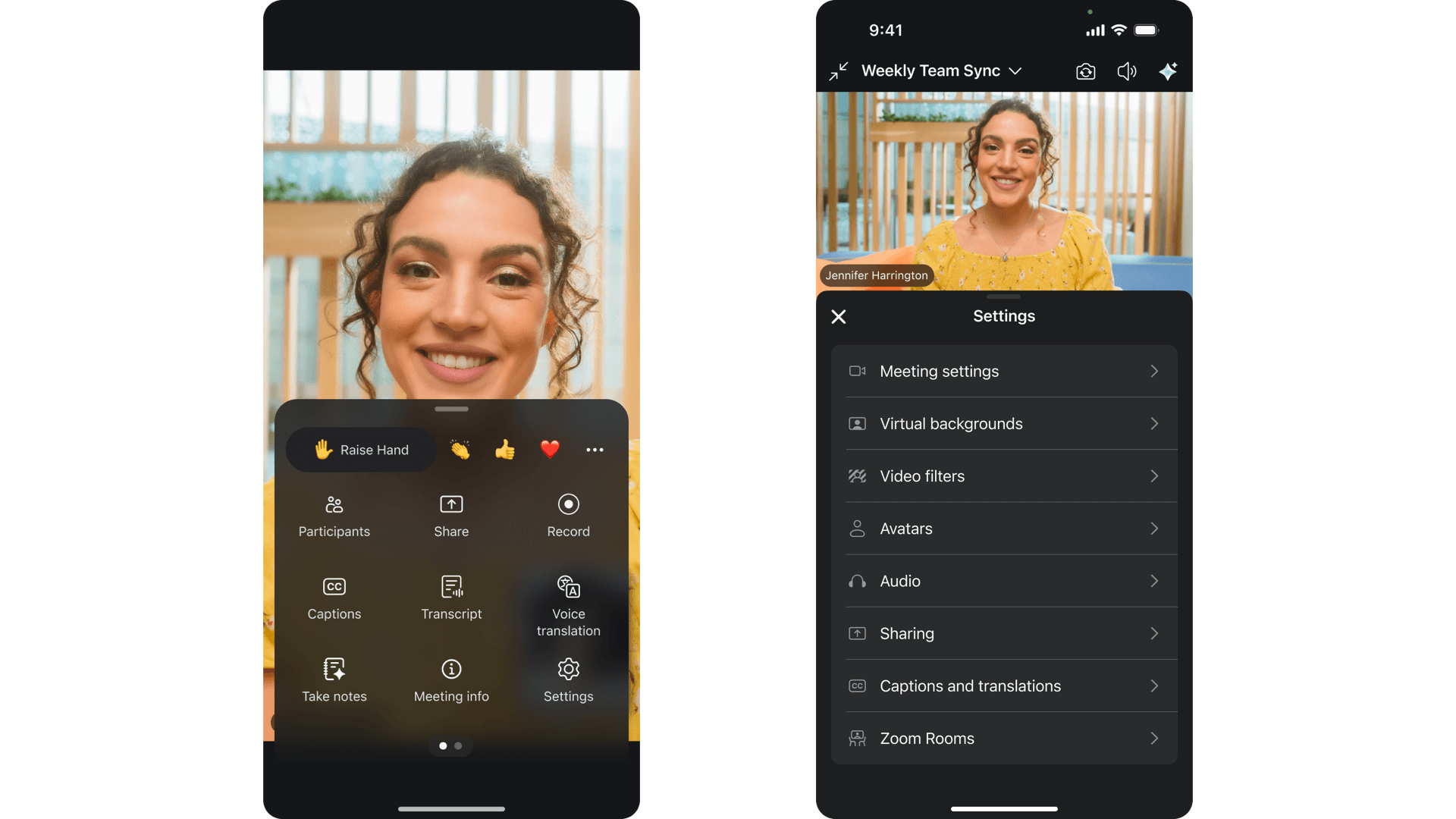
Video meetings with desktop sharing, recordings, transcription, breakout rooms, and whiteboard tools
Team communication through Zoom Chat, Phone, Mail & Calendar, and Scheduler
Collaborative content creation with Canvas, Whiteboard, Clips, and Hub
Task tracking for action items connected to Zoom workflows
Hybrid workplace tools including Rooms, workspace reservations, visitor management, and digital signage
Integrations with tools available through the Zoom Marketplace
›What are the best use cases for Zoom Collaboration Tools?
Hosting remote meetings and webinars with internal or external participants
Collaborating on projects with shared whiteboards, Canvas documents, clips, and chat
Capturing meeting follow-up items and tracking tasks
Coordinating calendars, scheduling, and team communications in one platform
Managing hybrid office spaces, visitors, and digital signage
›What is the pricing for Zoom Collaboration Tools?
| Plan | Price | Details |
|---|---|---|
| Zoom Workplace Basic | $0 | Free entry plan for Zoom Workplace. |
| Zoom Workplace Pro | $15.99 per user per month | Paid Workplace plan with meeting limits removed according to the review coverage. |
| Zoom Workplace Business | $21.99 per user per month | Paid Workplace plan with business-oriented collaboration and administration features. |
Checked 2026-08-23 · source
›Who is Zoom Collaboration Tools best for?
small teamSmall teams can use the free or paid plans for meetings, chat, shared content, scheduling, and task follow-through.
enterpriseEnterprise organizations get a broad suite spanning communications, collaboration, integrations, and hybrid workplace management.
teachersTeachers can run video sessions, share screens, use whiteboards, and divide participants into breakout rooms.
Not for
- Organizations already standardized on Google Workspace or Microsoft 365 may find their included meeting tools sufficient.
- Teams that only need asynchronous video messaging may not need Zoom Workplace's broader real-time collaboration suite.