Forward Future Tools Library

Archivinci logo

Archivinci

ArchiVinci turns sketches, photos, floor plans, and 3D models into AI-generated architectural and interior renders for architects, designers, and real estate professionals.

Try Archivinci

archivinci.com·From $49·Checked 2026-09-05
Archivinci screenshotAI Interior DesignArchiVinci: AI Architecture Generator for Realistic Renders15 Powerful AI Interior Design Tools in 2026Archivinci Project
Archivinciarchivinci.com
Archivinci screenshot
Archivinciarchivinci.com

What is Archivinci?

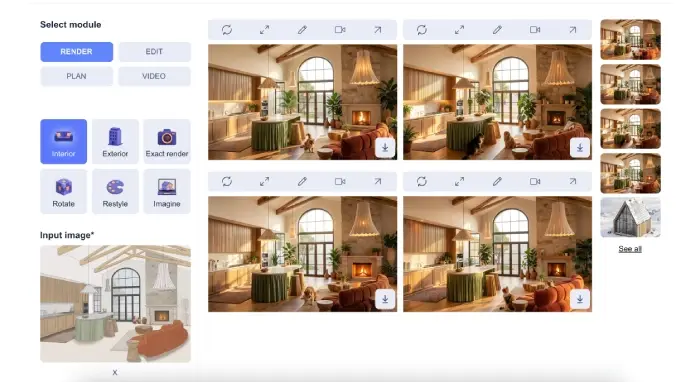
ArchiVinci is a browser-based AI rendering platform for architecture and interior design. It generates exterior, interior, landscape, floor plan, masterplan, and site plan visuals from uploaded designs, and can modify materials, furniture, lighting, and viewpoints. It runs without a GPU and exports renders in PNG, JPEG, and WEBP formats.

What are the pros and cons of Archivinci?

Strengths

Accepts a wide range of inputs, including sketches, photos, floor plans, technical drawings, and 3D models
Works in a browser without a GPU or software installation
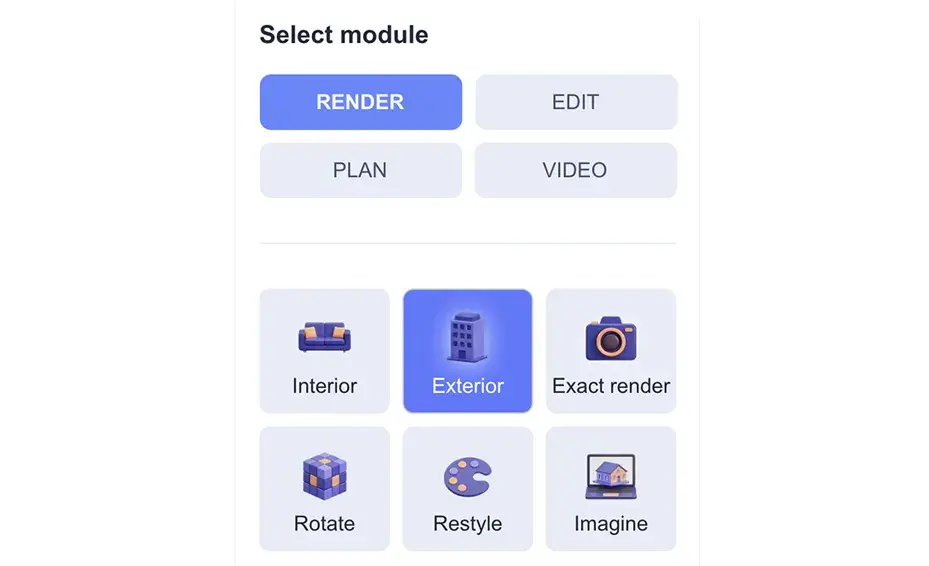
Provides separate modules for interiors, exteriors, landscapes, floor plans, masterplans, and site plans
Includes three free renders without a watermark
Supports up to four concurrent renders on premium plans

Trade-offs

Usage of several included models is coin-based, and video generation costs 5 to 20 coins per video
Premium plans limit concurrent rendering to four renders
An external 2026 review reported inconsistent output and weaker photorealism for professional-grade final deliverables
The paid options include both recurring subscriptions and time-limited one-time plans, which can make plan selection more complex

What are Archivinci’s key features?

Generate exterior, interior, landscape, floor plan, masterplan, and site plan renders
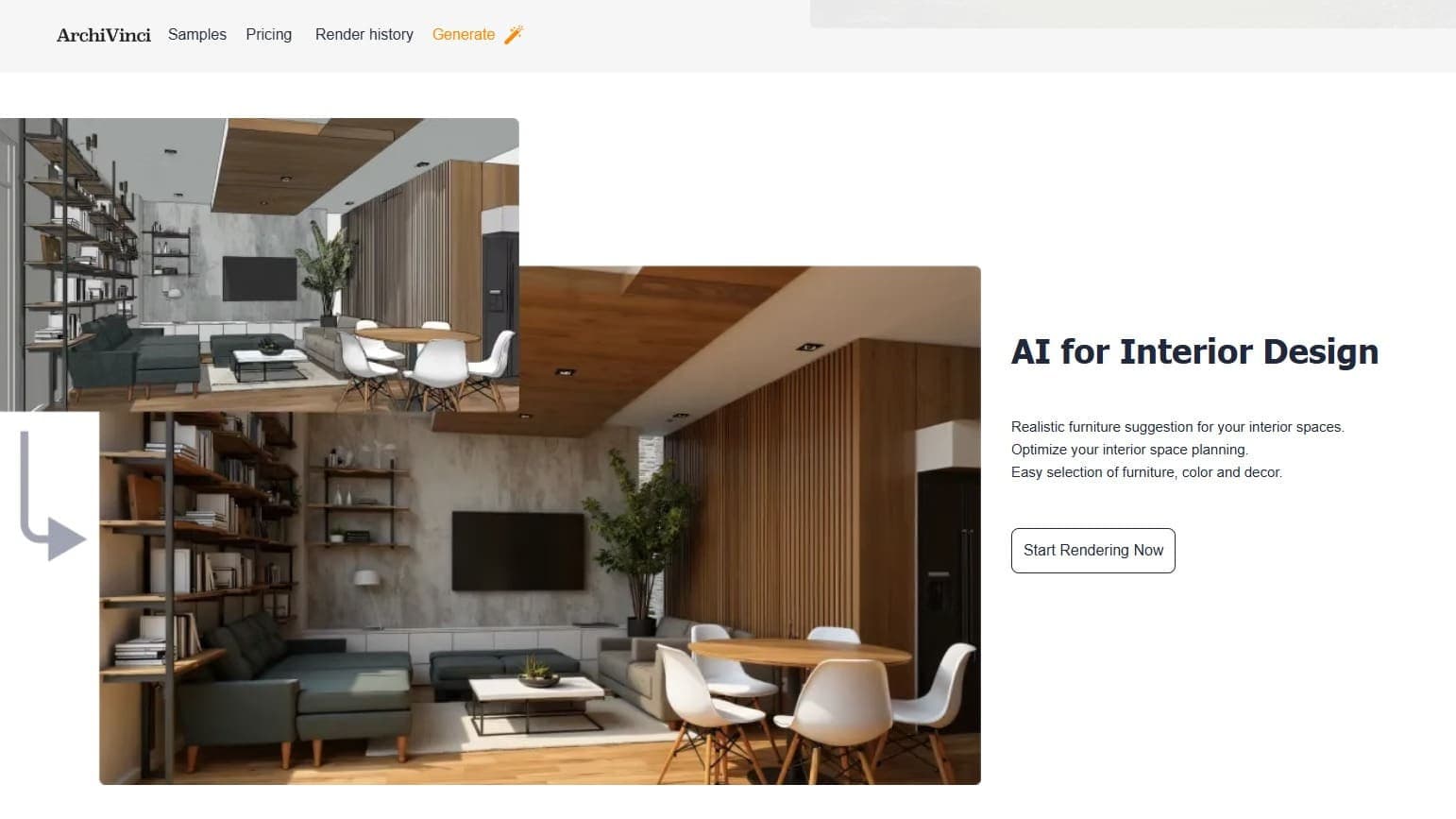
Convert sketches, photos, technical drawings, and 3D models into presentation visuals
Modify textures, materials, furniture, lighting, and design styles
Furnish empty rooms and 2D floor plans with AI
Create alternative viewpoints, close-ups, and rotated views
Generate HDRI maps and AI video outputs
Export images in PNG, JPEG, and WEBP formats

What are the best use cases for Archivinci?

Create early exterior and interior concepts from sketches or photos
Turn floor plans, elevations, sections, and site plans into colored presentation renders
Show clients alternative furniture, materials, lighting, and design directions
Stage empty rooms and furnish 2D floor plans
Prepare masterplan visuals for reviews, competitions, and presentations

What is the pricing for Archivinci?

PlanPriceDetails
Monthly Subscription$79Unlimited ArchiVinci renders, 40 coins for other models, and access to all modules.
Yearly Subscription$549Unlimited ArchiVinci renders, 500 coins for other models, and access to all modules.
3-day access$49One-time access to all models for three days, with unlimited ArchiVinci renders and 20 coins.
1-month access$99One-time access to all models for one month, with unlimited ArchiVinci renders and 40 coins.
3-month access$299One-time access to all models for three months, with 120 coins.
6-month access$499One-time access to all models for six months.
1-year access$599One-time access to all models for one year.

The yearly subscription is shown as $46 per month when billed annually. Add-on coin packs are also available from $40 for 125 coins. All prices are in USD.

Checked 2026-09-05 · source

Who is Archivinci best for?

architectsA strong fit for concept development, client presentations, and fast visual alternatives from existing design files.
interior designersUseful for testing furniture, materials, lighting, and room-staging directions without setting up a GPU-based renderer.
real estate agentsCan help turn floor plans, empty rooms, and property photos into staged or presentation-ready visuals.
small teamWorks for teams that need browser-based rendering and can operate within the four-render concurrency limit.
Not for
  • Teams producing high-stakes final renders that require consistently photorealistic output should evaluate a traditional renderer as well.
  • Buyers looking for business-model planning or idea-structuring software should skip it because ArchiVinci focuses on architectural visualization.


What are the best Archivinci alternatives?

Where can I try Archivinci?

Open archivinci.com