

Forward Future Tools Library

Chat2DB
Chat2DB combines a multi-database SQL client with natural-language query generation, visual database management, and AI analysis for developers, data analysts, and database teams.
Try Chat2DB →
chat2db.ai·Free Trial
›What is Chat2DB?
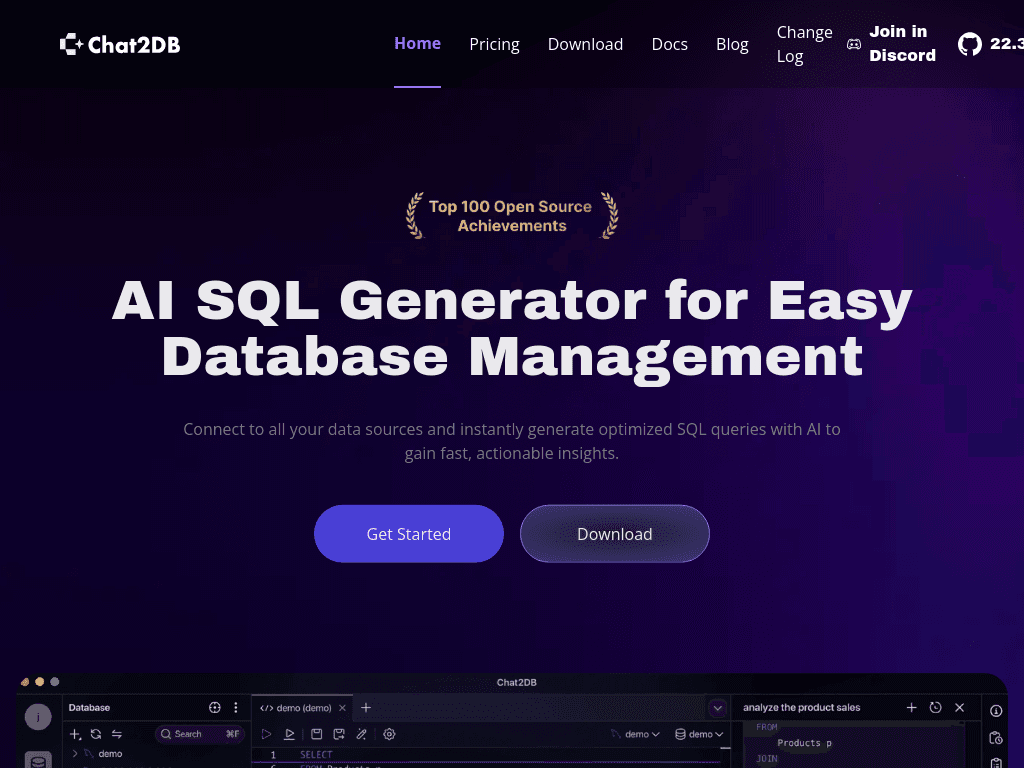
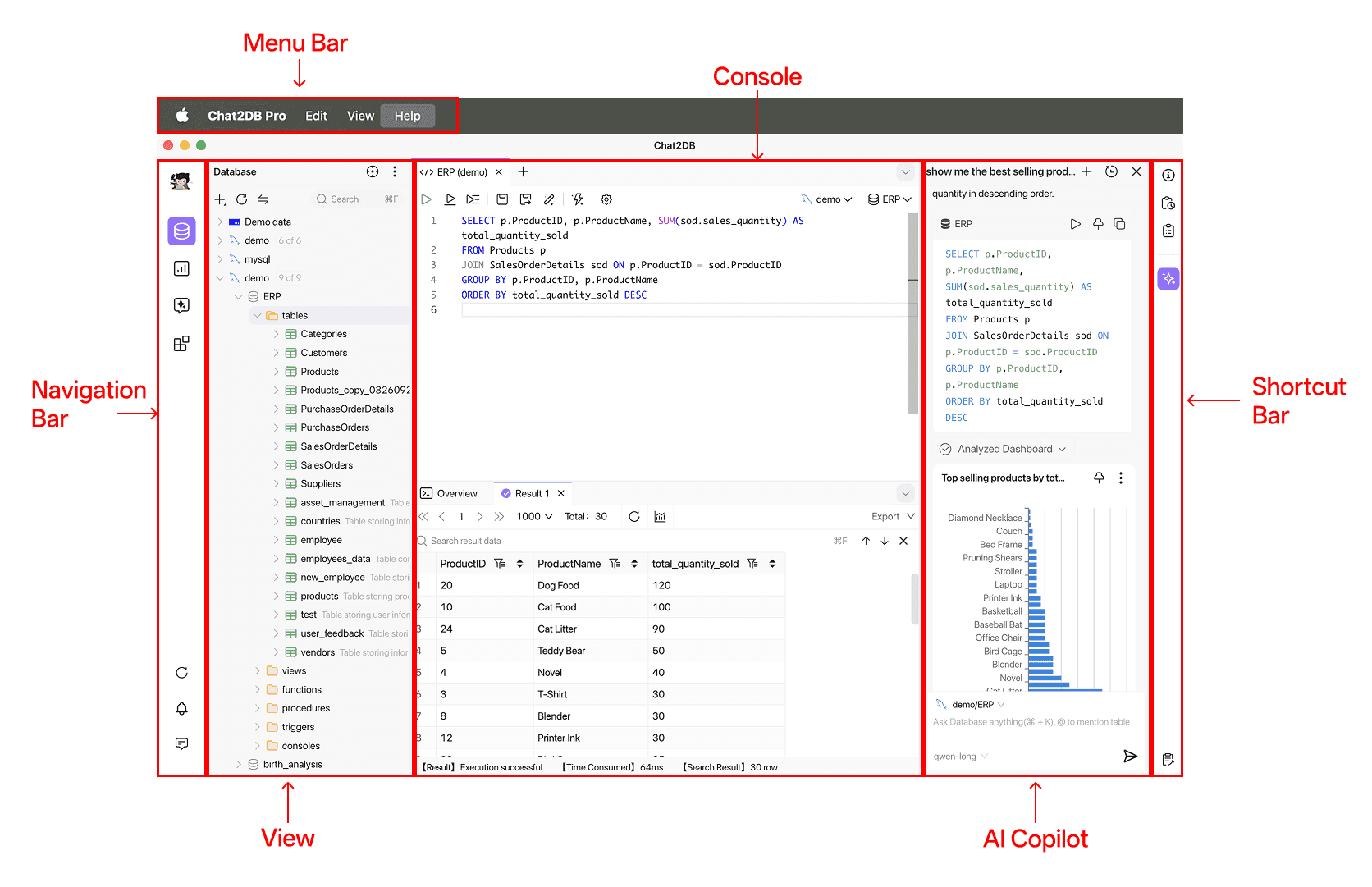
Chat2DB is a database client that connects to relational and non-relational databases and generates SQL from natural-language requests. It includes a SQL editor, table and schema management, migration and import tools, an AI chatbot, and dashboards with generated charts. The open-source project uses local query processing and sends schema information rather than database data to the cloud or LLM.
›What are the pros and cons of Chat2DB?
Strengths
Supports many popular relational and non-relational databases in one client.
The Apache 2.0 open-source project can be self-hosted or used as a desktop client.
Query processing is described as local, with schema information used instead of uploading database contents to the cloud or LLM.
Combines natural-language SQL generation with conventional database management tools.
Offers enterprise security features including SSH tunneling, encryption, SSO, permissions, and SQL auditing.
Trade-offs
The community edition omits data migration, import/export, schema synchronization, and code generation.
Community AI features are basic and require manual configuration.
AI functions are unavailable when the Local plan is used fully offline.
Advanced model customization and transparency are limited according to an independent review.
Paid plans are needed for some collaboration, permissions, and advanced data management features.
›What are Chat2DB’s key features?
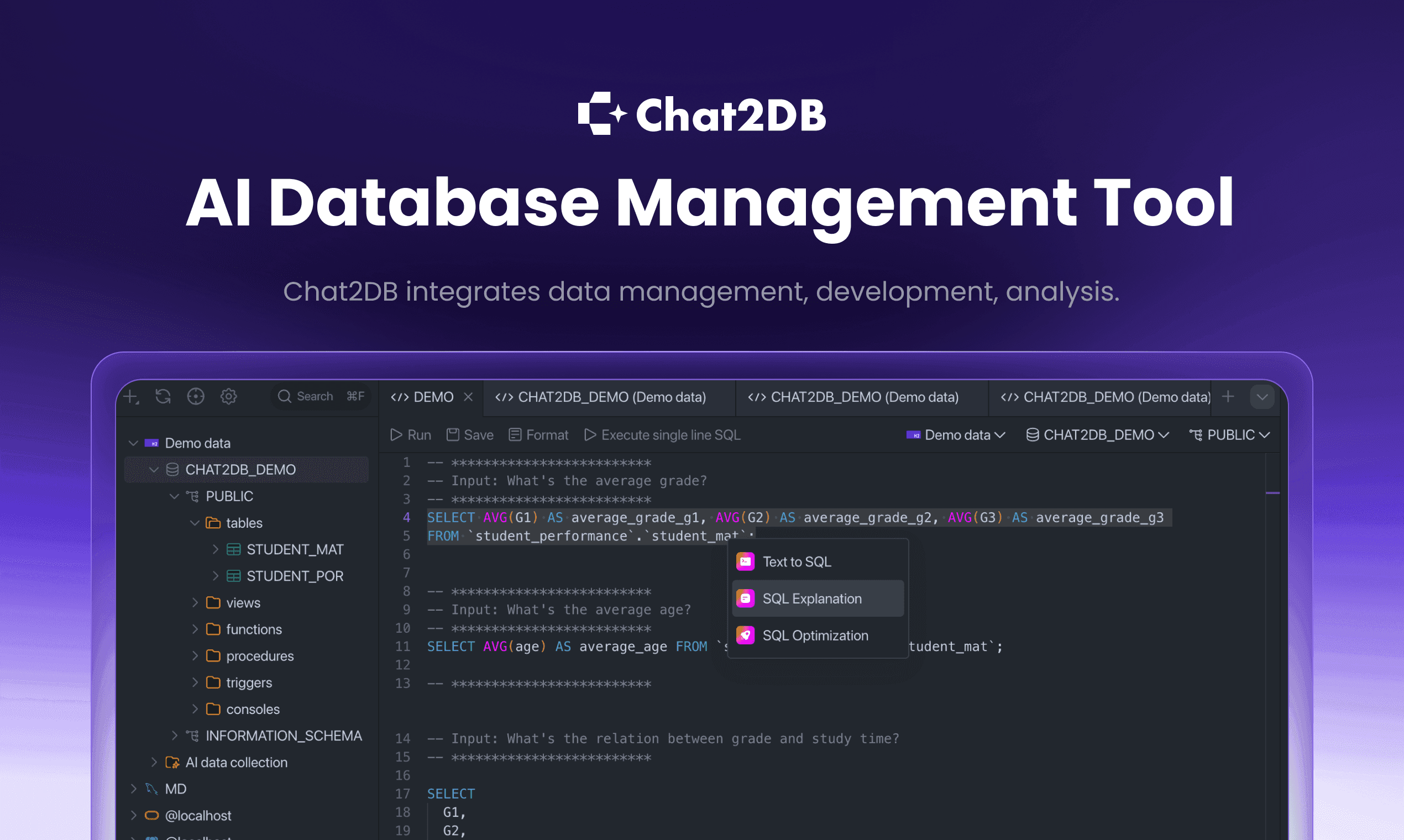
Generates Text-to-SQL queries, fixes SQL errors, and provides an AI SQL editor.
Connects to a broad range of relational and non-relational databases, including MySQL, PostgreSQL, MongoDB, Snowflake, BigQuery, and Redis.
Provides visual table editing, data viewing, sorting, filtering, and ER diagrams.
Supports data and schema migration, structure synchronization, and import or export for CSV, XLSX, XLS, and SQL files.
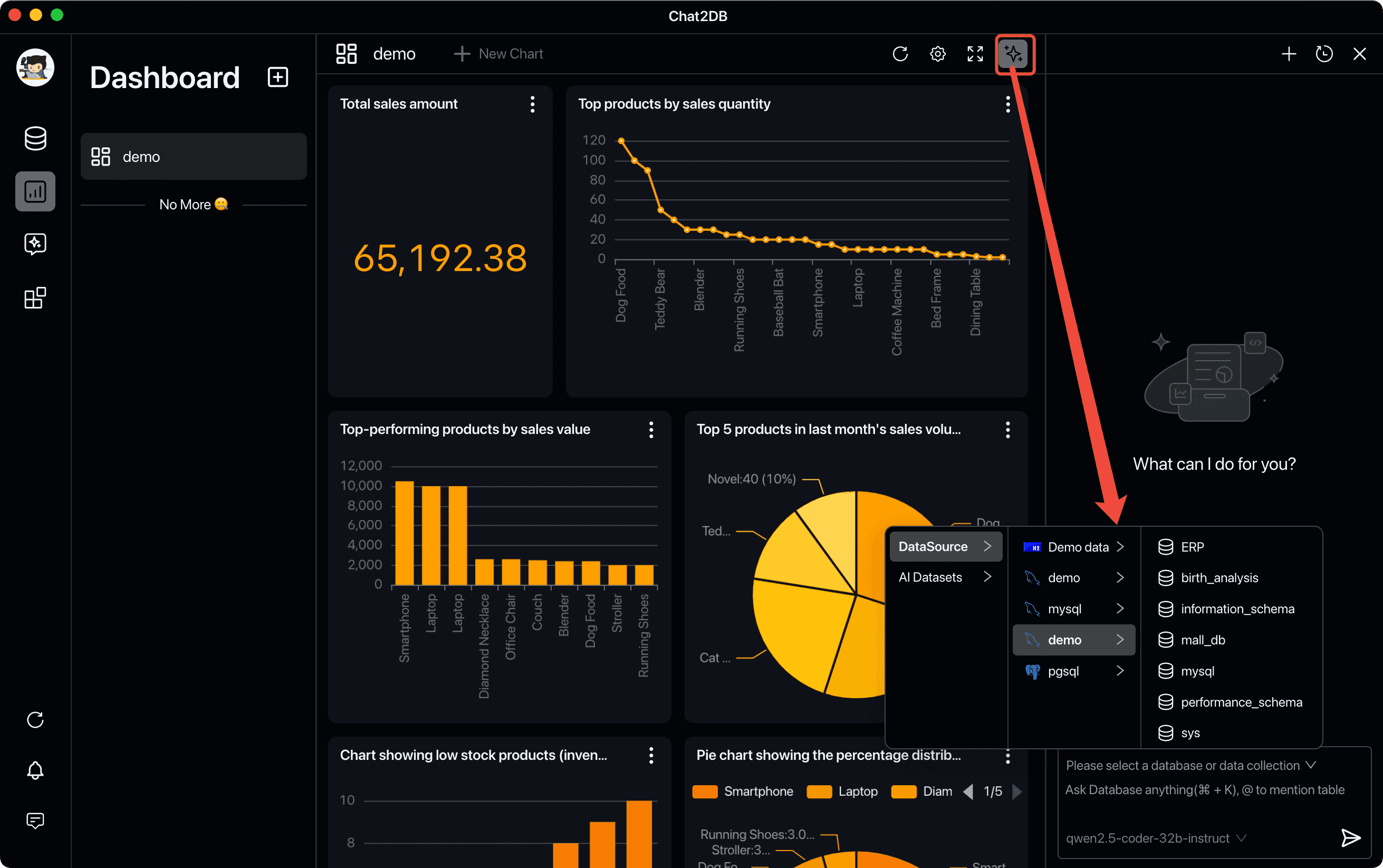
Creates AI-generated charts and business intelligence dashboards from database analysis.
Supports shared dashboards and charts, SQL collaboration, team permissions, and SQL auditing on supported plans.
Offers APIs for integrating Chat2DB AI services into applications.
›What are the best use cases for Chat2DB?
Turn plain-language questions into SQL queries across connected databases.
Inspect and edit tables using visual data management tools.
Migrate data or synchronize database structures between systems.
Analyze database contents with generated charts and BI dashboards.
Manage multiple local or cloud databases from one desktop client.
Review team SQL activity and control access to databases, tables, and fields.
›What is the pricing for Chat2DB?
Free Trial
›Who is Chat2DB best for?
developersA fit for developers who want natural-language SQL alongside a desktop database client and support for many database types.
data analystsUseful for analysts who need to query databases conversationally and turn results into charts or dashboards.
small teamTeam features such as shared SQL, dashboards, permissions, and auditing suit groups managing shared database workflows.
enterpriseEnterprise deployments can use SSO, private deployment, fine-grained permissions, model fine-tuning, and dedicated support.
Not for
- Skip it if you need AI features to work entirely offline.
- Consider another tool if your main work is spreadsheet formula generation rather than database querying and management.
- It may not suit teams that require extensive public API integrations or advanced AI model customization.
›What are the best Chat2DB alternatives?
 GPTExcelChoose this instead if your data work is centered on spreadsheets, formulas, SQL generation, or spreadsheet automation.→
 JuliusChoose this instead if you want to chat with files and generate analysis without managing database connections.→
 EnsoChoose this instead if you need a visual environment for processing, transforming, and automating data workflows.→
 CalcGen→