Forward Future Tools Library

PokeCut Blur Background
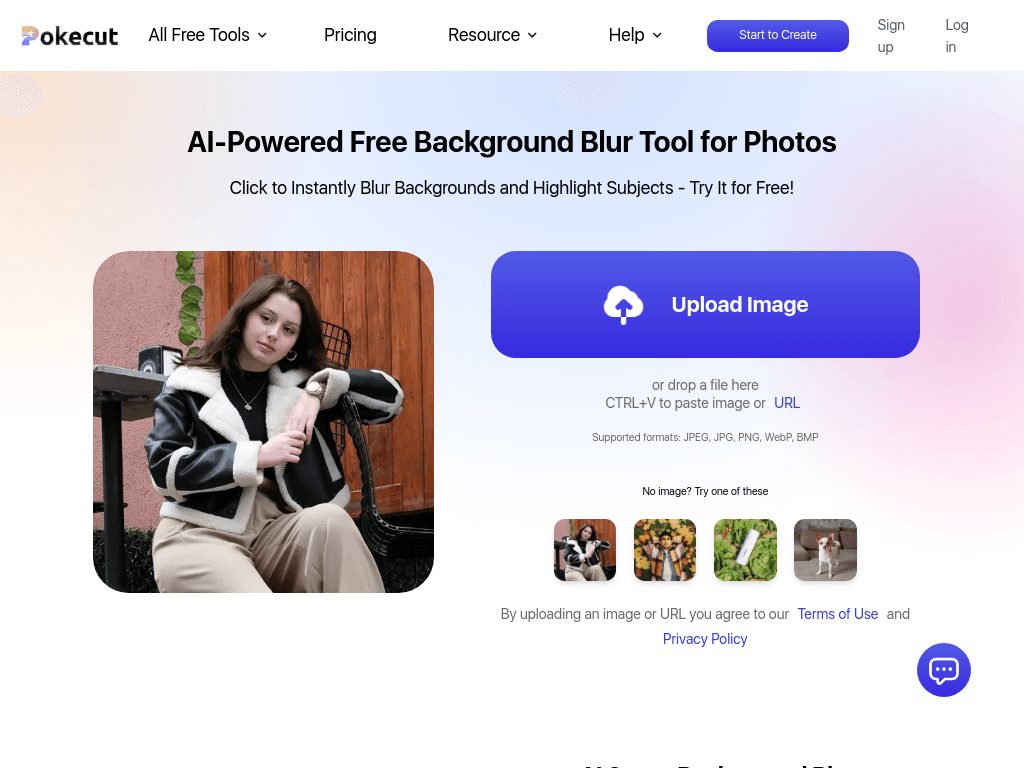
Pokecut Blur Background uses AI to isolate subjects and blur photo backgrounds, with adjustable intensity for portraits, product images, privacy edits, and social content.
Try PokeCut Blur Background →
pokecut.com·Freemium
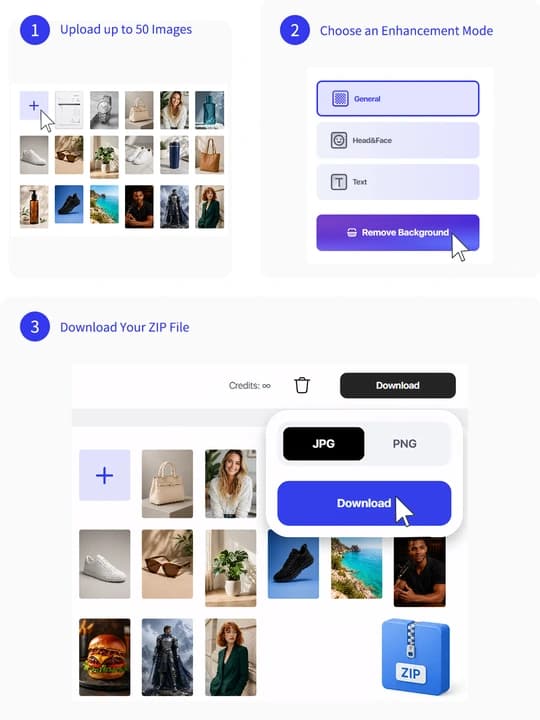
›What is PokeCut Blur Background?
Pokecut Blur Background is a browser-based photo editor that detects subjects and applies a background blur while keeping the subject clear. Users can upload JPEG, JPG, PNG, WebP, or BMP files, or paste an image URL. Slider controls adjust the blur intensity and range.
›What are the pros and cons of PokeCut Blur Background?
Strengths
Automatically identifies subjects without requiring manual masking
Provides direct control over blur intensity and range
Accepts several common image formats plus image URLs
Works for portraits, products, pets, and privacy-related edits
Available as a free online tool
Trade-offs
Processing can take longer than expected on some phones
AI features on the wider Pokecut platform consume credits
Unused Premium Plan credits do not carry over to the next subscription period
›What are PokeCut Blur Background’s key features?
AI subject detection for one-click background blur
Adjustable blur intensity and range with sliders
Subject preservation with high-definition output
Upload support for JPEG, JPG, PNG, WebP, and BMP files
Image URL input and drag-and-drop uploading
›What are the best use cases for PokeCut Blur Background?
Softening distracting backgrounds in portraits and headshots
Creating cleaner product photos for online shops
Hiding license plates, addresses, and other sensitive background details
Reducing clutter in pet and outdoor photos
Preparing social media images with greater emphasis on the subject
›What is the pricing for PokeCut Blur Background?
Freemium
›Who is PokeCut Blur Background best for?
content creatorsA practical choice for quickly preparing portraits, pet photos, and social images in a browser.
photographersUseful for fast background softening and concealing details such as license plates in proofs.
eCommerce sellersProduct listings can benefit from backgrounds that draw attention toward the item.
marketersSuitable for producing cleaner campaign and social media images without manual masking.
Not for
- Users who need consistently fast mobile processing should account for the possibility of longer phone processing times.
- Users seeking a full editing workflow may need more than this tool's focused background-blur function.