

Forward Future Tools Library

Sketch2App
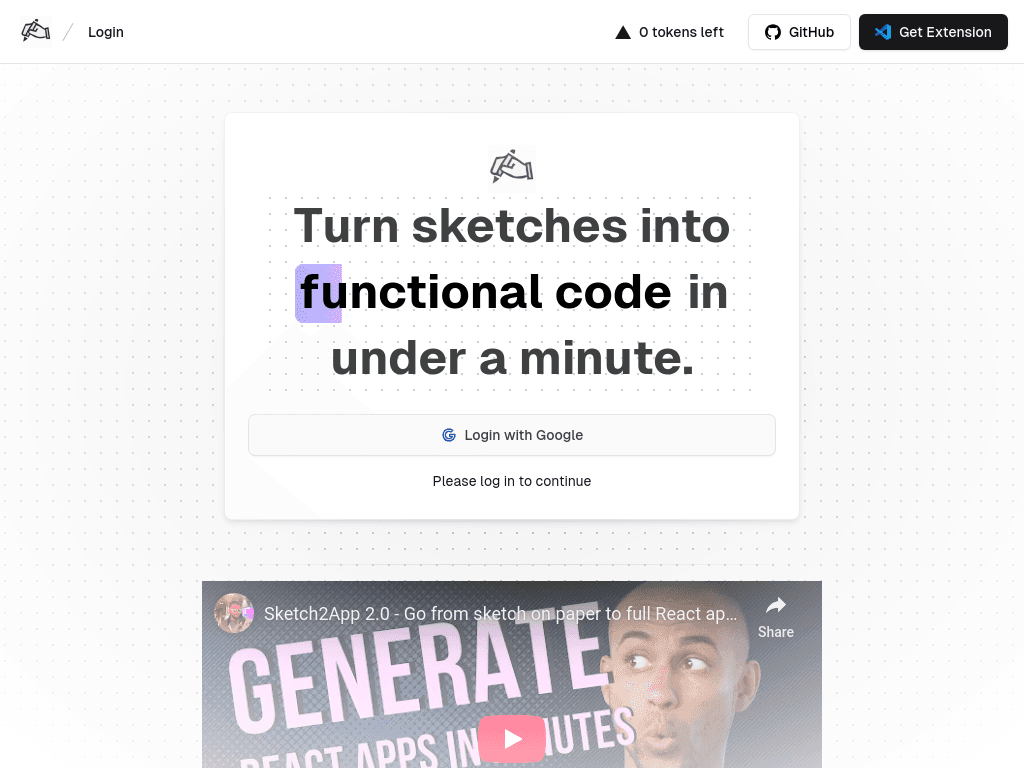
Sketch2App turns hand-drawn sketches, photos, or screenshots into editable app code for developers, designers, and non-technical founders prototyping interfaces.
Try Sketch2App →
sketch2app.io·Contact Sales

›What is Sketch2App?
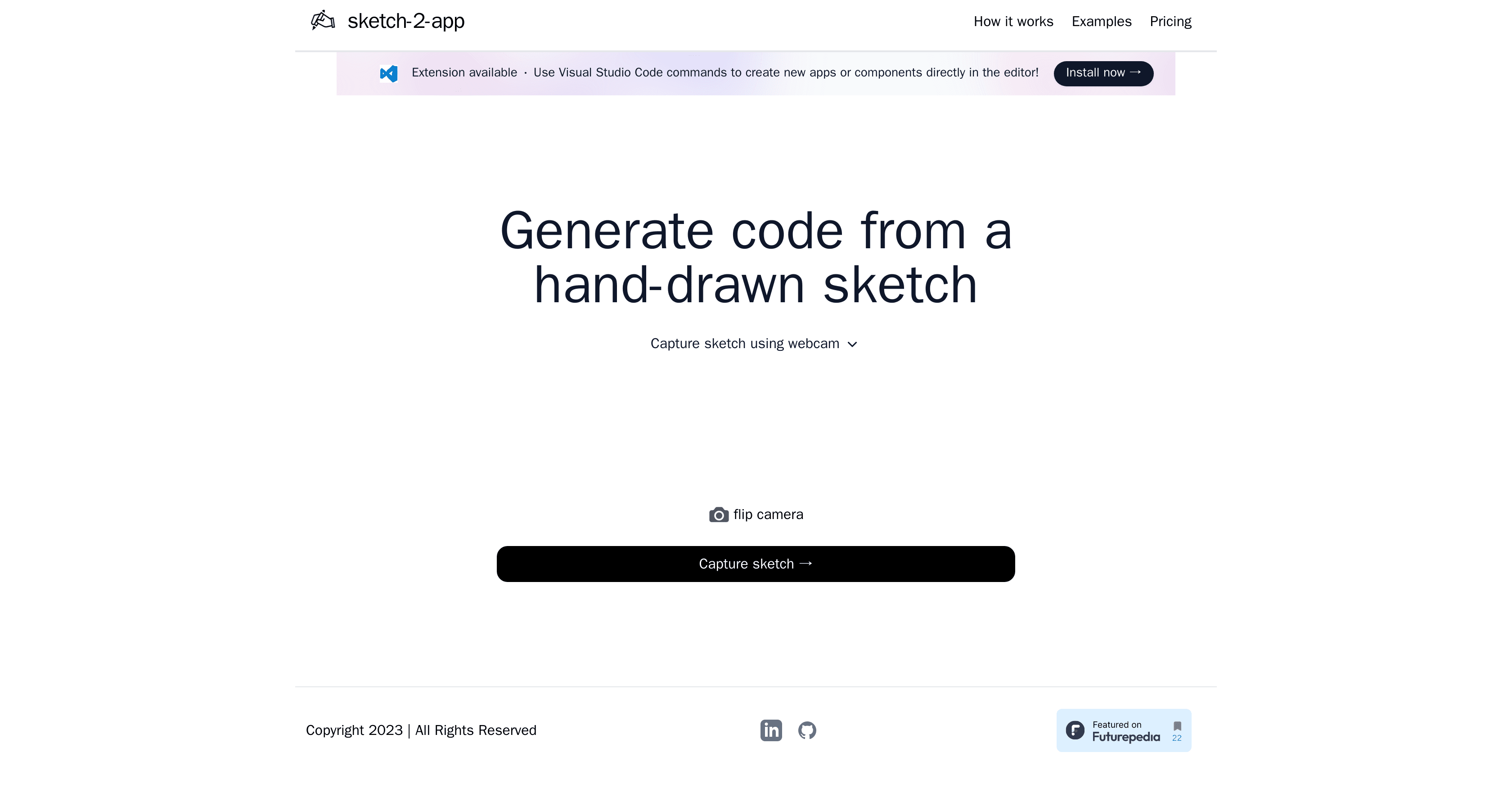
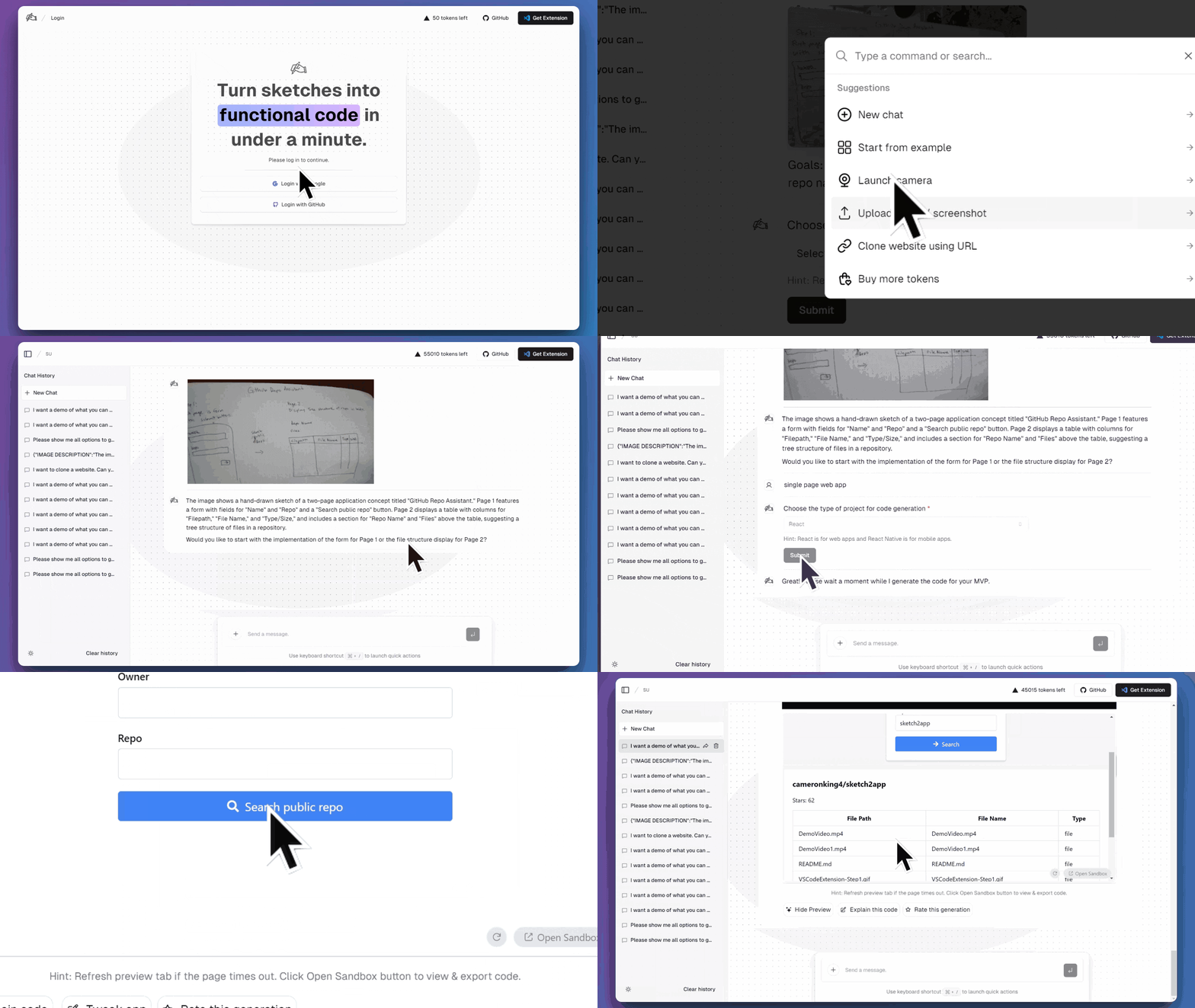
Sketch2App is an AI tool available as a Visual Studio Code extension. It analyzes sketches, photos, or screenshots and generates application code for React, Next.js, React Native, and Flutter. Users can capture sketches with a webcam, preview the result, and refine the generated code with natural-language instructions.
›What are the pros and cons of Sketch2App?
Strengths
Accepts sketches, photos, and screenshots as starting points
Produces code for several web and mobile frameworks
Provides live previews for quick iteration
Supports natural-language changes after code generation
Self-hosting and source-code access allow configuration of APIs, models, and prompts
Trade-offs
Token-based usage can make costs vary with activity
Self-hosting requires configuration of OpenAI APIs, models, and prompts
The product is delivered through a Visual Studio Code extension, tying the workflow to that editor
Generated code still needs developer refinement before further development
›What are Sketch2App’s key features?
Converts hand-drawn sketches, photos, and screenshots into application code
Supports React, Next.js, React Native, and Flutter
Captures sketches through a webcam
Generates live interactive previews for iteration
Accepts natural-language refinements to generated code
Offers self-hosting with source-code access and configurable OpenAI APIs, models, and prompts
›What are the best use cases for Sketch2App?
Create interactive prototypes from paper sketches for user testing
Turn rough interface layouts into React or mobile app components
Generate a first UI implementation for a startup or new product
Give developers a code starting point from a designer's hand-drawn concept
›What is the pricing for Sketch2App?
Contact Sales
›Who is Sketch2App best for?
developersUseful for generating a first implementation from a sketch and refining it inside Visual Studio Code.
UI/UX designersA practical way to turn hand-drawn interface ideas into interactive prototypes that developers can continue working on.
soloNon-technical founders can use it to explore an app concept before committing to a full build.
Not for
- Teams that do not use Visual Studio Code should skip it because the product is provided as a VS Code extension.
- Buyers who require a clearly documented fixed price should look elsewhere because reported pricing includes token-based usage and conflicting subscription figures.
›What are the best Sketch2App alternatives?
 AnimaChoose this instead if your starting point is an established design workflow rather than a hand-drawn sketch.→
 CursorChoose this instead if you want AI assistance while editing an existing codebase rather than sketch-to-code generation.→
 PythagoraChoose this instead if automating backend development is more important than turning interface sketches into UI code.→
 Trag→
Trag→