Forward Future Tools Library

Veo by DeepMind
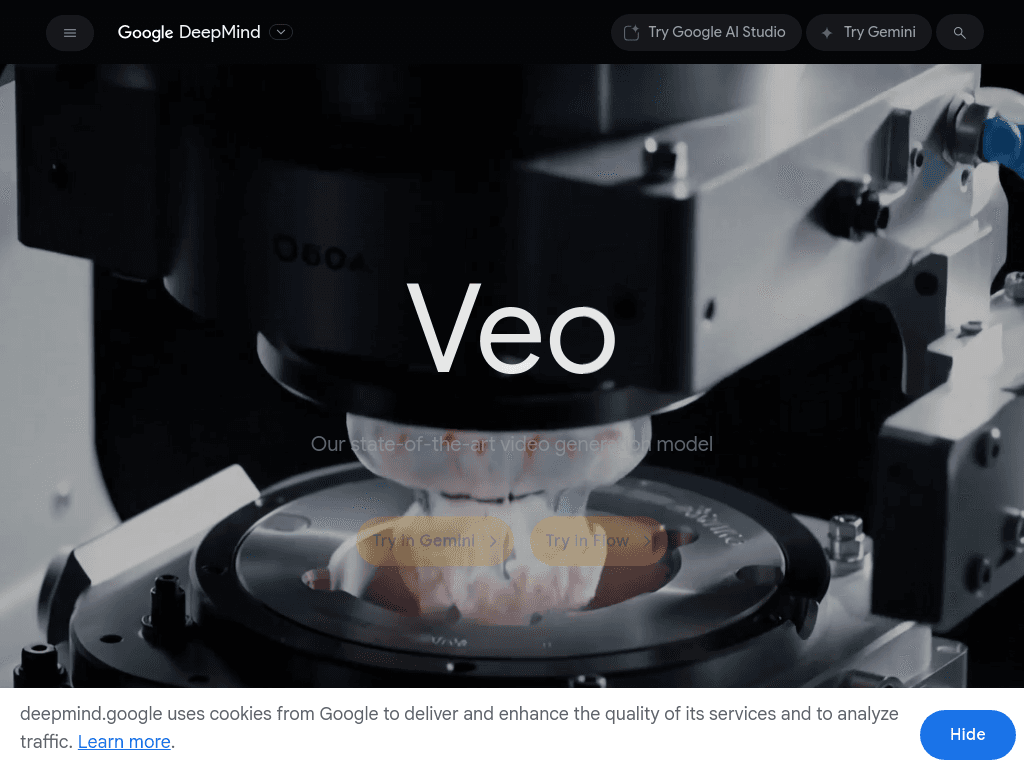
Veo generates short cinematic video clips from text or images, with synchronized dialogue, sound effects, and ambient audio for video creators and filmmakers.
Try Veo by DeepMind →
deepmind.google·Free + paid plans·Checked 2026-09-03
›What is Veo by DeepMind?
Veo is Google DeepMind's video generation model. It turns text prompts, images, or both into short clips with camera control, realistic motion, coherent physics, and generated audio. Veo 3.1 is available through Gemini, Google AI Studio, the Gemini Developer API, and Vertex AI.
›What are the pros and cons of Veo by DeepMind?
Strengths
Generates synchronized audio directly with the video
Maintains strong physical and narrative coherence
Supports text-to-video and image-to-video workflows
Offers API access through Google AI Studio, Gemini Developer API, and Vertex AI
Trade-offs
Flow and API use separate, non-interchangeable pricing systems
Standalone access is not the cheapest option in the category
Flow's editing tools trail Runway and Luma
Audio generation can double the cost, and rates change frequently
›What are Veo by DeepMind’s key features?
Generates video with synchronized dialogue, sound effects, and ambient audio
Accepts text prompts, images, or text and image inputs
Supports cinematic camera controls and improved narrative direction
Produces landscape 16:9 and portrait 9:16 video
Offers 720p and 1080p output options
Extends scenes by stitching clips while preserving characters and settings
›What are the best use cases for Veo by DeepMind?
Creating cinematic scenes and short stories in Google Flow
Producing video with dialogue and sound without a separate audio-generation step
Generating portrait or landscape clips for different publishing formats
Building longer sequences from multiple connected clips
Prototyping video concepts through Gemini, Google AI Studio, or the API
›What is the pricing for Veo by DeepMind?
| Plan | Price | Details |
|---|---|---|
| Free | $0/ month | Google Account plan with access to Gemini and limited access to Google Flow. |
| Google AI Pro | $19.99/mo | Paid Google AI plan that includes 1,000 Flow credits for Veo generation. |
| Google AI Ultra | $99.99/mo or $199.99/mo | Paid Google AI plan with access to Veo through Google's creative tools. |
The Flow and API pricing systems are separate. A single high-quality Veo 3.1 clip may use 100 Flow credits, according to the pricing review.
Checked 2026-09-03 · source
›Who is Veo by DeepMind best for?
video creatorsA strong fit for creators who need generated video with dialogue, sound effects, and ambient audio in one output.
filmmakersUseful for developing cinematic scenes, connected sequences, and story concepts.
developersAPI access through Google AI Studio, the Gemini Developer API, and Vertex AI supports integration into video applications.
Not for
- Buyers seeking the lowest-cost standalone video generator should compare other specialists first.
- Editors who need more mature in-tool editing capabilities may prefer Runway or Luma.
›What’s new with Veo by DeepMind?
- Veo 3.1 Lite launched as a lower-cost Veo modelMarch 2026 · source