Forward Future Tools Library

VibeKeys
VibeKeys gives AI-assisted developers one-handed tactile controls for accepting, retrying, navigating, and dictating commands to coding tools such as Claude Code, Cursor, and Codex.
vibekeys.dev·From $29 USD·Checked 2026-09-08
›What is VibeKeys?
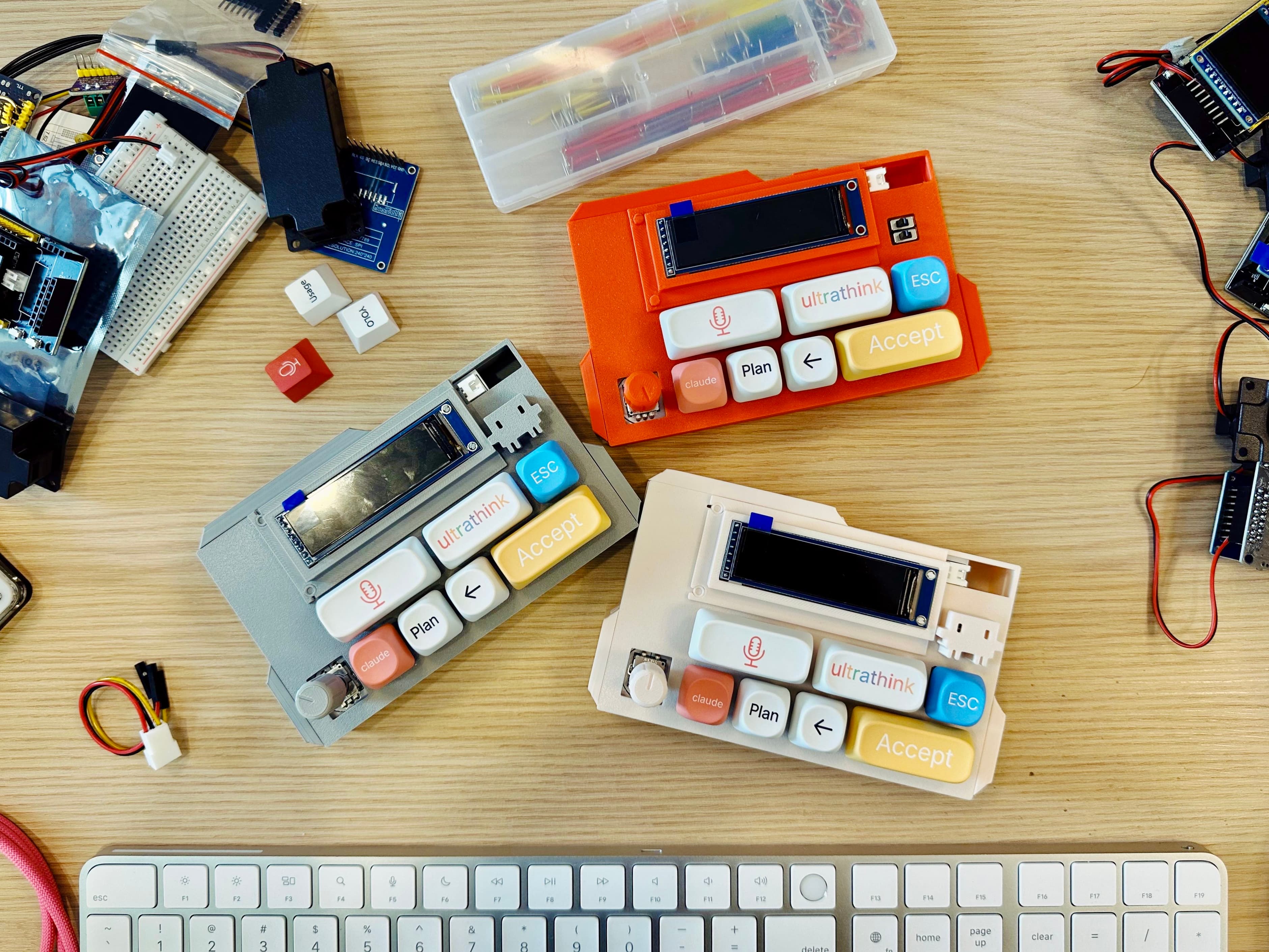
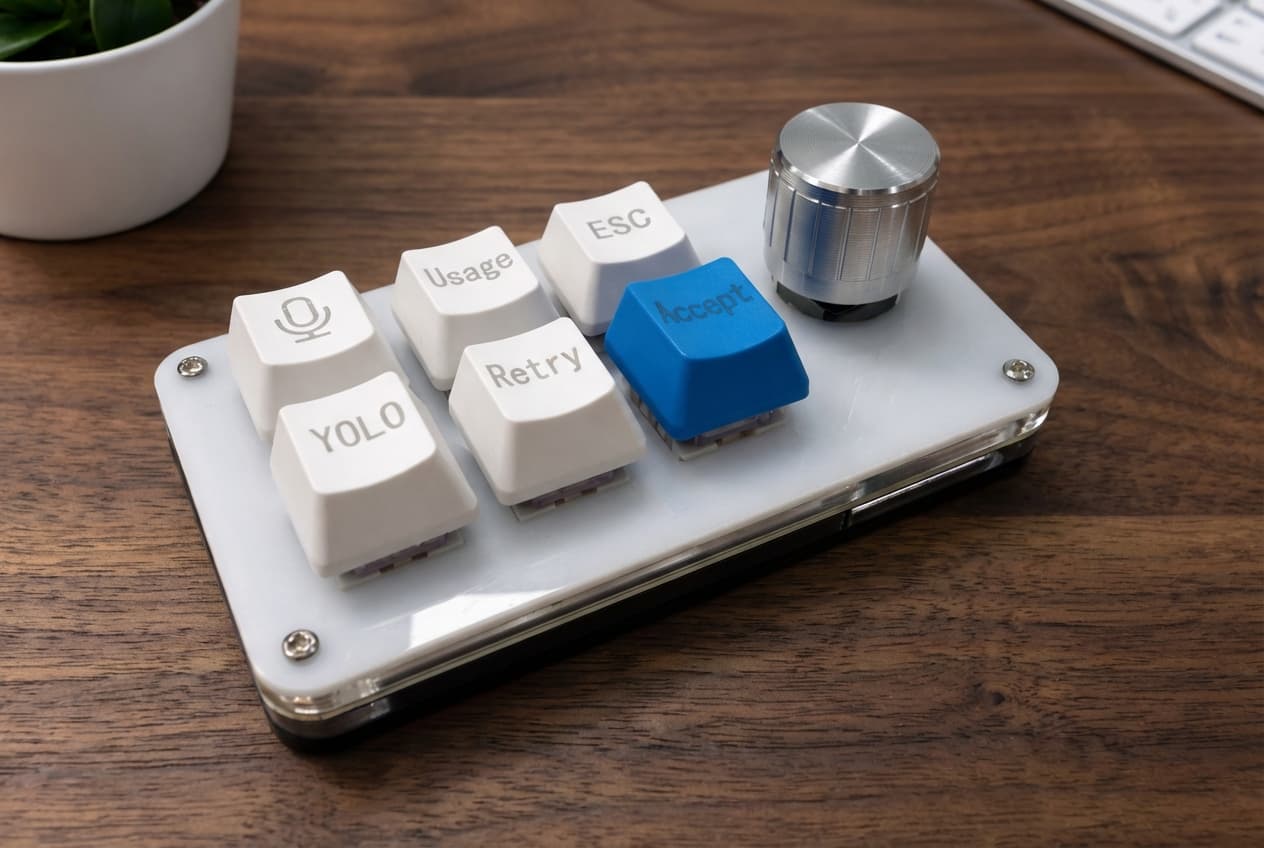
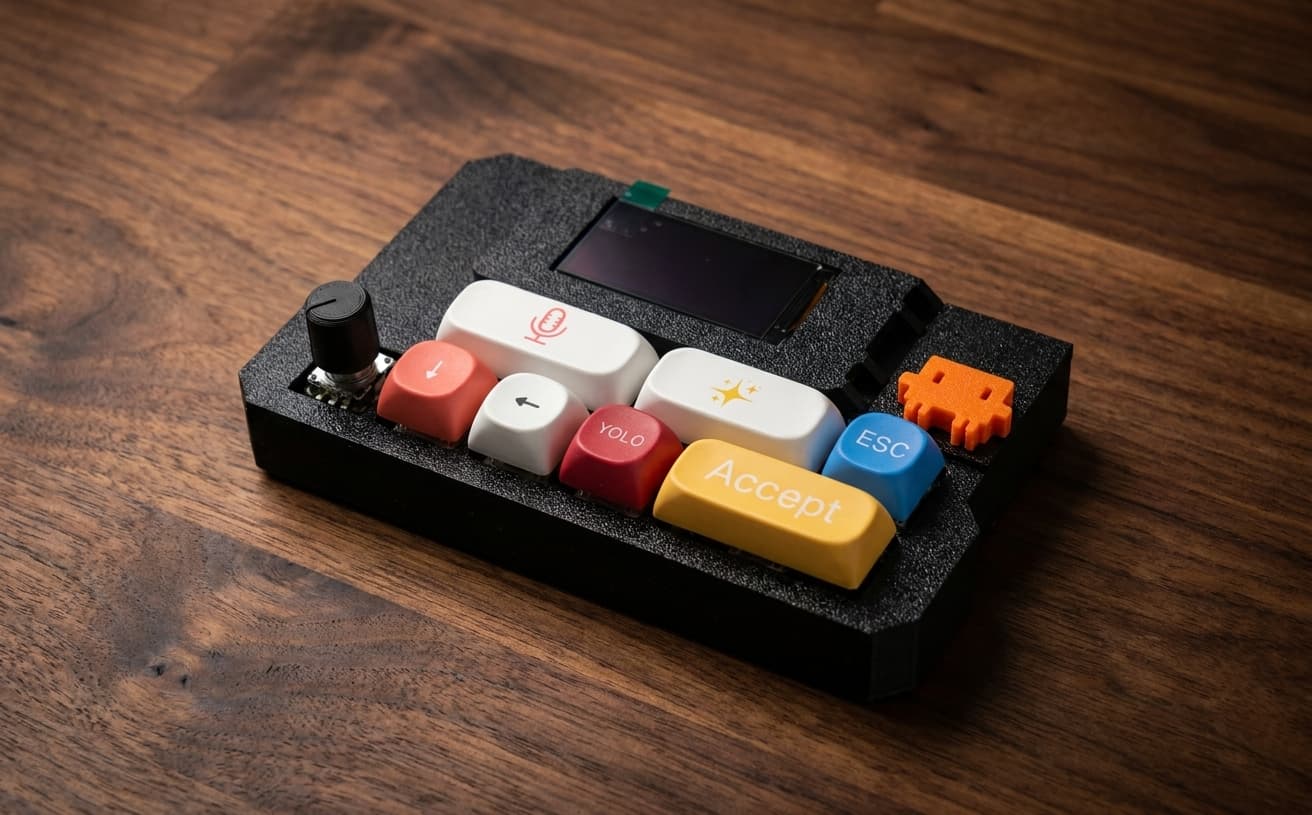
VibeKeys is a programmable hardware keypad for AI coding workflows on macOS and Windows. Its six remappable keys handle actions such as accept, retry, YOLO, escape, and voice input, while a rotary knob scrolls code, navigates files, and confirms actions. Plus and Max models add wireless connectivity, while Max adds remote Claude Code control and a status display.
›What are the pros and cons of VibeKeys?
Strengths
Trade-offs
›What are VibeKeys’s key features?
›What are the best use cases for VibeKeys?
›What is the pricing for VibeKeys?
| Plan | Price | Details |
|---|---|---|
| VibeKeys Pro | $29 USD | Wired USB-C keypad with voice input, six customizable keys, and a precision navigation knob. |
| VibeKeys Plus | $49 USD | Adds Bluetooth, Wi-Fi, and up to 15 days of battery life to the Pro workflow. |
| VibeKeys Max | $99 USD | Adds a status display and remote Claude Code control over Wi-Fi. |
Free worldwide shipping is included on all models. Pro and Plus are in stock, while Max takes approximately five business days to manufacture before shipping.
Checked 2026-09-08 · source
›Who is VibeKeys best for?
- People who want a software-only coding assistant should skip this hardware keypad.
- Developers who need a wireless model at the lowest price should skip Pro and compare Plus instead.
- Users who do not use AI coding tools or dictation software are unlikely to use its main controls.